
Canon Canoscan Lide 300
4.2Editor score
Auto Scan Mode
Compact lightweight design
USB connectivity
Finding the right scanner can transform how you manage digital files and preserve memories. Whether you need to digitize old photos or handle large documents, a quality flatbed scanner offers the versatility and clarity required for professional and home use cases alike.
We evaluated ten top models based on resolution, speed, software features, and overall build quality. Our comparison covers a wide range of options from budget-friendly photo scanners to robust A3 devices designed for offices and creative professionals who demand precision.
Each pick highlights key strengths, limitations, and ideal use cases to guide your decision. While prices fluctuate regularly, this list remains updated with the latest product data to ensure you find the best value for your specific scanning requirements today.
4.2Editor score

3.7Editor score

3.8Editor score
As an Amazon Associate we earn from qualifying purchases.
The following table provides a side-by-side comparison of all ten models reviewed in this guide. Use these specifications to quickly identify which scanner matches your required document size, resolution needs, and operating system compatibility.




The Epson Perfection V39 II stands out as a dedicated photo scanner designed for clarity and detail. With 4800 dpi optical resolution, it captures fine textures in prints, making it ideal for archiving memories or enlarging images for home display projects.
We may earn a commission when you buy through this link, at no additional cost to you.
Its high-rise removable lid allows scanning of thicker items like book pages or albums without damaging the spine. The included Epson ScanSmart software simplifies workflows with easy cloud sending and stitching features for panoramic images or oversized documents.
While the scanning speed is adequate for occasional use, it is not designed for high-volume document processing. The lightweight design and USB power make it convenient for home desks, but professional workflows might require faster ADF options.
Buy this if you prioritize photo quality and ease of use over raw speed. It is a strong choice for families or hobbyists looking to digitize physical memories without investing in complex industrial equipment.
Easy Photo Fix technology restores faded colors with one click, keeping memories vibrant and true to life.
USB power eliminates the need for external adapters, allowing you to move the scanner between rooms easily.
We may earn a commission when you buy through this link, at no additional cost to you.
The Canon Canoscan Lide 300 is an accessible entry-level scanner perfect for basic document needs. Its Auto Scan Mode detects what you place on the glass, reducing setup time for users who need quick digital copies of receipts or letters.
We may earn a commission when you buy through this link, at no additional cost to you.
Designed primarily for documents rather than high-fidelity photos, it delivers decent quality for text and simple graphics. The compact footprint fits well on small desks, making it suitable for home offices with limited workspace constraints.
Users appreciate the straightforward plug-and-play USB setup without complex installation requirements. While it lacks advanced features like automatic duplexing, it remains a reliable tool for occasional scanning tasks at a very competitive price point.
Choose this model if you need a no-frills device for everyday paperwork. It is an excellent value for students or small home offices that do not require high-volume or large-format scanning capabilities.
Auto Scan Mode identifies the document type automatically, streamlining the process for quick digitization tasks.
Its slim profile ensures it takes up minimal desk space, keeping your workspace organized and clutter-free.
We may earn a commission when you buy through this link, at no additional cost to you.
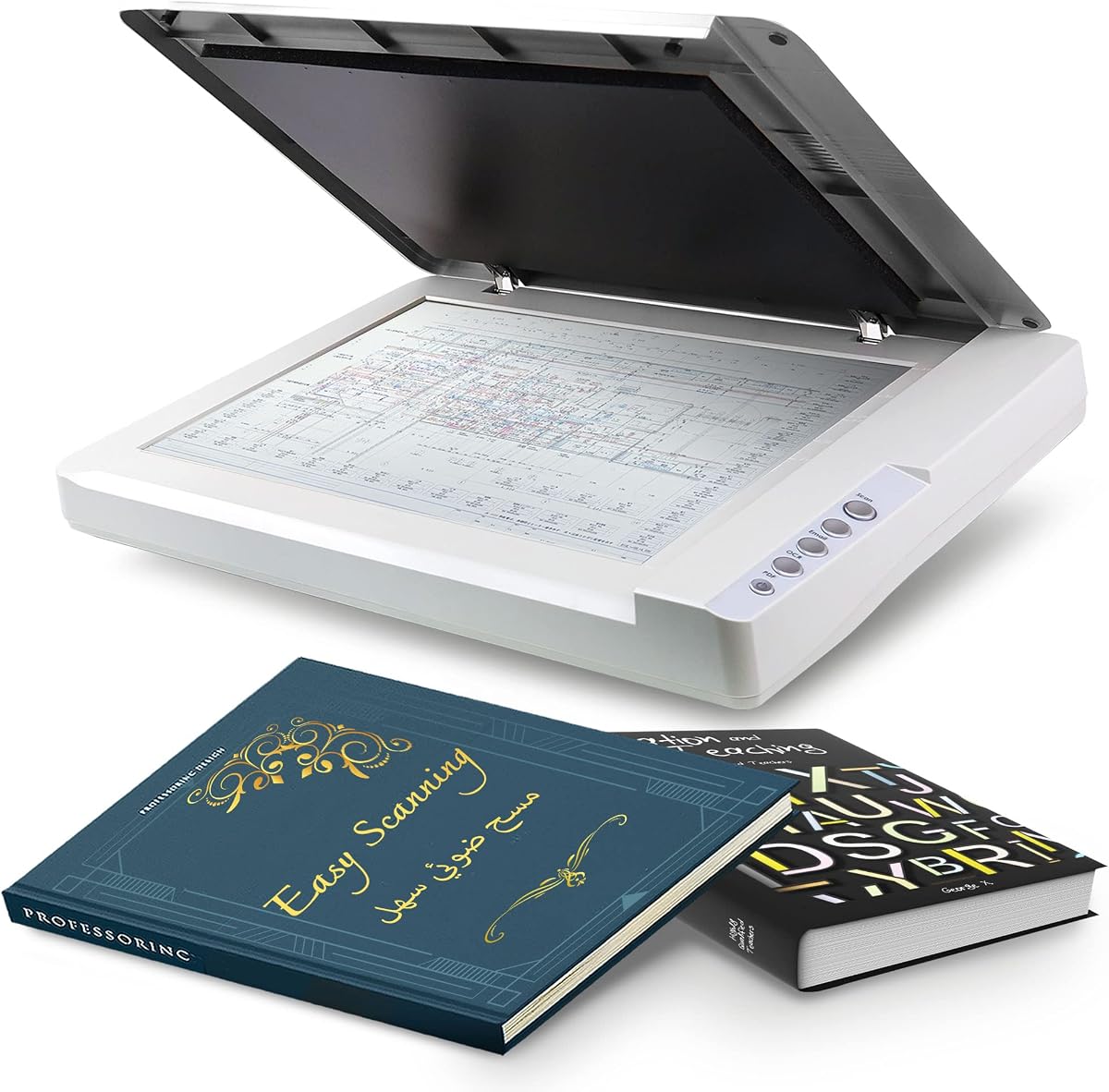
The VIISAN 3120 A3 is built for users who need to scan oversized materials like blueprints, posters, or newspapers. Its 11.7 x 16.7 inch glass accommodates A3 documents, making it useful for design students or small offices dealing with large files.
We may earn a commission when you buy through this link, at no additional cost to you.
With a scanning speed of 8 seconds for color documents, it offers respectable throughput for non-bulk environments. The frameless design allows you to scan edge-to-edge without worrying about borders cutting into the image or document layout.
Auto-Scan functionality triggers automatically when the lid closes, reducing repetitive clicking during batch jobs. However, the CIS sensor technology means it works best with flat paper; trying to scan 3D objects may result in blurred or unclear images.
Invest in this scanner if your workflow frequently involves large formats. It balances speed and size well for libraries or schools that need to digitize textbooks and magazines quickly without high-end costs.
Includes a universal power adapter compatible with standard global voltages, ensuring easy setup anywhere without converters.
Four-panel buttons enable quick actions like scanning directly to email or PDF, enhancing daily productivity significantly.
We may earn a commission when you buy through this link, at no additional cost to you.
The VIISAN VF3240 A3 targets professionals needing speed without sacrificing detail. It claims a 4-second scan time for A3 documents, making it a top contender for fast-paced offices or engineering departments that process large volumes regularly.
We may earn a commission when you buy through this link, at no additional cost to you.
Its 2400 DPI resolution ensures sharp captures of fine lines in CAD drawings or intricate blueprints. The frameless glass eliminates border constraints, allowing seamless digitization of large technical sheets or posters that standard scanners miss.
However, users should note that Windows might cap resolution depending on drivers, while macOS often achieves full potential. Also, like other CIS models, it is restricted to flat paper, so avoid placing 3D items on the glass.
This model is ideal for high-volume environments where efficiency matters. If you scan blueprints or legal documents often, its speed and large capacity make it a worthy investment for business operations.
Designed for handling oversized CAD drawings and blueprints, it meets the demands of engineering and architecture professionals.
The control panel simplifies operations with direct buttons for email and print, reducing steps in complex workflows.
We may earn a commission when you buy through this link, at no additional cost to you.
The Epson Perfection V19 II is a compact solution for home users who need to scan documents and photos occasionally. Its 4800 dpi optical resolution is excellent for preserving the clarity of printed photographs and ensuring high-quality enlargements.
We may earn a commission when you buy through this link, at no additional cost to you.
Unlike larger desktop units, this model includes a built-in kickstand for vertical storage, saving valuable desk space when not in use. USB power keeps the setup simple, requiring no extra cables or heavy power bricks to operate effectively.
Software features include OCR for creating editable Word or Excel files from scanned text. While the process is straightforward, it lacks an automatic document feeder, meaning you must manually load pages for batch scanning of multiple sheets.
Buy this if you need a space-saving device for mixed media. It suits travelers or home offices that prioritize portability and image quality over high-speed bulk document processing capabilities.
The built-in kickstand allows vertical storage, keeping your workspace tidy and maximizing available desk space.
Optical character recognition lets you convert scans into editable text, improving productivity with digital documents.
We may earn a commission when you buy through this link, at no additional cost to you.
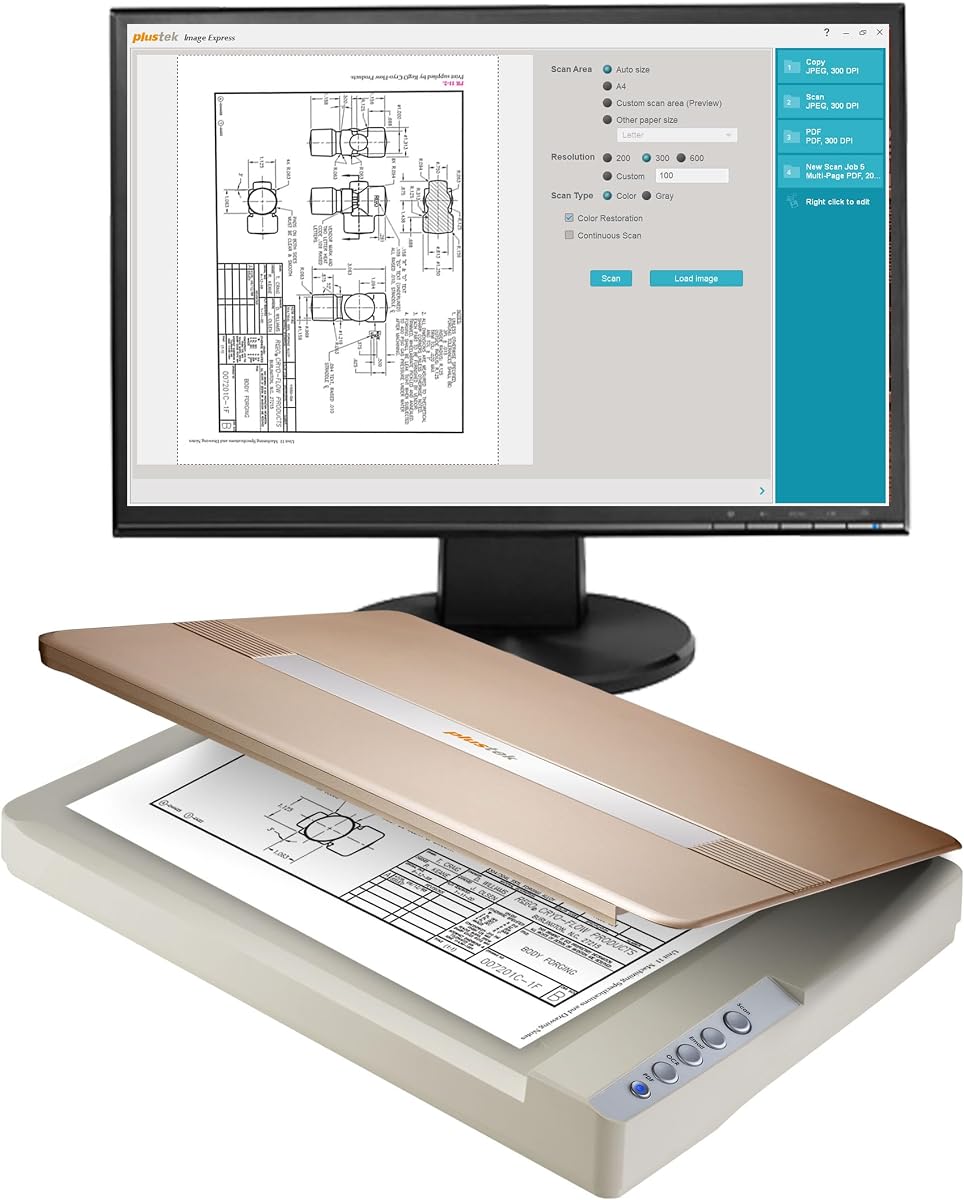
The Plustek OpticPro A320E is a robust scanner built for professional environments that handle large formats. Its 12×17 inch scan area accommodates maps, wide-format drawings, and large bound books that standard A4 scanners cannot manage effectively.
We may earn a commission when you buy through this link, at no additional cost to you.
Batch scanning allows multiple images to be processed at once, saving time when digitizing large sets of loose documents. The software suite includes Doc Action, which simplifies file management and directs scans to folders or printers instantly.
It supports TWAIN and WIA drivers, ensuring compatibility with most software environments. Also, support for Linux alongside Windows and Mac makes it a rare find for diverse IT infrastructures that rely on open-source operating systems.
Choose this model for enterprise or professional archival projects. While pricier, its ability to handle complex file formats and large sheets justifies the cost for businesses needing reliable large-format digitization.
Doc Action provides quick access to destinations like email and FTP, streamlining how you distribute your scanned files.
Support for Linux expands its utility, allowing use in mixed OS environments where other scanners might fail.
We may earn a commission when you buy through this link, at no additional cost to you.
The Plustek OpticSlim 1680 delivers impressive speed for a large-format device, scanning tabloid sizes in just three seconds. This efficiency makes it suitable for busy offices where document throughput is critical for daily operations and workflow.
We may earn a commission when you buy through this link, at no additional cost to you.
One-Key operation with four pre-configured buttons simplifies the user experience. You can set destinations and file types in advance, allowing quick scanning with a single touch, which reduces training time for new staff members using the device.
It offers dual view advanced settings for checking image adjustments before finalizing the scan. While it supports TWAIN and ICA for broad compatibility, users may need to download drivers from the manufacturer to ensure peak performance on newer OS versions.
This is an excellent choice for high-volume document offices. If you need to process newspapers or legal documents quickly without sacrificing image quality, this model balances speed and capacity well.
Pre-configured buttons let you finish jobs instantly, reducing clicks and waiting time during busy work sessions.
Dual view settings allow quick checks of adjustments, ensuring accuracy before saving files to your system.
We may earn a commission when you buy through this link, at no additional cost to you.
The Plustek OS1180 is designed for libraries and schools needing reliable A3 scanning. With a scan time of about nine seconds, it offers a good balance between speed and quality for digitizing archives, old newspapers, or large educational documents.
We may earn a commission when you buy through this link, at no additional cost to you.
Its LED light source is energy-efficient and requires no warm-up, allowing immediate use whenever a researcher or student brings a document. Pre-set one-touch buttons simplify the interface, making it easy for non-technical staff to manage digitization tasks.
Included software like ABBYY OCR enhances text accuracy, making it easier to search through archived materials. This feature is vital for institutions that need to index large volumes of content for public access without complex indexing efforts.
Select this scanner for institutional use where reliability and OCR quality matter. It is a solid investment for schools managing library collections that require long-term preservation and accessibility.
LED sources save energy and eliminate warm-up waits, ensuring quick access for researchers in busy libraries.
Enhanced OCR accuracy ensures text is searchable, helping organize large document archives for better retrieval.
We may earn a commission when you buy through this link, at no additional cost to you.
The Epson DS-1630 focuses on bulk document processing rather than flatbed photo scanning. Its 50-page auto document feeder handles stacks of paper quickly, making it ideal for offices that need to digitize reports, invoices, or contracts efficiently.
We may earn a commission when you buy through this link, at no additional cost to you.
Duplex scanning captures both sides of a page in one pass, reducing manual flipping and speeding up workflows. Integrated cloud services let you send scans directly to Dropbox or SharePoint, keeping your digital storage organized and accessible from anywhere.
Network connectivity via Ethernet allows multiple users to access the scanner on a shared office network. While it includes a flatbed for IDs, it is primarily optimized for paper, so it may not be the best choice for preserving fragile photos.
Buy this if your main goal is high-volume document workflow. It is a robust tool for businesses needing speed, duplexing, and cloud connectivity for daily paper management tasks.
Direct integration with cloud storage services simplifies file sharing and keeps your digital archives up to date.
Ethernet ports enable shared office use, allowing teams to access scanning functions without physical proximity.
We may earn a commission when you buy through this link, at no additional cost to you.
The Plustek OpticSlim 2700 is designed for speed and simplicity in home office settings. Its ability to scan a document in just three seconds makes it incredibly efficient for everyday tasks like archiving receipts or digitalizing brief memos quickly.
We may earn a commission when you buy through this link, at no additional cost to you.
A dedicated PDF button on the device lets you create searchable files with a single touch. Image processing software handles rotation and cropping automatically, saving you the effort of editing scans manually before saving them to your hard drive.
It supports TWAIN protocols for broad compatibility with Windows and Mac systems. While it is limited to standard letter sizes, its high user rating reflects its reliability for those who prioritize quick access over large-format capabilities.
Choose this for fast, hassle-free everyday scanning. It is perfect for home users who need to clear paper clutter quickly without compromising on basic image quality.
A dedicated button creates searchable PDFs instantly, simplifying how you store and manage digital files.
Software automatically rotates and crops images, saving time and ensuring professional-looking digital results.
We may earn a commission when you buy through this link, at no additional cost to you.
Selecting the right scanner depends on your specific document sizes, required resolution, and workflow speed. This guide outlines key factors to help you find a device that matches your professional or personal needs.
Ensure the glass size accommodates your largest items. Standard A4 scanners handle letter size, but larger formats like A3 or 12×17 inches are necessary for blueprints, posters, or newspapers.
Check physical dimensions and glass width before buying to avoid limitations.
Higher DPI means more detail. For text documents, 600 dpi is sufficient, but photos and fine art benefit from 2400 dpi or higher to preserve texture.
Select higher resolution for creative work and lower for basic text.
Speed varies by size and color. Small documents might take seconds, while large A3 color scans take longer. Consider your volume needs.
Fast models are essential for high-volume business environments.
Check if drivers support your OS. Most support Windows and Mac, but Linux or older systems may require specific drivers or software.
Confirm compatibility before purchase to prevent installation issues.
USB is standard, but some models offer network or cloud features. Network scanners allow shared access in office environments.
Choose connectivity based on your sharing requirements.
Auto document feeders (ADF) help with bulk scanning. Flatbeds are better for books or fragile items.
Look for duplexing if you need to scan both sides automatically.
Software tools like OCR and PDF creation add value. Ensure the bundle supports your workflow needs.
Look for cloud integration for easier storage and sharing.
LED lights save energy and reduce warm-up times. Look for energy-efficient models for eco-friendly offices.
USB power helps reduce desk clutter for home users.
Clean the glass regularly using a soft, lint-free cloth and glass cleaner to avoid smudges that degrade scan quality. Keep the lid closed during operation to block external light that can cause color shifts.
Position documents evenly on the glass to prevent skewing. Use guides or buttons to ensure alignment, especially for photos or large documents that need precise cropping.
Store scanners in a cool, dry place to protect internal electronics. Cover the unit when not in use to prevent dust accumulation, which can scratch the glass or sensors.
Flatbed scanners use a glass surface to scan books and photos, while sheet-fed units pull pages through rollers for bulk documents. Flatbeds are better for fragile or thick items, whereas sheet-fed is faster for large volumes.
Most flatbed scanners use CIS sensors designed for flat paper. Scanning 3D items like clothes often results in blurry images. Stick to books, photos, and paper documents for best results.
Yes, specific drivers are needed for full resolution. Most come with TWAIN or WIA drivers that work with standard software, but check compatibility before installing.
Use OCR software included with the scanner to convert text into editable files. This allows you to search documents digitally instead of just viewing static images.
You can stitch multiple scans using software, but native support for large sizes like A3 or 12×17 inches is better. If you need large formats, buy a scanner with larger glass.
USB power is convenient for portability but limits performance. Heavy-duty models often need external power for sustained high-volume use. Check power requirements if you plan to scan all day.
This guide covered ten top scanners ranging from compact photo devices to large-format office solutions. Whether you need speed, size, or budget-friendly options, there is a model to suit your specific needs.
Prioritize features like resolution and speed based on your daily tasks. If you scan photos, look for high DPI; if you handle documents, consider document feeders and OCR capabilities.
Prices and availability change often, so check current listings before buying. This ensures you get the best deal for the device that fits your workflow perfectly.