
Spark F13 DTF Printer for Custom Apparel Printing
5.0Editor score
Built for home businesses
Reduces ownership costs
High-fidelity color output
Finding the right Dtf Transfer Printer for Custom Shirts can transform your small business into a thriving custom apparel brand. These machines allow you to print vibrant designs on various fabrics without complex pretreatment steps.
We have carefully analyzed ten leading models based on print quality, reliability, ease of use, and customer feedback. Our team evaluated key features like white ink systems, printhead technology, and overall workflow efficiency.
Each pick highlights unique strengths to help you match a printer to your specific needs and budget. Remember that availability and pricing may shift frequently, so verify current stock before making your final decision today.
5.0Editor score

4.3Editor score
4.4Editor score
As an Amazon Associate we earn from qualifying purchases.
Below is a detailed side-by-side comparison of the top ten Dtf Transfer Printer for Custom Shirts models currently available on the market.




This versatile printer stands out as our top choice for those wanting to eliminate traditional pretreatment steps. It restores picture effects brilliantly while offering an automatic flatbed design for various garment types.
We may earn a commission when you buy through this link, at no additional cost to you.
The standard white ink stirring system with automatic timing significantly reduces the probability of print head clogging. Its motherboard and printhead are easier to buy and replace, which lowers long-term maintenance costs.
Users may need to invest time to understand the unique workflow compared to standard inkjet printers. However, the reduction in failure rates and the elimination of chip resets make these trade-offs worthwhile.
If you run a custom apparel shop requiring reliable output without DTG pretreatment, this model is highly recommended for its multifunctional capabilities.
The ability to bypass pretreatment saves significant time and resources during production cycles.
Automatic stirring ensures consistent ink quality and prevents clogs during long print runs.
We may earn a commission when you buy through this link, at no additional cost to you.
This A3 printer delivers exceptional value with a high-precision L1805 print head capable of 2880x1440dpi resolution. It balances DTF and DTG functionality perfectly for small shops needing versatility.
We may earn a commission when you buy through this link, at no additional cost to you.
The upgraded white ink circulation system with automatic cleaning helps prevent clogs and protects the printer effectively. A built-in vacuum suction platform securely holds materials in place for precise and reliable results.
While the cleaning is semi-automatic, users should expect to perform manual checks periodically. The absence of included ink bottles means initial setup requires separate purchasing of consumables.
For creators seeking high fidelity and robust support for both white and dark garments, this printer offers a strong balance of performance and price.
The L1805 printhead ensures crisp details and excellent saturation for vibrant custom prints.
Secure material holding prevents misalignment during the printing process for consistent quality.
We may earn a commission when you buy through this link, at no additional cost to you.
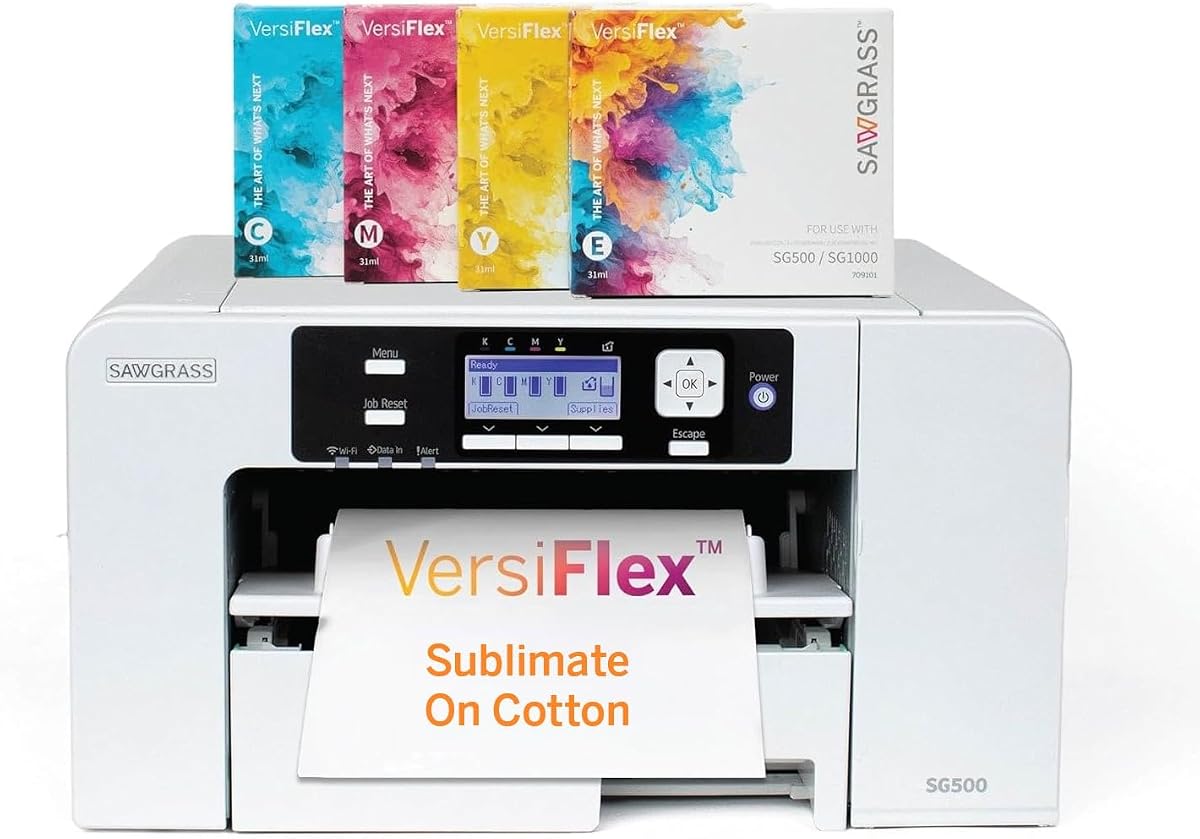
The Sawgrass VersiFlex SG500 offers a simplified decoration solution for natural fibers and untreated wood. It focuses on soft feel transfers that avoid the stiffness often associated with traditional methods.
We may earn a commission when you buy through this link, at no additional cost to you.
Its unique system requires no pre-treatment, making it appealing for beginners looking for a straightforward workflow. The certified inks ensure safety and quality across porous surfaces like cotton and canvas.
Users must acquire a pressure adjustable manual heat press separately to finalize transfers. Some customers have reported inconsistencies with ratings which may indicate variability in performance.
This bundle is best suited for hobbyists prioritizing soft hand feel and ease of use over industrial durability.
Transfer inks deliver a comfortable finish that feels more natural on wearable items.
Suitable for natural fibers and wood, expanding beyond typical apparel options.
We may earn a commission when you buy through this link, at no additional cost to you.
Designed specifically for home studios, the Spark F13 brings 13-inch printing into a streamlined workflow. It allows creators to handle real customer work without needing a massive commercial setup.
We may earn a commission when you buy through this link, at no additional cost to you.
The L1800 printhead delivers fine details and smooth gradients while the platen vacuum keeps film flat during printing. Automatic cleaning and white ink circulation help keep the machine in better working condition.
Users should be aware that routine maintenance is still necessary despite automation features. The 13-inch width limits large-scale banner production but fits most apparel needs perfectly.
With 24/7 technical assistance and guided setup videos, this printer is ideal for new business owners seeking reliable support.
Smart design limits ongoing ownership costs through efficient ink management and reduced clogs.
Dense white underbase ensures vivid colors stand out clearly even on dark garments.
We may earn a commission when you buy through this link, at no additional cost to you.
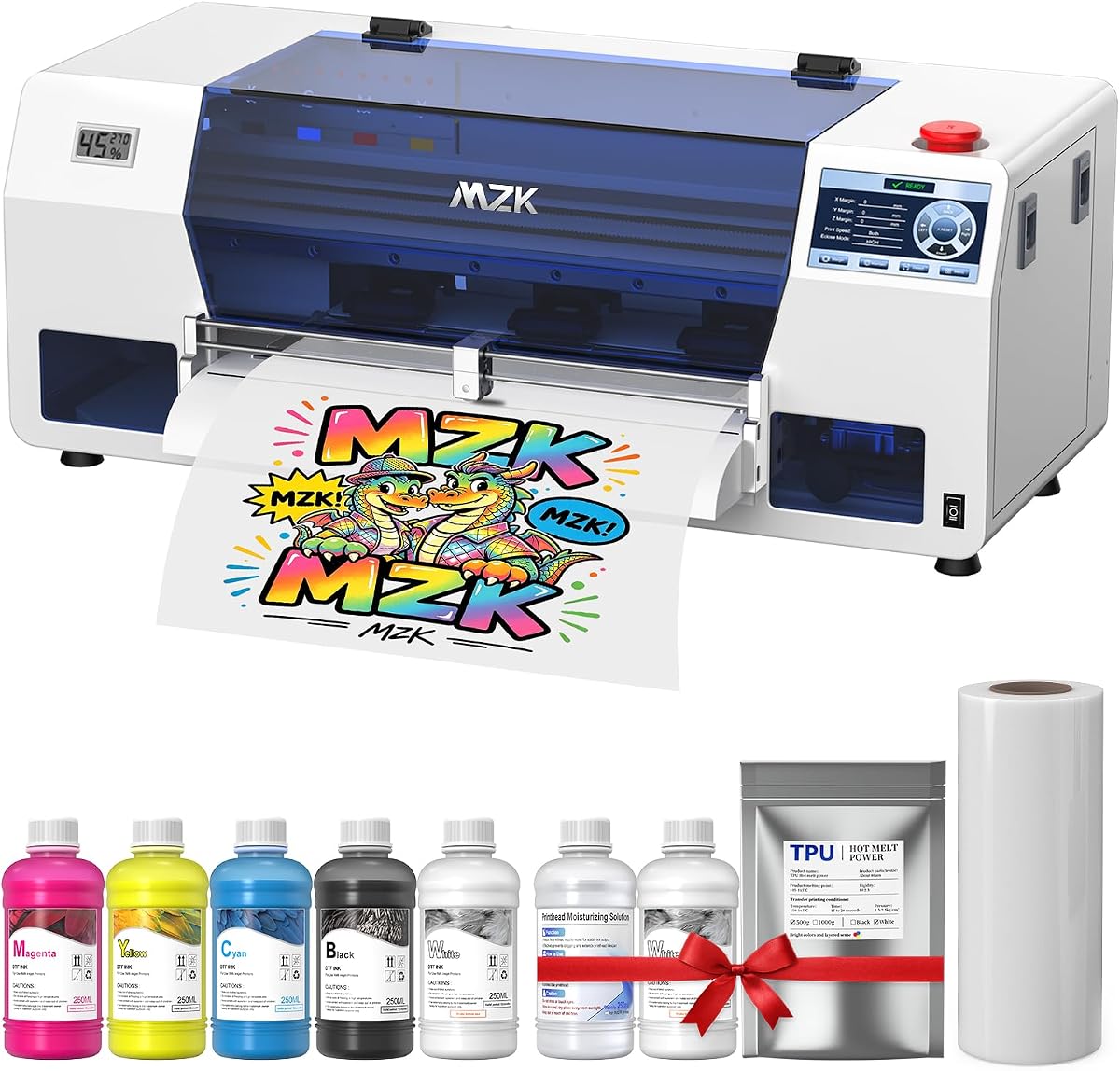
This printer is designed specifically for printing custom patterns on transfer films with high resolution. It supports dark and light clothing effectively with a six-color printing capability for smooth gradients.
We may earn a commission when you buy through this link, at no additional cost to you.
The package includes a DTF Oven, moisturizing Kit, and double consumable bundle to help new users get started. A built-in cutter saves film and ensures effortless operation for maximum efficiency.
Users must note that it only supports Windows systems and requires careful manual reading before use. The A4 size may limit production volume compared to larger A3 machines.
It is a solid entry point for beginners looking to test the waters of custom apparel printing without heavy investment.
Includes essential accessories like oven and moisturizing kit to streamline the initial setup.
Built-in cutter saves film and reduces manual handling during the workflow process.
We may earn a commission when you buy through this link, at no additional cost to you.
This bundle includes a curing oven alongside the printer to organize production in one station. It offers high-fidelity color with strong white coverage for vibrant custom artwork on garments.
We may earn a commission when you buy through this link, at no additional cost to you.
The platen vacuum keeps film flat during printing to reduce printhead strikes and protect costly components. Lifetime technical assistance ensures users can keep their workflow running smoothly over time.
While it shares many features with other models in this range, the inclusion of an oven adds significant convenience. Users should still expect routine maintenance to ensure optimal performance.
It is an excellent choice for those wanting a ready-to-use solution without sourcing separate curing equipment.
The inclusion of an oven helps organize printing and curing steps efficiently.
Lifetime technical assistance provides ongoing help for troubleshooting and setup issues.
We may earn a commission when you buy through this link, at no additional cost to you.
This printer features a white ink circulation system to prevent clogging caused by white ink precipitation. The reel upgrade design allows printing PET film up to 100m in length for streamlined operations.
We may earn a commission when you buy through this link, at no additional cost to you.
It is compatible with multiple fabrics including hats, jeans, and sweatshirts, offering endless possibilities for personalization. The package contains everything needed for printing so there is no need to buy extra supplies.
Users should be aware of the note regarding the discontinuation of the white USB drive for safety reasons. Engineers are available for online service support to help install and debug the machine.
For those prioritizing compatibility with various textile types, this model offers a strong balance of performance and reliability.
Stirring and automatic cleaning reduce the possibility of clogging for consistent output.
Printed patterns transfer effectively to many kinds of fabrics for diverse projects.
We may earn a commission when you buy through this link, at no additional cost to you.
Equipped with an upgraded F1080 printhead, this printer supports a maximum resolution of 2880×1440 dpi. It offers significantly higher efficiency compared with other models with print speed of 4 minutes per film.
We may earn a commission when you buy through this link, at no additional cost to you.
The 5 inch LED touchscreen allows operation of essential functions like cleaning and ink filling without computer access. Users receive free ink for two years which saves over a thousand dollars on supplies.
Compatibility is limited to Windows systems which might exclude macOS users seeking a dedicated solution. Regular use of intelligent timed cleaning helps maintain the print head in optimal condition.
This printer is ideal for workshops needing high speed and cost-effective supplies without compromising on print quality.
The F1080 printhead allows up to 15 sheets per hour for busy workflows.
The free ink offer significantly reduces ongoing operational costs for business owners.
We may earn a commission when you buy through this link, at no additional cost to you.
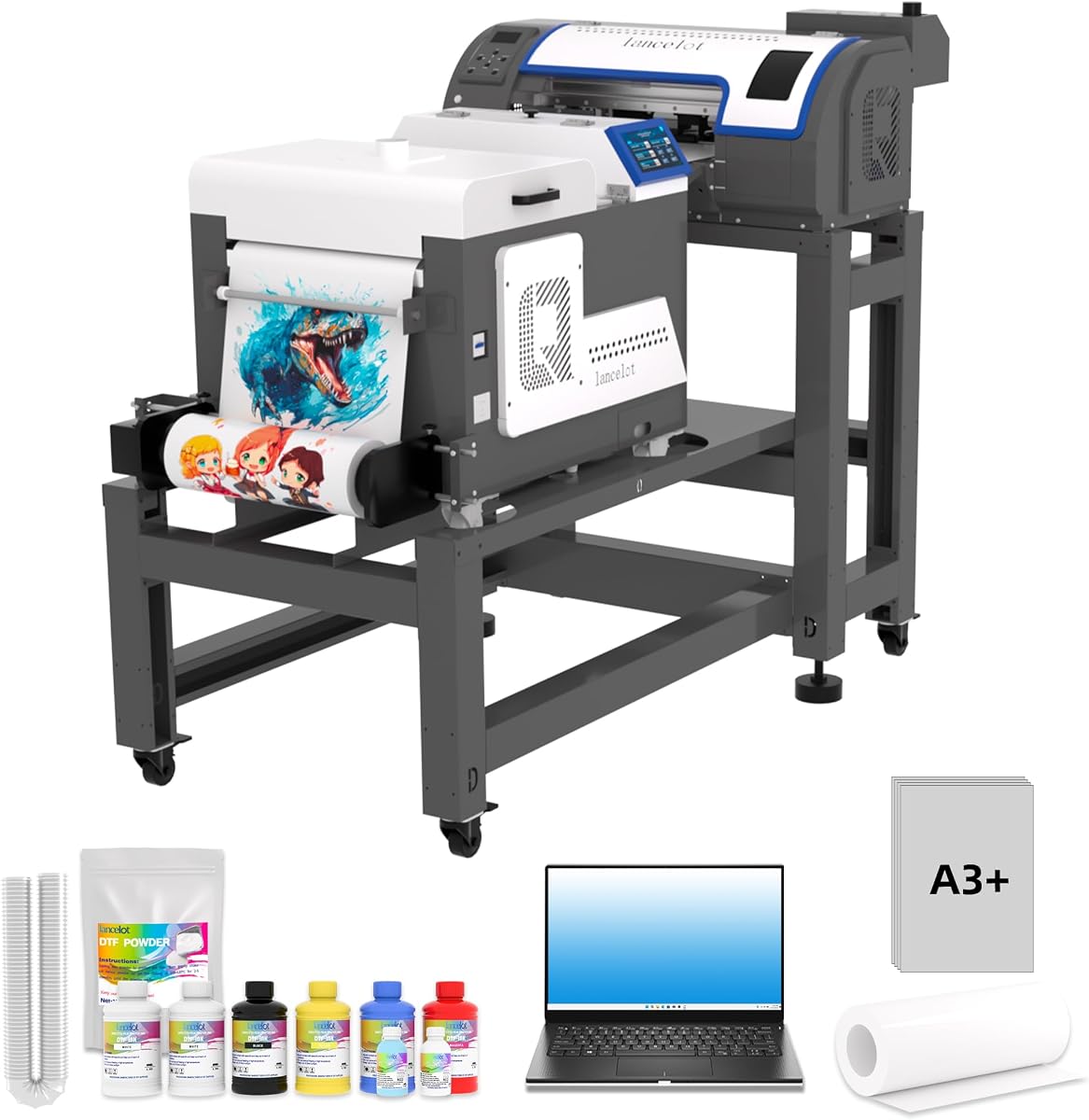
This bundle combines the printer, powder shaker, dryer, and mobile workstation to organize printing in one station. It features an XP600 printhead delivering up to 720 x 1440 dpi resolution for sharp details.
We may earn a commission when you buy through this link, at no additional cost to you.
Holiday Mode and auto-cleaning help maintain ink flow and limit settling after breaks or storage. A dedicated laptop with preloaded software helps manage files and equipment in one place.
The inclusion of a workstation adds cost but significantly improves organization for growing businesses. Users should verify space requirements for all components before purchase.
It is best suited for professionals wanting a comprehensive solution that manages the entire production workflow efficiently.
Mobile workstation and laptop help manage files and equipment in one central location.
Holiday Mode and circulation features help maintain ink flow during storage breaks.
We may earn a commission when you buy through this link, at no additional cost to you.
This printer features both single-sheet and roll-fed paper feeding modes for maximum flexibility. The adjustable air suction system allows smooth printing and no paper jams when printing in batches.
We may earn a commission when you buy through this link, at no additional cost to you.
Pattens remain as good as new even after multiple washes on cotton and denim fabrics. It includes officially licensed Rip software for color management and guaranteed protection against system damage.
Users should be prepared for a learning curve regarding the adjustment of air suction and feeding modes. The inclusion of oven and rollers makes it versatile for small batch and office work.
For those needing both roll and sheet feeding options, this model offers a practical solution for custom clothing projects.
Single-sheet and roll-fed options improve efficiency and adaptability for large-scale production.
Printed patterns remain vivid and durable even after multiple washes on various fabrics.
We may earn a commission when you buy through this link, at no additional cost to you.
Selecting the right machine requires evaluating several critical factors to ensure smooth operation and high-quality results.
Print heads like the L1800, L1805, and XP600 significantly impact resolution and speed. High-resolution heads deliver crisp details essential for photos and custom logos on garments.
Prioritize newer generation printheads for better efficiency and reduced failure rates.
A reliable circulation system prevents clogging caused by white ink sedimentation. Look for features like automatic stirring, filtering, and cleaning modes.
Systems that reduce sedimentation extend the service life of the printhead by preventing costly failures.
Choose between A4 and A3 widths based on your production volume. Larger widths like 13-inch handle broader designs without tiling issues.
Ensure the printer fits your workspace while accommodating your largest project needs.
Some models come with ovens, shakers, laptops, or extra consumables. Bundles save upfront costs but may limit flexibility later.
Evaluate if included accessories match your workflow or if you prefer separate specialized equipment.
Routine maintenance is vital for DTF printers to avoid nozzle clogs. Check if the machine offers automatic cleaning or holiday modes.
Auto-maintenance features are highly recommended for creators who do not print daily.
Reliable after-sales support can solve installation or troubleshooting issues quickly. Look for 24/7 assistance or lifetime technical help.
Strong support ensures you can resolve technical barriers without delaying production timelines.
Verify that the printer supports your operating system. Most models are Windows-specific, which restricts macOS users.
Compatible software ensures virus-free operations and easier image layout adjustments for custom files.
Beyond the initial price, consider ongoing costs like ink and replacement parts. Some models offer free consumables for a set period.
Calculate total ownership costs to ensure long-term financial viability for your custom business.
Set up the printer in a clean environment and ensure all connections to power and computer are secure. Install the provided RIP software and verify the correct driver matches your model specifications.
Load the film properly on the vacuum platform to prevent movement during printing. Use the dedicated controls for white ink circulation before starting to ensure consistent color saturation.
After each print, run the automatic cleaning cycle to maintain nozzle health. If storing the machine for more than three days, use the moisturizing kit to protect the printhead from drying out.
Yes, a heat press is required to cure and transfer the printed design from the film to the garment. While the printer creates the transfer, the heat press ensures durability and washability.
Yes, most DTF printers support printing on dark fabrics due to the white ink underbase. The white ink covers the dark material first so colors remain vibrant and visible on any color fabric.
White ink requires regular circulation and stirring to prevent sedimentation. Using the automatic mixing system and cleaning modes helps maintain flow and prevents clogging in the printheads.
Yes, many models come with 24/7 technical assistance and setup videos. Manufacturers provide guides and online support to help users navigate installation and routine troubleshooting effectively.
High-resolution raster files like PNG and JPG work best with the included software. Some systems also support vector formats through specific RIP software for sharp logo prints.
No, DTF printing does not require fabric pretreatment like some other methods. This saves time and effort because you can print directly onto the film and transfer it to any fabric type.
The top picks including the A3 Multifunction model and the Spark F13 offer distinct advantages for different business needs. Each machine balances print quality and ease of use to suit various skill levels.
Prioritize features like automatic white ink cleaning and reliable technical support when making your decision. These elements ensure long-term reliability and smoother daily operation for your custom apparel brand.
Remember to verify current availability and shipping details before placing your order. Specifications and stock levels may change frequently across different online retailers.