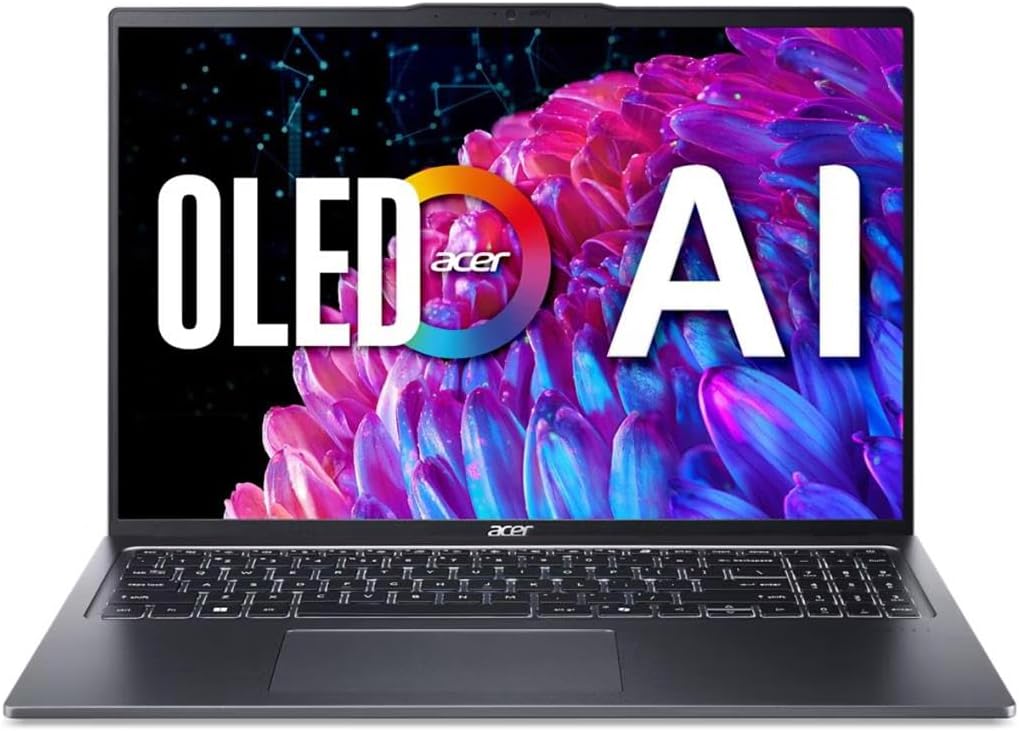
Acer Swift Go 16in OLED
4.1Editor score
16 inch 3.2K OLED visuals
Intel Core Ultra 5 processor
Wi-Fi 6E connectivity
Choosing a laptop with an OLED display transforms how you work and create. These screens offer true blacks and vibrant colors that make media consumption and design tasks truly immersive and visually stunning for everyone.
We evaluated ten top models based on performance, screen quality, and build. Our guide covers diverse options from budget-friendly picks to premium devices designed for demanding creative workflows and professional use cases.
Each pick highlights key strengths like battery life and processing power. Prices and availability change frequently, so check current listings before buying to ensure you get the best value for your specific needs and budget.
4.1Editor score

4.0Editor score
4.5Editor score
As an Amazon Associate we earn from qualifying purchases.
This side-by-side comparison highlights the core specifications of all ten selected laptops. Use this table to quickly identify which model fits your specific performance and display requirements best.



The Lenovo IdeaPad Pro 5 ranks as our top pick for its stunning 16-inch OLED display and powerful AMD Ryzen AI 7 processor. This model delivers exceptional color accuracy and smooth motion with its 120Hz refresh rate making it ideal for creatives and professionals.
We may earn a commission when you buy through this link, at no additional cost to you.
Performance stands out with the discrete NVIDIA GeForce RTX 5050 GPU which handles video editing and rendering tasks efficiently. The 1TB storage and 16GB memory ensure ample space for large projects without compromising speed or multitasking capability.
While the build quality is robust and tested to MIL-STD standards, the device is not the lightest option available. The additional weight is a trade-off for the extensive port selection including USB4 and HDMI 2.1 which reduces dongle reliance.
This laptop is best for users who need a balance of screen quality and computational power. It is an excellent investment for those working in design, media, or general productivity who value a vibrant and responsive display.
The 2880×1800 OLED panel offers deep contrast and vivid colors that enhance both work and entertainment experiences significantly.
AMD Ryzen AI 7 delivers accelerated features for creative workflows ensuring fast rendering and smooth multitasking for daily tasks.
We may earn a commission when you buy through this link, at no additional cost to you.
The Acer Swift Go 16 offers an incredible display at an accessible price point making it a standout value for budget-conscious buyers. The 3.2K OLED panel provides professional-grade visuals that rival much more expensive laptops in color gamut and contrast.
We may earn a commission when you buy through this link, at no additional cost to you.
Equipped with an Intel Core Ultra 5 processor this laptop handles everyday productivity with ease. The Intel Evo certification ensures optimized battery life and responsiveness for common workloads and web browsing tasks.
The main limitation is the 8GB RAM configuration which may constrain heavy multitasking. However for standard office work and media consumption the 512GB SSD provides sufficient speed and storage for most users.
Ideal for students and general users this device delivers premium visuals without the premium price tag. Its eye comfort certification adds significant value for those who spend long hours looking at the screen daily.
The WQXGA+ OLED screen supports VESA HDR True Black 500 for deep blacks and vibrant colors in all lighting conditions.
Thunderbolt 4 ports enable high-speed data transfers and multi-monitor setups essential for efficient workflows.
We may earn a commission when you buy through this link, at no additional cost to you.
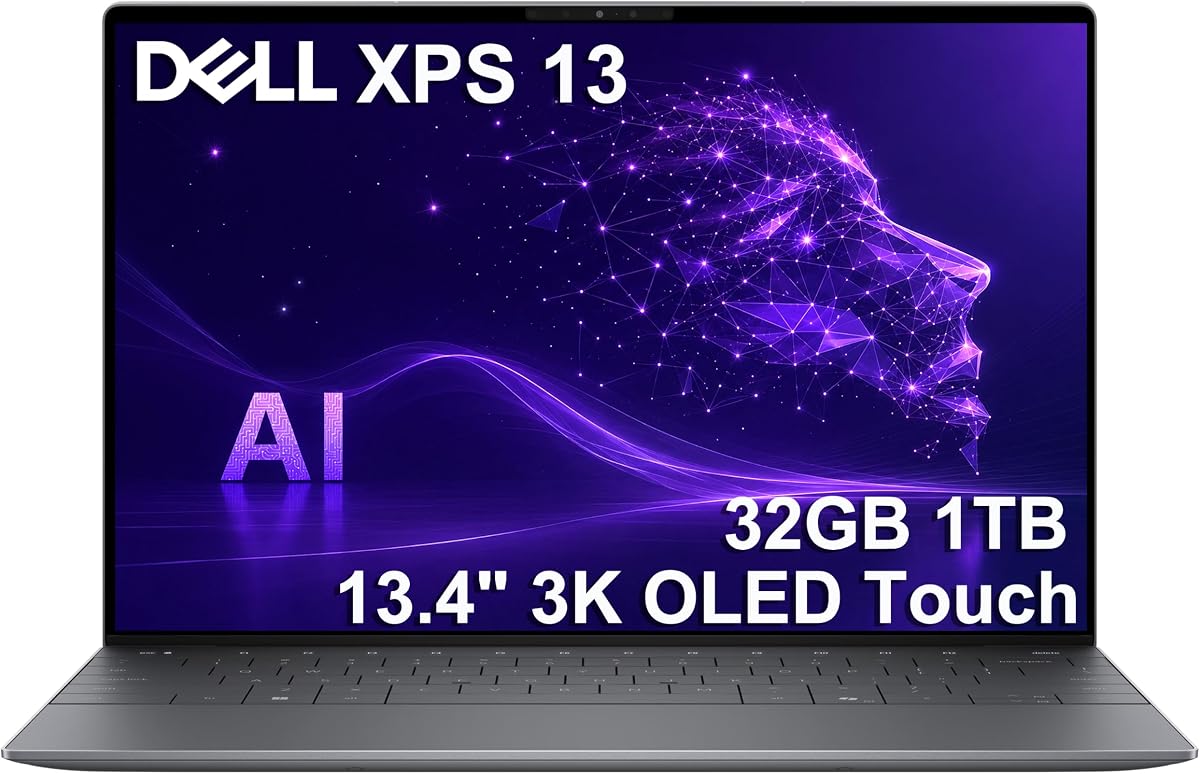
The Dell XPS 13 stands out for its unmatched portability and impressive battery life driven by the Snapdragon X Elite platform. This device is designed for professionals who need power on the go without constantly searching for an outlet.
We may earn a commission when you buy through this link, at no additional cost to you.
Its 3K OLED touchscreen offers vibrant visuals while the compact chassis keeps weight low. The 32GB RAM ensures smooth multitasking for demanding applications like coding and virtualization environments.
The reliance on USB-C ports requires adapters for legacy peripherals but the 40Gbps transfer speeds make this trade-off acceptable for modern workflows. The lack of an SD card reader might limit photographers.
This laptop is perfect for executives and creatives who prioritize screen and battery life. Its premium design and efficient architecture make it a top choice for all-day productivity anywhere.
On-device AI acceleration enables fast Copilot features and efficient workflows without draining battery significantly.
The 3K OLED display provides crisp text and vivid colors ideal for detailed design work and media consumption.
We may earn a commission when you buy through this link, at no additional cost to you.
The ASUS Vivobook S16 features a powerful AMD Ryzen AI 7 processor with 32GB RAM making it ideal for heavy multitasking. The Copilot+ PC designation ensures support for advanced AI features locally on the device.
We may earn a commission when you buy through this link, at no additional cost to you.
At just 3.75 lbs this laptop is extremely portable despite its 16-inch screen. The WUXGA OLED display offers deep contrast and vivid details suitable for content creation and daily work.
Battery life is rated up to 21 hours which is exceptional for productivity. Fast charging adds convenience allowing users to get quick top-ups during busy days.
Best suited for students and professionals this model balances power and portability. The integrated Radeon graphics limit gaming but serve well for general computing tasks.
The clean minimalist chassis is thin and light offering style without sacrificing essential performance power.
Battery optimization provides long uninterrupted use for working away from power sources.
We may earn a commission when you buy through this link, at no additional cost to you.
The HP OmniBook 3 14-inch model focuses on battery efficiency and portability using the Snapdragon X processor. It supports Otter.ai and other Copilot+ features to streamline daily administrative tasks.
We may earn a commission when you buy through this link, at no additional cost to you.
With up to 41 hours of battery life this device is exceptional for travel. The 2K OLED display provides vibrant visuals suitable for video conferencing and media consumption.
The 256GB SSD is a limiting factor for large media libraries though cloud storage can mitigate this. Performance is adequate for web browsing and office apps.
This laptop is ideal for frequent travelers and students who need a reliable companion. The AI assistant integration adds value for productivity.
Built-in Otter.ai and Copilot features automate notes and summaries enhancing efficiency.
Fast Charge restores 50% in 45 minutes for quick usability.
We may earn a commission when you buy through this link, at no additional cost to you.
The Intel variant of the Vivobook S16 features a Core Ultra 9 processor offering top-tier speed for complex workloads. Its 32GB RAM ensures seamless multitasking for heavy professional applications.
We may earn a commission when you buy through this link, at no additional cost to you.
The chassis meets MIL-STD-810H standards providing reliable durability for travel. The narrow borders of the display enhance immersion for media and design tasks.
Battery life reaches up to 25 hours which is impressive for a high-power unit. The audio system with Dolby Atmos offers rich sound for entertainment.
Best for power users needing reliability and speed. The premium price is justified by the high performance and durable build.
Core Ultra 9 handles demanding tasks with smooth performance and quick responsiveness.
Dolby Atmos speakers enhance multimedia experiences with immersive sound clarity.
We may earn a commission when you buy through this link, at no additional cost to you.
The HP OmniBook 5 16-inch model combines a touchscreen OLED display with high efficiency. The Snapdragon X Plus processor supports Copilot+ features and delivers solid battery performance.
We may earn a commission when you buy through this link, at no additional cost to you.
The touch interface allows for intuitive navigation which is useful for presentations and creative apps. Wi-Fi 6E ensures fast connectivity in crowded networks.
With up to 34 hours of battery life this device is excellent for students and remote workers. The 512GB SSD provides ample space for daily files.
This laptop is best for professionals needing a responsive and portable device. The touchscreen adds versatility for modern workflows.
Touchscreen capabilities enhance usability for creative and navigation tasks.
Advanced Wi-Fi 6E delivers reliable speeds for heavy data usage.
We may earn a commission when you buy through this link, at no additional cost to you.
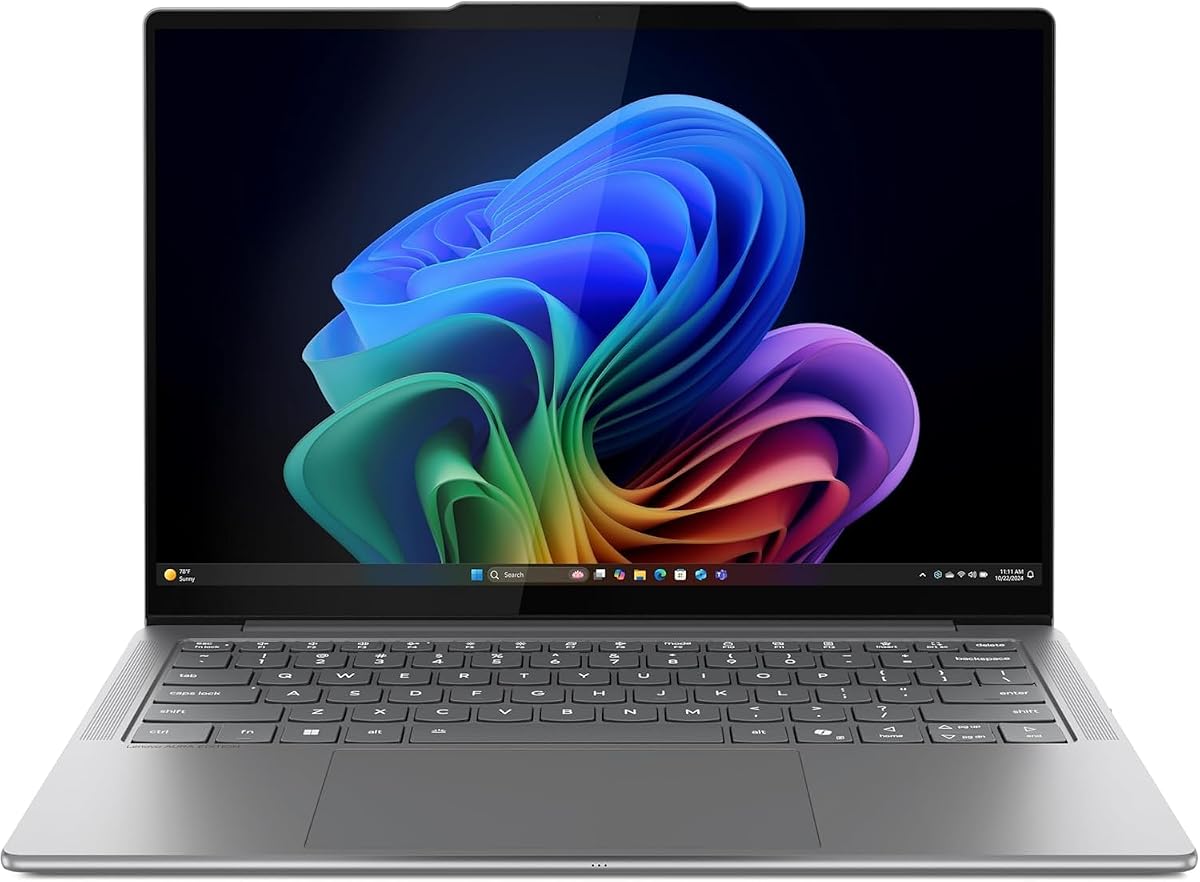
The Lenovo Slim 7i is designed for creators who need a portable yet powerful machine. Its aluminum chassis is lightweight and durable with ergonomic edges for easy carrying.
We may earn a commission when you buy through this link, at no additional cost to you.
The 14-inch OLED touchscreen offers true-to-life color and brightness making it great for photo editing. The 32GB RAM ensures smooth performance for complex applications.
Battery life reaches up to 17 hours providing reliable power for daily tasks. The thermal design keeps the device quiet even under load.
Ideal for on-the-go creators this model balances weight and performance. The premium build and display justify the cost for professionals.
Ultra-portable design with 2.82 lbs weight makes it easy to carry anywhere.
DisplayHDR True Black 500 ensures vibrant visuals and deep contrasts.
We may earn a commission when you buy through this link, at no additional cost to you.
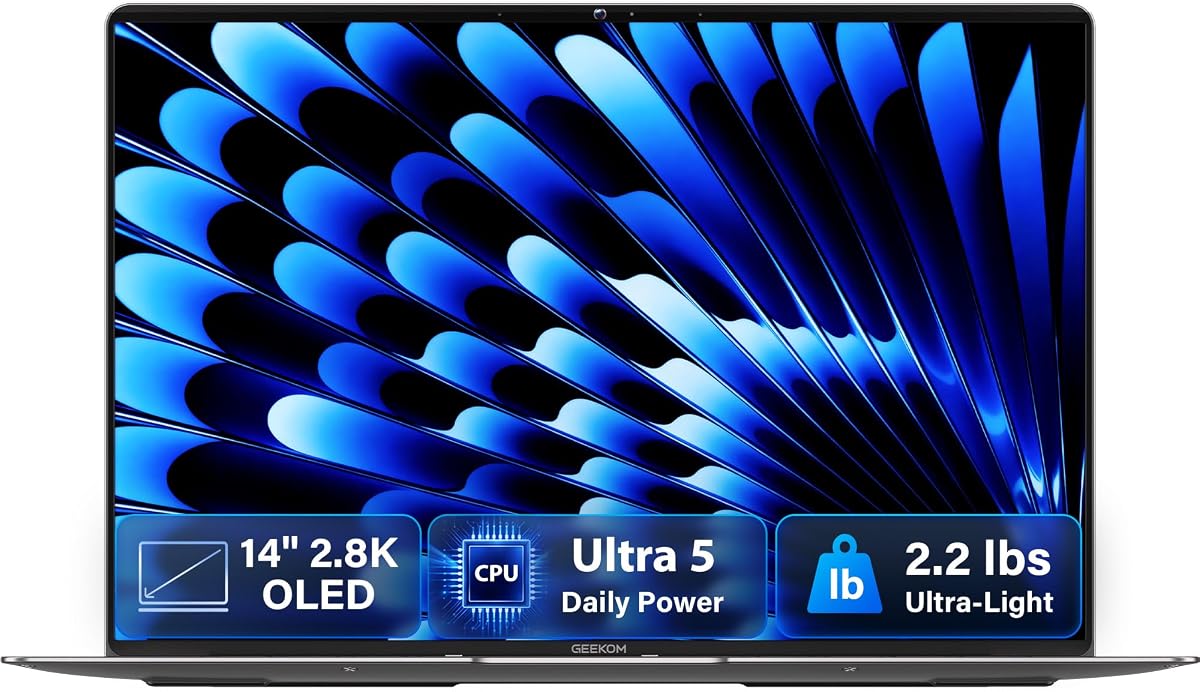
The GEEKOM GeekBook X14 Pro is one of the lightest laptops available at just 2.2 lbs. Its aerospace-grade magnesium alloy chassis is thin and durable for daily travel.
We may earn a commission when you buy through this link, at no additional cost to you.
The 2.8K OLED display with 120Hz refresh rate provides vibrant visuals and smooth motion. The compact 65W charger and physical camera shutter add convenience and security.
Battery life reaches up to 16 hours which is good for daily tasks. The thermal system keeps performance stable without loud fan noise.
This laptop is best for travelers and students prioritizing weight. The display quality and build materials make it a strong contender.
Featherlight chassis with all-metal build ensures durability and comfort.
2.8K OLED with 120Hz refresh rate delivers fluid and crisp visuals.
We may earn a commission when you buy through this link, at no additional cost to you.
The Lenovo Legion 5a is a gaming laptop with a stunning 165Hz OLED display. The RTX 5060 GPU and Ryzen 7 processor deliver smooth gameplay and rendering for creators.
We may earn a commission when you buy through this link, at no additional cost to you.
The 15.3-inch screen with G-SYNC ensures fluid visuals during intense sessions. Wi-Fi 7 provides ultra-low latency for online gaming and streaming.
At approximately 5 lbs this device is heavier than standard laptops but justified by the hardware. The RGB keyboard and 1-zone lighting enhance the gaming experience.
Best for gamers and content creators this model combines power and visual fidelity. The OLED display makes both games and work look exceptional.
High refresh rate and dedicated GPU provide smooth and immersive gaming.
Wi-Fi 7 ensures stable and fast connections for multiplayer and cloud gaming.
We may earn a commission when you buy through this link, at no additional cost to you.
Selecting the right OLED laptop involves balancing screen quality, performance, and portability. This guide breaks down the key factors to help you choose a model that fits your workflow and budget.
Higher resolutions like 2.8K or 3K provide sharper text and finer details which are essential for creative work. Refresh rates of 90Hz or higher ensure smooth scrolling and motion during video playback and gaming.
Prioritize at least 2.5K resolution and 90Hz refresh rate for the best experience.
For productivity tasks, modern processors from Intel or AMD offer strong performance and AI features. Dedicated GPUs like NVIDIA RTX are necessary for 3D rendering, video editing, and gaming.
Choose a dedicated GPU for content creation and an integrated chip for general office use.
OLED screens can consume more power, but efficient processors often offset this. Look for models with at least 15 hours of rated battery life to ensure all-day usage without frequent charging.
Check user reviews to confirm real-world battery performance matches claims.
If you travel frequently, weight and thickness matter significantly. Laptops under 3 pounds are easier to carry and fit into small bags. Aluminum or magnesium alloys often provide the best balance of strength and weight.
Aim for under 3.5 lbs if mobility is a top priority.
Sufficient RAM is critical for multitasking. Aim for 16GB or more if you run multiple applications simultaneously. SSD storage ensures fast boot times and quick file access.
16GB RAM and 512GB SSD are minimum recommended specifications for smooth performance.
Look for Thunderbolt 4 or USB4 ports for fast data transfer and multi-monitor support. HDMI and SD card readers reduce the need for dongles and adapters.
Ensure the laptop has enough USB-A and USB-C ports for your peripherals.
MIL-STD certifications indicate a device has been tested against drops and vibrations. A solid chassis protects your investment and ensures a better typing experience over time.
Choose models with reinforced hinges and premium materials for longevity.
Copilot+ PC support enables advanced AI tools like voice transcription and local image generation. These features can streamline workflows for productivity and creative tasks.
Verify Copilot+ compatibility if you want the latest AI-assisted workflows.
To maintain OLED screen health, enable automatic brightness adjustment and avoid leaving static images at maximum brightness for extended periods. Many modern systems have built-in pixel shifting or screen savers to prevent burn-in.
Clean the screen with a soft microfiber cloth to remove smudges. Avoid harsh chemicals or paper towels which might scratch the delicate OLED panel or damage the coating.
Ensure proper ventilation during heavy workloads. Keep vents clear of dust and avoid using the laptop on soft surfaces like beds or blankets to prevent overheating and performance throttling.
Modern OLED displays include technologies like pixel shifting and automatic brightness limiting to minimize burn-in risks. For typical office and media use, this issue is rare. However, displaying static logos at high brightness for thousands of hours may eventually cause image retention.
Yes, OLED panels typically cover 100% of the DCI-P3 color gamut. This makes them excellent for photo and video editing. The deep blacks and high contrast ratios allow for accurate color grading and visual detail.
OLED screens offer faster response times and true blacks compared to IPS, which often rely on backlighting. This results in richer contrast and better energy efficiency for dark themes. IPS panels may still offer slightly better brightness for outdoor use.
Most slim OLED laptops have soldered RAM which cannot be upgraded. Always check the specific model specifications before purchase. Models with upgradeable RAM will specify a SO-DIMM slot in the technical details.
OLED panels consume less power when displaying dark content because pixels turn off individually. However, bright white screens can use more power. Battery life depends heavily on usage habits and processor efficiency.
While not strictly necessary, a 120Hz refresh rate makes scrolling and animations feel smoother. This can reduce eye strain during long sessions. It is a valuable feature for both creative and general productivity tasks.
The Lenovo IdeaPad Pro 5 leads our list with its powerful performance and stunning 120Hz OLED screen. For budget buyers, the Acer Swift Go 16 offers exceptional value with a 3.2K display at a lower price point.
Prioritize battery life if you work remotely, with the Dell XPS 13 and HP OmniBook models standing out. Gamers and video editors should consider the Lenovo Legion 5a for its high refresh rate and dedicated graphics.
Prices and availability for these models change frequently. Check current listings to find the best deal and ensure you get the configuration that suits your needs.