
EVanlak Hdmi Edid Emulator Passthrough
4.2Editor score
Premium aluminum construction
Supports 4K@60Hz resolution
Works with Mac Thunderbolt devices
This guide compares ten top HDMI Edid Emulator Passthroughs to help you choose the right adapter for stable signal transmission and reliable multi-display
When setting up complex home theater or office video systems, maintaining a stable connection between sources and displays is critical. HDMI Edid Emulator Passthroughs solve handshake issues by simulating display data, ensuring your system recognizes monitors even when disconnected. These tools prevent screen flicker and resolution resets during power cycles or signal switching. Choosing the right adapter depends on your specific resolution needs and device compatibility. A quality emulator keeps your setup reliable, avoiding frustrating interruptions during presentations or media playback. Understanding how these devices work helps you select the best fit for your unique configuration requirements.
We analyzed ten leading HDMI Edid Emulator Passthroughs based on their resolution support, compatibility with various devices, and ease of use. Our evaluation considers factors like HDCP pass-through capabilities, build quality, and whether the unit supports bidirectional signal transmission. We looked at user feedback regarding reliability and performance in multi-monitor environments to ensure our recommendations reflect real-world usage. Each product was reviewed for its ability to maintain consistent video and audio output without requiring external power or drivers. This comprehensive comparison helps you avoid incompatible hardware and invest in a solution that guarantees seamless connectivity across your AV ecosystem.
Each pick in this list highlights specific strengths, such as premium aluminum construction, high refresh rate support, or advanced EDID copying features. We explain why certain models excel in professional settings while others offer better value for home users seeking simple plug-and-play functionality. You will find detailed breakdowns of how each emulator handles signal negotiation and prevents desktop rearrangement issues common in switch-based setups. Remember that technical specifications can vary slightly based on your specific source and display combination. Always verify compatibility before purchasing to ensure the emulator meets your exact resolution and audio format requirements for optimal performance.
4.2Editor score

5.0Editor score

4.3Editor score
The following table provides a side-by-side comparison of all ten HDMI Edid Emulator Passthroughs evaluated in this guide to help you quickly identify the model that best fits your specific resolution and compatibility requirements.


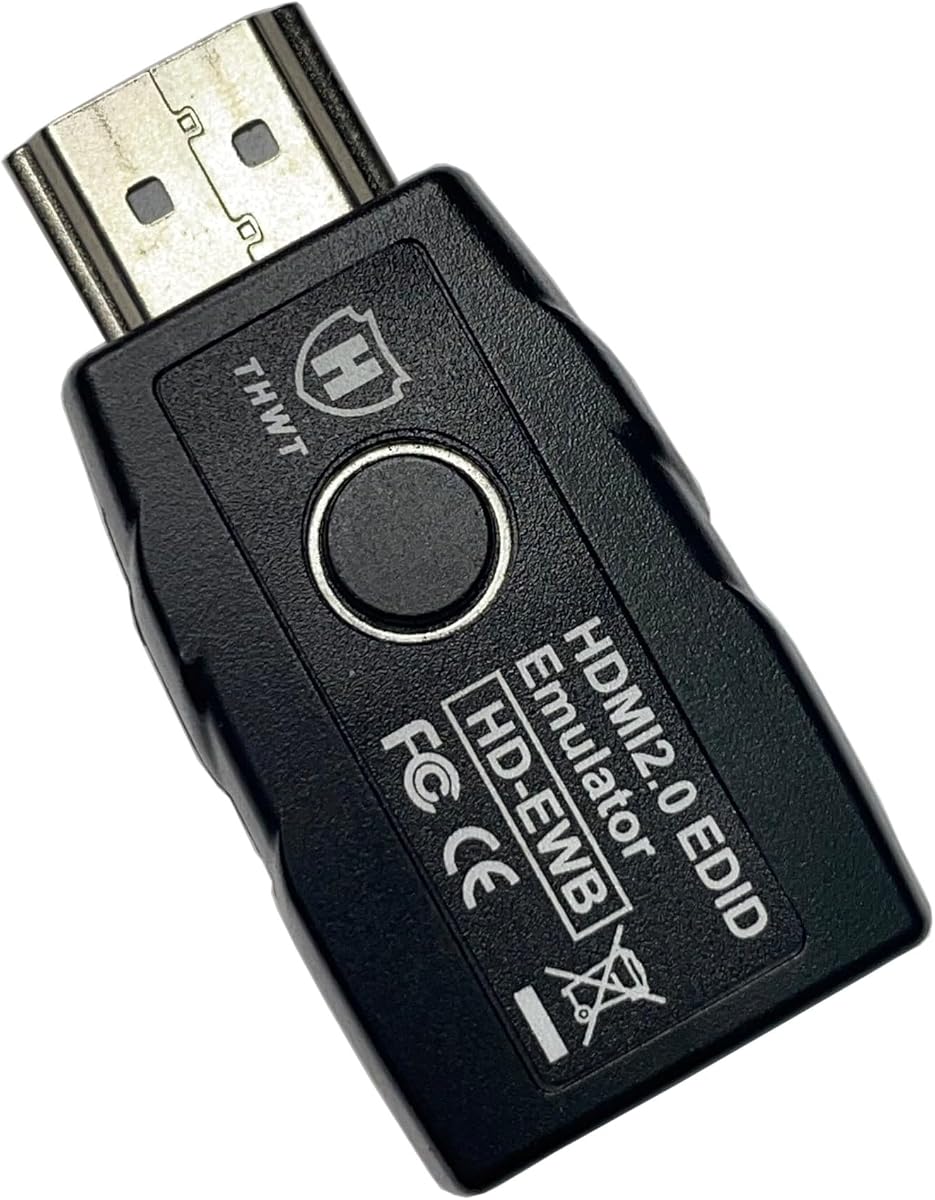

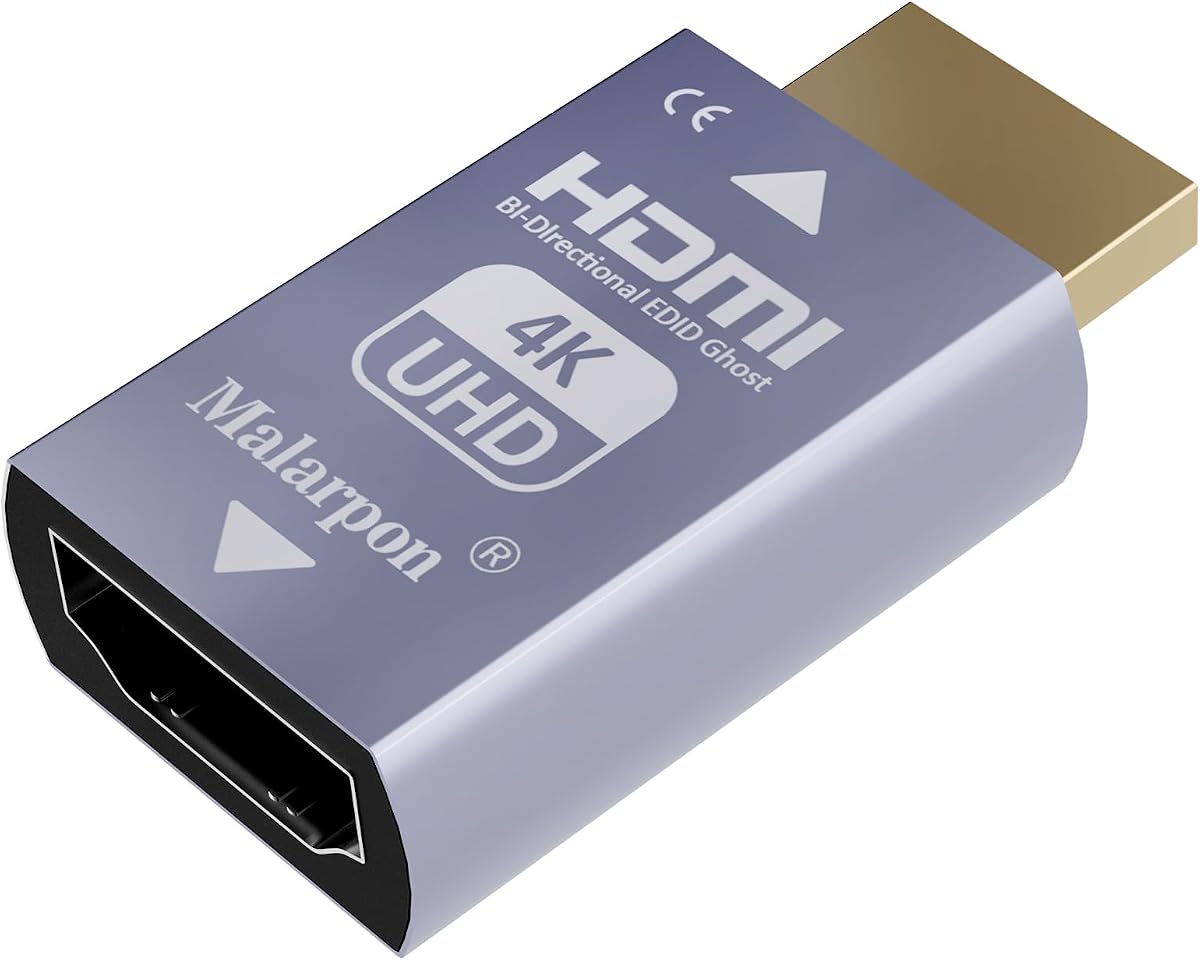

This HDMI EDID Emulator is rated highly for its ability to simulate display data perfectly. It ensures source devices keep outputting signals even when no display is connected, preventing errors and signal loss in home theater setups. The adapter maintains stable video and audio regardless of display power states, making it a reliable choice for avoiding interruptions during critical presentations or media playback.
We may earn a commission when you buy through this link, at no additional cost to you.
Its standout quality is the seamless multi-device compatibility which resolves EDID mismatches between AV receivers and splitters. The high resolution and audio support ensure that color depth and sound formats match display capabilities for optimal quality. Users benefit from a straightforward plug and play design that requires no software, making deployment quick in both business and home environments.
A minor trade-off is the lack of external power which might limit use in very long cable runs but generally works well for most standard setups. The fixed EDID design means you cannot dynamically change emulation without physical intervention, which is acceptable for most static configurations. This simplicity ensures robust performance without needing complex configuration steps that often fail in dynamic networks.
This emulator is best for users needing consistent signal stability across multiple displays without constant reconfiguration. It is ideal for home theater enthusiasts or professional AV setups where uninterrupted output is essential. We recommend it for anyone wanting a reliable solution that prevents device recognition issues effectively.
The emulator keeps source devices active even when displays are off, preventing system resets or resolution drops in complex AV chains.
Supporting up to 4K120Hz ensures users get the best possible picture quality from their source devices without compatibility limits.
We may earn a commission when you buy through this link, at no additional cost to you.
The EVanlak HDMI Edid Emulator Passthrough offers solid performance in a sleek aluminum casing. It eliminates the need for manual EDID settings by connecting seamlessly to displays, ensuring smooth 4K video output. This adapter is particularly compatible with Mac Thunderbolt setups, making it a popular choice for professionals using Apple hardware.
We may earn a commission when you buy through this link, at no additional cost to you.
Key strengths include its plug-and-play functionality which requires no drivers or complex configurations. The 4K@60Hz support provides ultra-high definition video with vivid colors, ideal for presentations or media consumption. Users appreciate its versatile compatibility across AV receivers and video splitters, ensuring seamless integration into existing home theater systems without extra hardware.
The aluminum build ensures durability but limits the refresh rate to 60Hz which may not suit high-refresh gaming needs. This is a reasonable trade-off given its affordable price point and focus on stability rather than extreme performance. For most standard office or home theater tasks, this limitation does not significantly impact user experience or workflow efficiency.
We recommend this adapter for users seeking a reliable budget solution that supports Mac devices and standard 4K needs. It is best suited for those who value simplicity and durability over high refresh rates. Its plug-and-play design makes it accessible for users of all technical skill levels.
Works well with Mac Thunderbolt to HDMI setups allowing seamless video output without driver installation or extra configuration steps.
Crafted with premium aluminum it ensures durability and a modern look while efficiently dissipating heat during continuous operation.
We may earn a commission when you buy through this link, at no additional cost to you.
This PRO HDMI EDID Emulator supports HDMI 2.1 and SCDC, making it a top choice for high-end setups. It features precise EDID copying allowing you to store external monitor settings directly into the emulator for exact simulation. The unit adheres to HDCP standards and offers 14 preset values for quick switching between common resolutions and audio formats.
We may earn a commission when you buy through this link, at no additional cost to you.
Its standout features include a knob for switching between presets and bi-directional design for flexible installation. The support for exact EDID copy ensures perfect signal matching which reduces handshake errors significantly. Users benefit from hot plugging capabilities and reliable performance across advanced AV systems needing strict protocol adherence.
While it does not support 8K resolutions which limits it for ultra-future proofing its current capabilities cover almost all 4K setups. The lack of 8K is a minor drawback compared to its robust 4K performance and protocol compliance. Most users will find the 4K support sufficient for current media and gaming needs without needing higher bandwidth.
We recommend this premium emulator for users with advanced setups needing protocol compliance and flexible EDID management. It is ideal for professionals and enthusiasts wanting reliable performance in complex AV environments. Its bi-directional design and precise matching features make it a strong investment for demanding applications.
Adheres to strict HDCP standards ensuring secure content protection and reliable signal handshake in professional or high-end home theater setups.
A dedicated knob allows quick switching between 14 preset EDID settings for adapting to different displays without reconnecting cables.
We may earn a commission when you buy through this link, at no additional cost to you.
This adapter uses a bidirectional signal transmission to allow flexible connection options in multi-screen setups. It fixes desktop rearrangement by maintaining current settings even if a screen is removed or a wire becomes loose. The unit acts as a virtual monitor when laptops are not connected to external displays ensuring system stability.
We may earn a commission when you buy through this link, at no additional cost to you.
Strengths include hot swap support and fixed EDID capabilities that prevent monitor loss during power toggling. Users find it effective for keeping monitor active when accessing devices remotely which is useful for headless configurations. The plug-and-play design simplifies installation without requiring additional drivers or powered equipment for basic operation.
However it does not support HDCP which can lead to blank screens when using protected content streaming services or premium media. This limitation makes it unsuitable for setups needing copyright-protected video output. For users needing standard data or non-HDCP content this model provides adequate performance at a budget-friendly price point.
We recommend this adapter for users needing simple virtual display solutions without protected content streaming. It is suitable for remote access setups or non-copyrighted video scenarios. Its ability to maintain settings during power cycles makes it useful for specific workflow needs despite HDCP limitations.
Maintains fixed settings even when a screen is removed preventing Windows from rearranging the desktop and disrupting your workflow.
Keeps monitor active for remote devices ensuring remote connections remain stable and functional without needing a physical screen.
We may earn a commission when you buy through this link, at no additional cost to you.
This HDR emulator supports resolutions up to 1080p@120Hz and 4K@60Hz making it ideal for smooth video motion. Its bidirectional transmission means no wiring direction limits simplify installation in tight spaces. It works reliably with KVM switches ensuring parameters never reset even if sources are switched frequently during operation.
We may earn a commission when you buy through this link, at no additional cost to you.
Key benefits include the ability to lock EDID during power cycles which prevents audio video signal loss. Users benefit from pure hardware design ensuring lossless zero-latency transmission essential for gaming or interactive setups. Hot swap support allows flexible cable management without needing to power off connected devices during adjustments.
The device lacks SCDC handshake support which may cause issues with certain HDMI 2.1 devices requiring specific clock ratios. This can lead to signal loss if monitors demand replugging capabilities without proper negotiation. For standard HDMI 2.0 setups however the performance remains stable and reliable for most users.
We recommend this emulator for users prioritizing high refresh rates and low latency transmission. It is best suited for gaming or interactive setups needing stable signal during frequent switching. Ensure your setup does not require SCDC handshake to avoid compatibility issues.
Supporting 1080p@120Hz ensures smooth motion and reduced motion blur which is essential for gaming or fast-paced video content.
Pure hardware design ensures lossless transmission maintaining signal integrity and responsiveness during fast-paced video or gaming sessions.
We may earn a commission when you buy through this link, at no additional cost to you.
This EDID Emulator supports exact copying of external monitor settings ensuring accurate emulation of display capabilities. Users can switch between internal and external EDID modes with a single button press making it easy to adapt to different setups. The device passes HDCP keys correctly allowing protected content playback on compatible displays.
We may earn a commission when you buy through this link, at no additional cost to you.
Its strength lies in the bi-directional design which allows connection on either computer or display side for maximum flexibility. The preset internal EDID supports 4:4:4 chroma ensuring high-quality color reproduction for professional or creative work. Users appreciate the headless operation allowing the system to stay active even without a physical monitor attached.
A limitation is its incompatibility with HDMI 2.1 devices which may cause constant signal interruptions due to SCDC checks. If you need 8K or advanced 4K features this model may not be suitable. For standard 4K setups however it provides reliable performance with minimal configuration effort required.
We recommend this emulator for users needing HDCP support and flexible EDID management. It is suitable for setups requiring exact external monitor emulation. Check SCDC compatibility if you plan to use advanced 4K devices to avoid signal issues.
Supports HDCP pass-through ensuring secure content protection protocols are correctly maintained during playback of protected media streams.
Supports both forward and reverse connections allowing flexible installation on either the source or display side for easy setup.
We may earn a commission when you buy through this link, at no additional cost to you.
This HDMI EDID Emulator provides reliable HDCP pass-through ensuring secure content playback in complex AV setups. Its bidirectional signal transmission simplifies wiring direction limits in multi-monitor environments. Users benefit from stable connection to Mac mini and Raspberry Pi devices making it versatile for various headless configurations.
We may earn a commission when you buy through this link, at no additional cost to you.
Key strengths include the ability to lock EDID settings during device power cycles preventing signal renegotiation errors. This ensures audio video signals transmit normally even during frequent switching or power toggling events. Hot swap support allows flexible cable management without needing to disconnect power from connected sources.
A limitation is the lack of 120Hz support which may restrict use in high-refresh gaming scenarios. This is acceptable for standard 4K@60Hz setups which cover most office and home theater needs. The zero-latency signal ensures immediate response which is crucial for real-time applications and presentations.
We recommend this emulator for users needing HDCP compliance and reliable Mac compatibility. It is ideal for setups requiring stable signal during frequent switching. Ensure your setup does not require 120Hz refresh rates to avoid limitations.
Provides HDCP passthrough ensuring protected content streams play reliably without triggering blank screen or resolution downgrade issues.
Allows hot swapping of cables and switches without requiring system restarts improving convenience in dynamic work environments.
We may earn a commission when you buy through this link, at no additional cost to you.
This adapter features bi-directional EDID ensuring the source tells Windows the monitor is connected even when disconnected. It works flawlessly with DP to HDMI adapters making it versatile for mixed-connection setups. Users can keep the EDID active for remote devices ensuring system recognition and stability across networked environments.
We may earn a commission when you buy through this link, at no additional cost to you.
Strengths include avoiding distorted images by providing correct EDID data and maintaining consistent settings during renegotiations. The aluminum construction ensures durability and effective heat dissipation during prolonged use. Hot swap support allows flexible cabling without restarting connected devices for operational efficiency.
A minor limitation is the refresh rate support of 59Hz which is slightly below standard 60Hz expectations. This is acceptable for most general use but may not suit high-performance gaming requirements. For office and standard home theater setups this difference does not significantly impact visual experience or usability.
We recommend this emulator for users needing DP to HDMI compatibility and active EDID maintenance. It is ideal for remote access setups needing consistent display recognition. Verify your refresh rate needs before purchase to ensure it meets your workflow requirements.
Works flawlessly with DisplayPort to HDMI adapters ensuring stable signal transmission across mixed-connection setups without signal loss.
Provides correct EDID data to avoid image distortion ensuring source devices output compatible video formats for clear display.
We may earn a commission when you buy through this link, at no additional cost to you.
This HDMI EDID manager solves incompatibility issues by copying EDID data from the end display device for stable signal. It includes a repeater function that amplifies and equalizes HDMI signals enabling multiple layers of cascading. This ensures high-quality audio video across extended cable runs and complex setups.
We may earn a commission when you buy through this link, at no additional cost to you.
Strengths include its HDMI 2.0 standard support providing 18G bandwidth for 4K@60Hz systems. Users benefit from CEC pass-through allowing remote control commands to work without disrupting other HDMI devices. The plug-and-play design simplifies installation without software ensuring lossless signal transmission.
A limitation is the lack of external power which may limit its use in setups requiring long cable runs or additional equipment. Most users will find the low power design sufficient for standard office and home theater environments. This trade-off ensures energy efficiency while maintaining stable signal integrity.
We recommend this emulator for users needing signal amplification and cascading capability. It is ideal for setups requiring extended cable runs without signal degradation. Ensure your setup does not require external power sources for operation.
Supports amplification and equalization allowing multiple layers of cascading without signal degradation or quality loss.
Supports CEC pass-through allowing remote control commands to work across devices without disrupting system operation.
We may earn a commission when you buy through this link, at no additional cost to you.
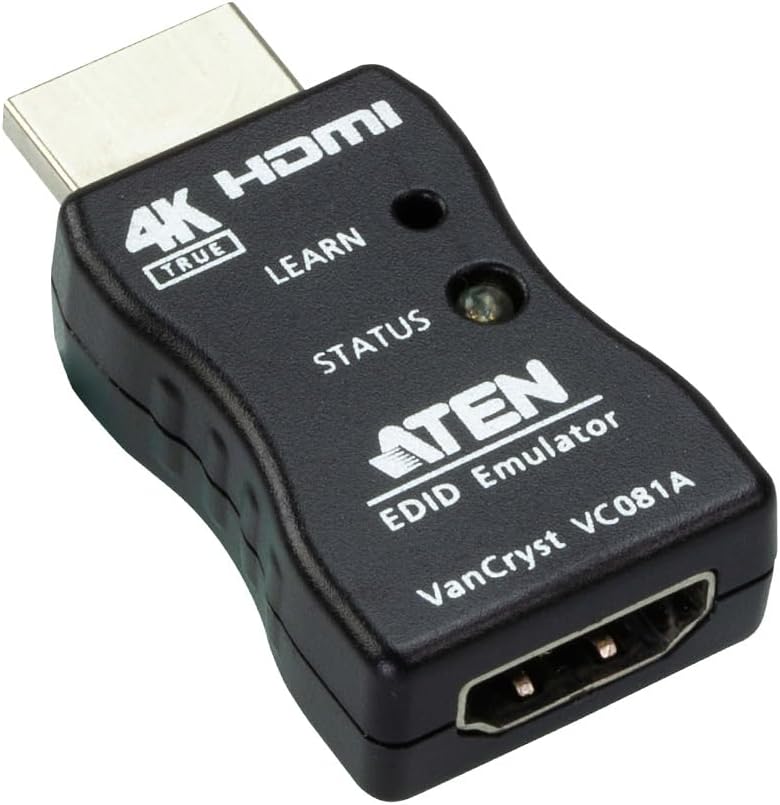
The ATEN VC081A manages EDID communication effectively ensuring reliable connection between connected devices. Users can learn and save EDID via a single pushbutton making setup quick and straightforward. The unit supports up to 3840 x 2160 @ 60Hz ensuring True 4K video quality for high-resolution displays.
We may earn a commission when you buy through this link, at no additional cost to you.
Strengths include HDCP 2.2 compliance ensuring secure content protection across modern media players and streaming services. The compact and lightweight design makes it easy to integrate into existing systems without occupying much space. Users appreciate the support for consumer electronic control and 3D functionality expanding compatibility.
A limitation is the limited 4:4:4 color support which may restrict color accuracy in professional video workflows. This is acceptable for general viewing but may not meet strict broadcast or design requirements. Most users will find the performance sufficient for standard consumer and office AV needs.
We recommend this emulator for users needing a compact solution for basic 4K needs. It is suitable for setups prioritizing ease of use and secure content playback. Ensure your setup does not require advanced color formats.
Features a compact and lightweight design making it easy to integrate into existing setups without occupying much space.
Manages EDID communication effectively ensuring reliable connection between connected devices and seamless video transmission.
We may earn a commission when you buy through this link, at no additional cost to you.
Selecting the right HDMI Edid Emulator Passthrough depends on your specific resolution needs device compatibility and signal requirements.
Ensure the emulator supports your source and display resolution such as 4K@60Hz or 1080p@120Hz for smooth motion. Higher refresh rates are critical for gaming or interactive setups to prevent screen tearing and latency issues.
Choose a model that matches your display capabilities to avoid signal negotiation failures or reduced quality output.
HDCP pass-through is essential for playing protected content from streaming services or premium media players without black screens. Without it your source may detect a secure connection failure and disable output.
Verify the emulator supports HDCP 1.4 or 2.2 standards to ensure compatibility with your content providers and devices.
Emulators with EDID copying allow you to save your monitor's exact data which reduces handshake errors in complex setups. Fixed settings are simpler but may not match specific display requirements perfectly.
If you need flexible emulation for multiple displays choose a model with an external EDID copy feature for best results.
Bidirectional support allows the emulator to work regardless of source or sink orientation providing flexibility in tight spaces. This eliminates the need to check wiring direction when connecting to KVM switches or extenders.
Look for bidirectional design if your setup requires flexible installation positions for easier cable management and integration.
Hot swap support lets you swap HDMI sources without restarting devices reducing downtime during presentations or system changes. Plug-and-play designs avoid driver installation making setup faster for non-technical users.
Ensure the emulator supports hot swapping if you frequently switch inputs or need quick adjustments during use.
Aluminum construction provides durability and heat dissipation for reliable long-term performance. Powerless units are convenient but may fail on long cable runs requiring external power for stability.
Choose a build that matches your environment and verify if external power is needed for consistent signal integrity.
Connect the emulator between your source device and display using HDMI cables ensuring all connections are secure and fully inserted.
If the device supports EDID copy press the copy button for the specified time to save your display's settings for accurate emulation.
Keep the unit in a well-ventilated area to prevent overheating and avoid bending cables to ensure consistent signal transmission over time.
It simulates display data to prevent sources from resetting resolutions when monitors are disconnected. This ensures stable signal output for presentations or headless setups without needing a physical screen.
Most HDMI EDID Emulators are plug-and-play and require no drivers or software. This simplifies installation and ensures compatibility across various operating systems without additional configuration.
This often happens due to HDCP incompatibility or unsupported resolution handshake. Ensure the emulator supports your source content and check cable quality for proper signal transmission.
Yes many models support KVM switches ensuring display parameters remain fixed when switching between source computers. This prevents desktop rearrangement and maintains consistent settings during input changes.
Many Emulators are compatible with Mac Thunderbolt or Type-C adapters. Verify Mac support in product specs to ensure smooth integration with your existing Apple hardware and displays.
EDID copying adapts to your exact display specs reducing handshake errors in complex setups. Fixed settings work for basic use but may not match all monitor requirements perfectly.
We highlighted top models like the HDMI EDID Emulator Passthrough Display Adapter for stability and the EVanlak Hdmi Edid Emulator Passthrough for budget-friendly performance.
Prioritize features like HDCP pass-through and resolution support to avoid handshake issues in your specific home theater or office setup.
Always check current availability and technical support to ensure the emulator meets your exact needs for reliable and secure signal transmission.