
ASUS ProArt PA32QCV
3.9Editor score
Factory calibrated accuracy
Dual Thunderbolt 4 ports
Free Adobe Creative Cloud
Finding the right display is crucial for modern workflows. A 32 inch 6K monitor offers immense screen real estate and pixel density. It ensures sharp text and detailed visuals for creative work and entertainment alike.
We evaluated ten leading models based on panel quality, connectivity options, and user feedback. Each entry balances resolution performance with practical features like ergonomic stands and hub capabilities. Our goal is to simplify your selection process.
Every pick highlights unique strengths for different needs. Whether you need color precision or high refresh rates, these models deliver. Prices and availability change frequently, so check current listings before purchasing to ensure you get the best deal available today.
3.9Editor score

3.8Editor score

5.0Editor score
As an Amazon Associate we earn from qualifying purchases.
This table provides a side by side overview of all ten selected monitors. It highlights key specifications to help you quickly identify which model aligns best with your specific professional or gaming requirements.


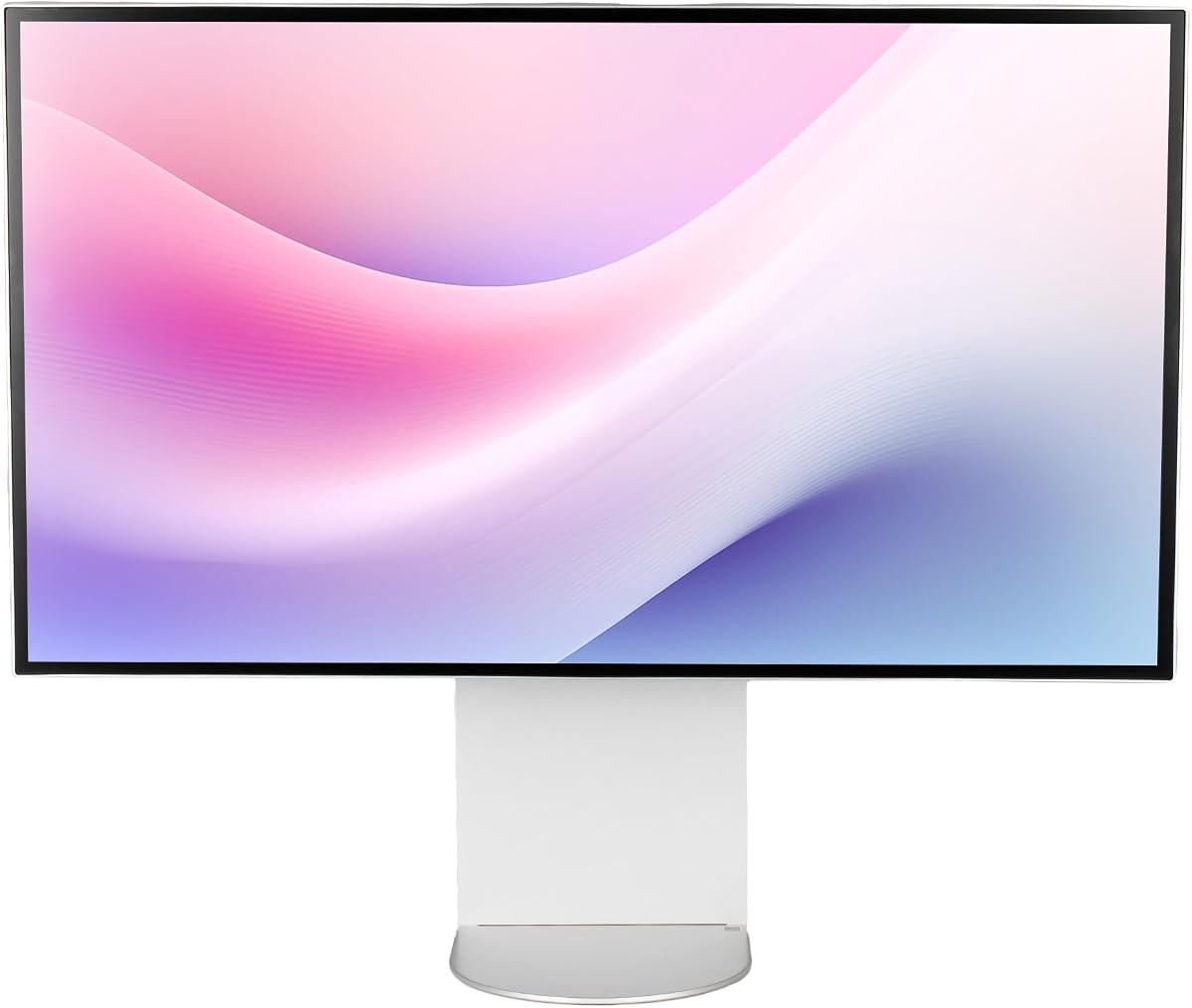
This monitor leads the pack with its advanced Thunderbolt 5 interface and Nano IPS Black panel. It delivers stunning clarity and deep blacks for professional workflows. The high resolution ensures every detail is visible without scaling issues.
We may earn a commission when you buy through this link, at no additional cost to you.
Its color accuracy is exceptional, covering nearly all Adobe RGB and DCI-P3 spaces. This makes it ideal for photo editing and video grading. The HDR 600 certification adds depth to high dynamic range content significantly.
The contrast ratio is a major step up from standard IPS panels. Deep shadows remain detailed instead of washed out. While expensive, the performance justifies the cost for serious creatives.
Professional video editors and designers seeking the best color fidelity should choose this model. It offers a robust toolkit for high-end production. Ensure your system supports TB5 to leverage full capabilities.
This interface offers double the speed of Thunderbolt 4. It supports faster data transfer and higher power delivery to your laptop.
The improved contrast ratio provides more realistic images. You will notice richer blacks in dark scenes compared to typical displays.
We may earn a commission when you buy through this link, at no additional cost to you.
The ProArt PA32QCV offers professional color accuracy at a more accessible price. It comes factory calibrated to save you time on setup. The DCI-P3 coverage ensures vibrant and accurate content.
We may earn a commission when you buy through this link, at no additional cost to you.
Mac users will appreciate the specific color preset mode. It matches the laptop display seamlessly for a unified look. This reduces eye strain when switching between screens during work.
While it lacks the highest contrast, the overall image quality is strong. The included software subscription adds extra value to the purchase. It is a solid choice for general creative tasks.
Budget-conscious professionals looking for reliable color should consider this model. It balances performance and cost well. Check compatibility with your specific Mac model before buying.
Factory calibration means you get accurate colors immediately. This saves time on manual adjustments and profiling tools.
The dual Thunderbolt ports allow easy connection. You can connect drives and monitors without extra adapters.
We may earn a commission when you buy through this link, at no additional cost to you.
This monitor breaks new ground as the first 6K touchscreen. It transforms your workspace into a digital drafting board. The touch capabilities allow for direct interaction with content.
We may earn a commission when you buy through this link, at no additional cost to you.
The included stylus offers high pressure sensitivity. Artists and architects can sketch directly on the large canvas. This workflow is more natural than using a separate tablet.
Color precision is top-tier with near-perfect accuracy. The fold stand allows flexible positioning for drawing or viewing. It is a unique tool for specific creative professionals.
Designers and artists needing touch and precision will love this. It offers a completely different interaction model. Be mindful of the high cost before purchasing.
Touch control allows natural navigation and sketching. It feels like drawing on a massive tablet.
The stand rotates and folds to flat. This supports both standard use and creative drawing modes.
We may earn a commission when you buy through this link, at no additional cost to you.
The Odyssey G8 brings 6K resolution to the gaming market. It offers a Dual Mode feature for high refresh rates. This provides smooth visuals for competitive gaming sessions.
We may earn a commission when you buy through this link, at no additional cost to you.
Response times are incredibly fast for an IPS panel. Motion blur is minimized even in fast-paced titles. The G-Sync support ensures tear-free gameplay on compatible hardware.
While it supports 6K, the mode shifts to 3K for speed. This balances image clarity with performance needs. It is a versatile choice for hybrid setups.
Gamers wanting high resolution and speed should look here. It bridges the gap between work and play. Check your GPU capability for full 6K performance.
The 330Hz mode ensures fluid motion. It is ideal for competitive esports titles.
6K resolution provides sharp textures. You will see more detail in game worlds.
We may earn a commission when you buy through this link, at no additional cost to you.
This model includes a built-in 4K webcam. It streamlines your workspace by removing the need for an external camera. The privacy features ensure security during calls.
We may earn a commission when you buy through this link, at no additional cost to you.
Brightness levels are high for various lighting conditions. The 6K resolution ensures crisp text for office work. It is practical for daily productivity tasks.
Color accuracy is decent but not pro-level. The response time is acceptable for general use. It focuses more on utility than creative color performance.
Remote workers needing a clean setup will benefit most. It reduces cable clutter and desk items. Ensure your computer supports USB-C video output.
The camera integration simplifies video calls. It saves desk space effectively.
High brightness helps in bright offices. It reduces glare during long work sessions.
We may earn a commission when you buy through this link, at no additional cost to you.
This bundle includes essential tools for setup and maintenance. It ensures you have everything needed for immediate use. The added kit maintains screen clarity over time.
We may earn a commission when you buy through this link, at no additional cost to you.
The monitor itself matches the top performance model. TB5 daisy chaining allows multiple displays easily. The KVM switch manages multiple computers efficiently.
With high user ratings, reliability is suggested. The adjustable stand supports ergonomic comfort during work. It is a comprehensive choice for a new station.
Those wanting a ready-to-use solution will appreciate the bundle. It saves time finding separate accessories. Verify contents match your specific needs before purchase.
KVM allows using one mouse for two PCs. This reduces hardware clutter on the desk.
Included kits provide immediate utility. You avoid searching for cleaning supplies separately.
We may earn a commission when you buy through this link, at no additional cost to you.
The G32X focuses on minimalist design. It blends well into modern office or home setups. The high brightness ensures visibility in bright rooms.
We may earn a commission when you buy through this link, at no additional cost to you.
Power delivery through the USB port is strong. It can charge powerful laptops while displaying. The stand offers height and tilt adjustments easily.
Color performance is good for general use. It lacks pro-level calibration but looks great. The build quality feels durable with aluminum.
Users valuing clean looks will find it suitable. It avoids flashy designs for a simple look. Check stand compatibility if you prefer wall mounts.
Minimalist aesthetics fit any room. It looks sleek without distracting elements.
High wattage keeps devices charged. It simplifies your desk power needs.
We may earn a commission when you buy through this link, at no additional cost to you.
This model features a glossy screen for vibrant colors. It creates a deep and rich image experience. The honeycomb design helps with thermal management.
We may earn a commission when you buy through this link, at no additional cost to you.
Pixel density is high for sharp text clarity. It is a premium build option for enthusiasts. The lack of stand offers mounting flexibility.
Be aware of reflections in bright environments. It works best in controlled lighting setups. The cooling ensures stable performance under load.
Enthusiasts looking for specific screen types will like this. It offers a unique feel compared to matte. Confirm your mount requirements before purchase.
Glossy finishes pop in dark rooms. Colors appear more saturated and deep.
Honeycomb cooling keeps temps down. It supports stable performance for long sessions.
We may earn a commission when you buy through this link, at no additional cost to you.
This bundle includes a two-year protection plan. It offers peace of mind against accidental damage. The included cables ensure immediate connectivity readiness.
We may earn a commission when you buy through this link, at no additional cost to you.
The monitor itself offers standard office features. High resolution helps productivity work efficiently. The USB-C hub connects peripherals easily.
Protection adds value for high-risk environments. It is useful for shared or public spaces. The hardware remains consistent with other standard models.
Organizations needing device security will find this useful. It reduces repair costs over time. Compare bundle cost against standard warranty options.
The protection plan covers unexpected damage. It reduces financial risk for the buyer.
All necessary cables are included. You avoid searching for compatible adapters.
We may earn a commission when you buy through this link, at no additional cost to you.
This model serves specific regional markets well. It offers standard features for professional use. The anti-glare coating reduces reflection issues effectively.
We may earn a commission when you buy through this link, at no additional cost to you.
Adjustability allows good ergonomic setup. The stand supports tilt and height adjustments. VESA compatibility offers mounting versatility.
Energy efficiency is average but acceptable. The build quality remains consistent with brand standards. It is a solid option for general office tasks.
Buyers in specific regions may find this best. It provides reliable performance for standard work. Check voltage requirements before shipping.
Local support ensures easier service. It simplifies warranty claims for users.
Anti-glare reduces eye strain. It helps during long work sessions.
We may earn a commission when you buy through this link, at no additional cost to you.
Selecting the right 6K monitor requires understanding your specific needs. This guide breaks down the critical factors to consider before buying.
6K resolution on a 32-inch panel delivers around 220 PPI. This ensures text is razor-sharp without scaling issues. Look for 6144×3456 or similar high resolutions.
Higher pixel density is vital for professional work. It allows clear viewing of intricate details in photos and code.
IPS panels are common for their wide viewing angles. Nano IPS Black offers better contrast than standard IPS. Ensure the panel covers at least 95% of Adobe RGB.
Color accuracy matters for creative work. Look for factory calibration with low Delta E values for precision.
Thunderbolt 5 is the new standard for future-proofing. It offers high bandwidth for video and data. USB-C ports with power delivery simplify single-cable setups.
Check for HDMI 2.1 and DisplayPort support. These ensure compatibility with various laptops and workstations.
60Hz is standard for professional use. Gaming monitors may offer much higher rates like 165Hz. Lower response times reduce motion blur in fast content.
Decide if you need smooth motion for video editing or gaming. Balance this against your budget constraints.
Adjustable stands prevent neck strain. Look for tilt, height, and pivot adjustments. VESA mount compatibility allows arm mounting.
Comfort is key for long work hours. A flexible stand ensures your monitor fits your posture needs.
DisplayHDR certification indicates quality. Look for at least HDR 600 for dynamic content. Brightness should exceed 400 nits for office use.
HDR ensures details in shadows and highlights. This is critical for accurate video grading.
Built-in hubs reduce cable clutter. Touchscreens enable direct interaction for designers. KVM switches allow easy PC switching.
Consider specific features like speakers or privacy shutters. These can streamline your specific workflow significantly.
Prices vary based on features and brand. Pro monitors cost more than standard office displays. Compare value based on your daily tasks.
Don't overspend on unused features. A lower-end model may suffice for basic text work.
Connect your monitor using high-quality cables. Thunderbolt or USB-C ensures full resolution. Secure your laptop to the power source before turning on.
Calibrate colors using built-in presets or software. Adjust brightness to match room lighting. This reduces eye strain during long sessions.
Clean the screen with a soft microfiber cloth. Avoid harsh chemicals or abrasive materials. Dust and smudges reduce visual clarity on high-res panels.
Yes, a powerful GPU is recommended to render 6K resolution smoothly. Integrated graphics may struggle with desktop rendering. Ensure your system has high VRAM for best performance.
Not necessarily, but it ensures future-proofing and higher data speeds. DisplayPort 2.1 also supports 6K well. Older standards might struggle with refresh rate and resolution.
Higher density makes text sharper and reduces the need for scaling. This increases productivity by allowing more content on screen. It is crucial for detailed creative editing.
Some specialized models offer high refresh rates. Most professional panels focus on color over speed. Check refresh rates before buying for gaming needs.
Yes, monitors with TB5 support daisy chaining. This reduces cable clutter significantly. Verify your laptop supports multiple video outputs.
It provides better contrast and deeper blacks. This makes HDR content look more realistic. Standard IPS usually has lighter blacks.
Use a microfiber cloth and water. Avoid sprays directly on the screen. Gentle pressure is key to avoid damage.
Yes, it offers more screen space for documents. Less zooming is needed for spreadsheets. Text remains clear at all sizes.
We explored ten models offering different strengths for 2026. From creative color to gaming speed, there is a fit for everyone. Each choice delivers high resolution and clarity.
Prioritize your primary tasks. Creatives should focus on color; gamers on refresh rates. Budget plays a major role in the final decision.
Prices fluctuate based on market demand. Verify current listings before finalizing your order. Investing in the right display enhances your workflow.