
ASUS ROG Strix G16 (2025)
4.4Editor score
Intel Core i7 14650HX
NVIDIA RTX 5060
165Hz FHD+ Display
Finding the right gaming laptop requires balancing power, portability, and price. The ASUS ROG Strix line offers a wide range of options for gamers and creators alike, featuring cutting edge processors and graphics cards designed for high performance tasks.
We analyzed ten top models from the latest lineup to help you make an informed decision. Each entry includes detailed specifications, real world performance insights, and a breakdown of unique features that set them apart from the competition in this crowded market.
Every pick highlights specific strengths such as display quality, thermal management, or value for money. Keep in mind that pricing and availability can fluctuate frequently, so verify current deals before making your final purchase to ensure you get the best value available today.
4.4Editor score

4.3Editor score

4.3Editor score
As an Amazon Associate we earn from qualifying purchases.
The following table provides a side by side overview of the key specifications for each model. This allows you to quickly compare processors, graphics cards, memory, storage, and display characteristics to find the machine that best fits your specific gaming and creative needs without getting lost in technical jargon.



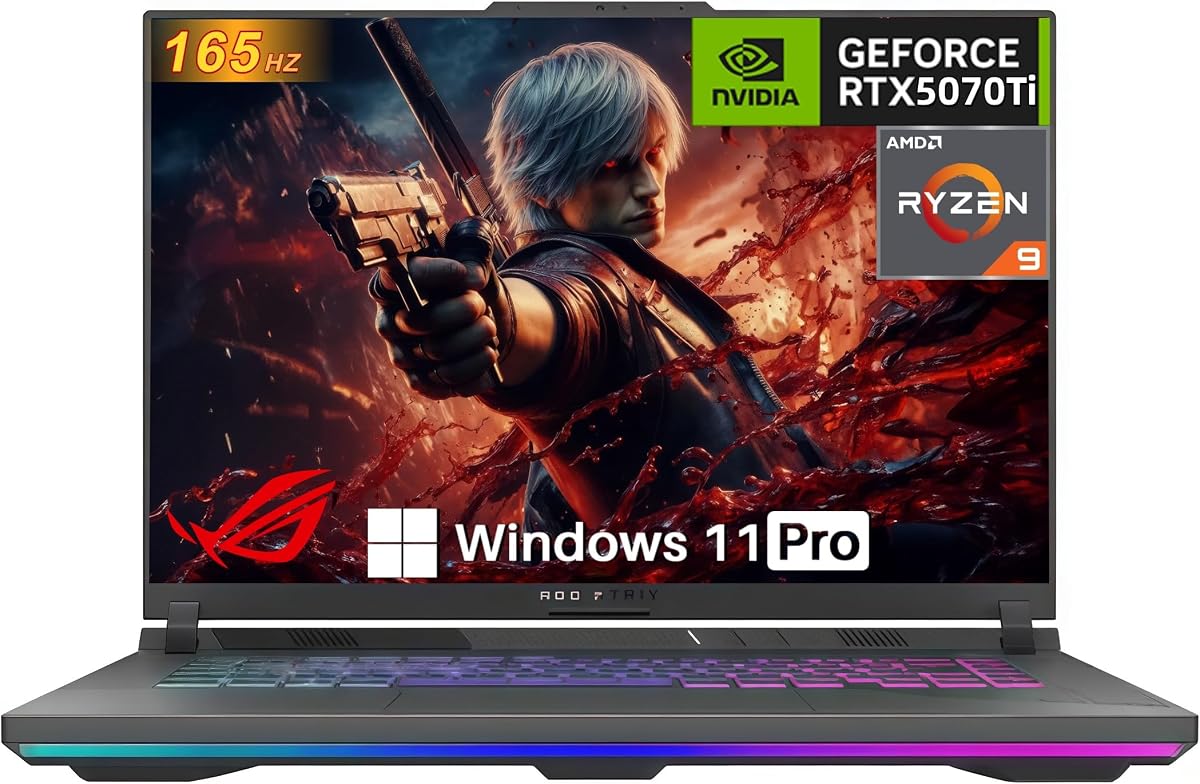

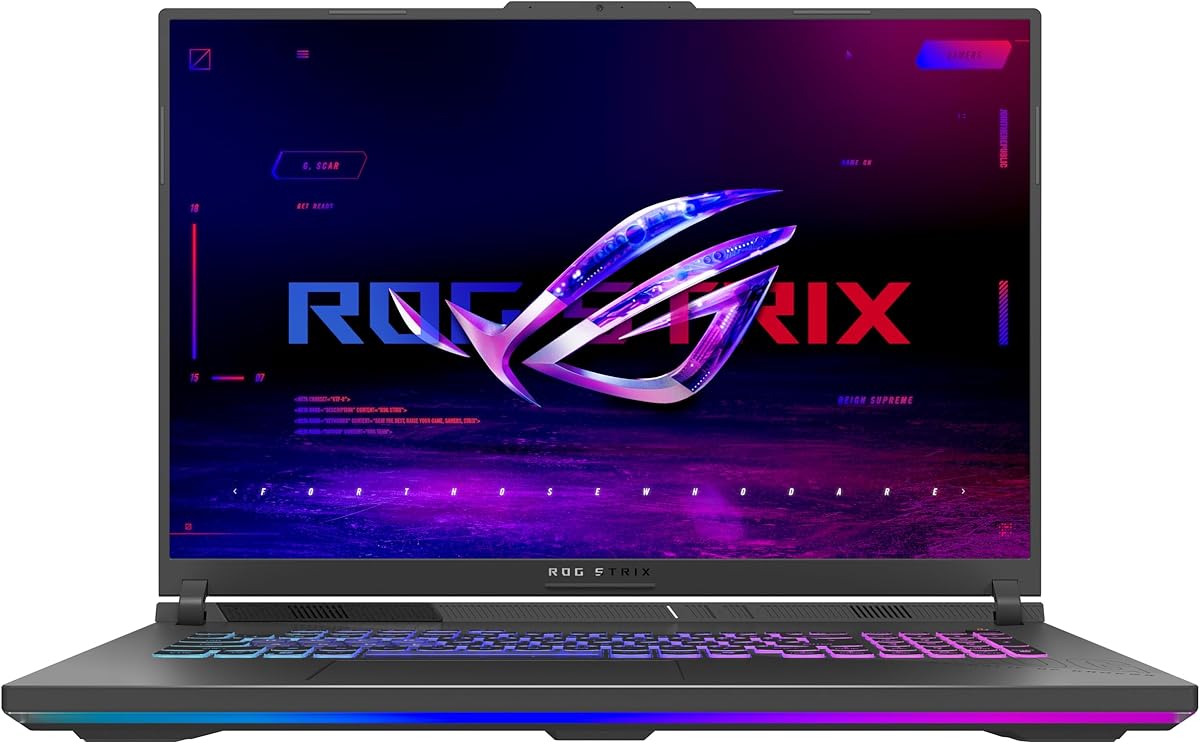
This model stands out as the most accessible entry point into the 2025 Strix lineup without sacrificing core gaming capabilities. It delivers a balanced experience for students or budget conscious gamers who need reliable performance for modern titles and productivity tasks.
We may earn a commission when you buy through this link, at no additional cost to you.
The Intel Core i7 14650HX paired with the RTX 5060 provides enough horsepower for high frame rates in competitive shooters and smooth gameplay in AAA titles at medium to high settings. The inclusion of Wi-Fi 7 ensures future proof connectivity for low latency online gaming.
While it lacks the premium display options of higher models, the 165Hz FHD+ panel still offers smooth visuals suitable for most gaming scenarios. The cooling system remains robust with vapor chamber technology to prevent thermal throttling during extended sessions.
Buyers looking for the best value per dollar should consider this unit first. It covers the essential bases of a modern gaming laptop effectively. For those needing more screen real estate or higher resolution, the premium tiers offer those upgrades.
The RTX 5060 supports DLSS 4 and Max-Q technologies which help maintain high frame rates while managing power consumption efficiently during long gaming sessions.
Stealth Mode allows users to turn off all RGB lighting for a sleek look that fits better in office or academic environments without drawing attention.
We may earn a commission when you buy through this link, at no additional cost to you.
This configuration strikes an ideal balance between raw power and usability making it the top pick for most serious gamers and content creators. The jump to the Ultra 9 processor and RTX 5070 Ti significantly boosts rendering and gaming performance.
We may earn a commission when you buy through this link, at no additional cost to you.
The ROG Nebula display is a standout feature with its 2.5K resolution and 240Hz refresh rate providing incredibly sharp and fluid visuals. The ACR film enhances contrast and reduces glare which improves visibility in varied lighting conditions.
With 32GB of DDR5 memory users can handle heavy multitasking like streaming while gaming or editing 4K videos without slowdowns. The cooling solution ensures the system stays quiet even under load thanks to the tri-fan design.
Ideal for users who want a single machine for both high end gaming and professional work. The investment is justified by the longevity and performance headroom provided by the latest generation components and display technology.
The 2.5K resolution offers more screen real estate for editing timelines and spreadsheets while the 240Hz rate ensures competitive games feel incredibly responsive.
32GB of RAM allows for running multiple virtual machines or heavy browser tabs alongside demanding applications without the system slowing down or swapping to disk.
We may earn a commission when you buy through this link, at no additional cost to you.
The Scar 18 represents the pinnacle of the Strix lineup with a massive screen and premium build quality. It is designed for users who refuse to compromise on visual fidelity and want a desktop replacement experience in a portable form factor.
We may earn a commission when you buy through this link, at no additional cost to you.
The Mini LED panel with 2000 dimming zones delivers deep blacks and vibrant colors essential for HDR gaming and creative work. The AniMe Vision lid allows for personalized animations which adds a unique style element.
Tool-free access makes it easy to upgrade RAM or storage without voiding the warranty or needing specialized tools. This future-proofing is rare in modern laptops and adds significant long term value for owners.
Best for professionals and enthusiasts who prioritize display quality and upgradability. The price is steep but the combination of features like Windows Pro and advanced cooling justifies it for those who need the very best.
Mini LED technology provides local dimming that creates true blacks and high contrast ratios making this the best choice for media consumption and color critical tasks.
The tool-free latch system allows users to swap components quickly without risking damage to screws or chassis which encourages upgrades as needs change over time.
We may earn a commission when you buy through this link, at no additional cost to you.
This variant focuses on delivering a top tier display and processor while keeping the GPU entry level. It suits users who need a strong CPU for tasks like compiling code or video editing but do not require extreme graphics power.
We may earn a commission when you buy through this link, at no additional cost to you.
The 240Hz Nebula display ensures smooth motion which is beneficial for fast paced games even at lower graphics settings. Dolby Vision HDR enhances visual quality for supported content making media consumption more immersive.
While the RTX 5060 is capable it may bottleneck the Ultra 9 in GPU heavy titles. This makes it a specific choice for CPU reliant workloads rather than high-end graphical rendering or gaming at maximum settings.
Consider this if display quality is your priority over raw graphics performance. The cooling and build quality remain consistent with the rest of the Strix line ensuring reliability and good thermal performance.
Dolby Vision HDR adjusts colors dynamically to make scenes richer and brighter which improves the viewing experience for movies and supported games.
The Ultra 9 processor handles complex computations efficiently making it a strong candidate for software development or engineering simulations where graphics are secondary.
We may earn a commission when you buy through this link, at no additional cost to you.
This AMD variant brings strong multi-core performance which is ideal for multi-threaded applications and efficient power management. It appeals to users who prefer AMD architecture or need specific optimizations found in Ryzen processors.
We may earn a commission when you buy through this link, at no additional cost to you.
The RTX 5070 provides a solid balance for gaming at high settings without the extreme heat or power draw of top tier GPUs. The inclusion of MUX Switch ensures you get maximum performance when plugged in.
Advanced Optimus helps extend battery life by automatically switching between integrated and discrete graphics. This feature is crucial for portable use when full power is not required for the task at hand.
A great choice for those who value efficiency and strong CPU performance. While Wi-Fi 6E is slightly older than Wi-Fi 7 it still offers excellent connectivity for most home and office networks.
The RTX 5070 is efficient enough to run modern games smoothly while maintaining reasonable battery life which is rare in gaming laptops.
AMD Ryzen chips often offer better battery life per watt making this model potentially more portable for all day use on the go.
We may earn a commission when you buy through this link, at no additional cost to you.
This model offers a 140W TGP GPU which delivers the maximum possible performance from the RTX 5070 Ti. It is a fantastic option for those who want desktop level graphics power in a laptop form factor.
We may earn a commission when you buy through this link, at no additional cost to you.
The 100% sRGB coverage and anti-glare film ensure colors are accurate and visible in bright rooms. The 32GB RAM makes it ready for heavy multitasking and future software requirements without immediate upgrades.
With ports like 2.5G Ethernet and USB-C 4 this laptop is well equipped for a wide range of peripherals and connectivity needs. The cooling system handles the high power components without excessive noise.
Highly recommended for gamers who prioritize frame rates and visual fidelity above all else. The combination of a powerful GPU and ample memory makes it a beast for both gaming and creative production.
The 140W TGP ensures the GPU is not throttled by power limits which results in higher frame rates and better performance in demanding titles.
Having multiple USB-C and USB-A ports alongside Ethernet allows you to connect all your devices without needing additional dongles or hubs.
We may earn a commission when you buy through this link, at no additional cost to you.
This model emphasizes ease of use with tool-free access for hardware upgrades. It is designed for users who want to maintain control over their system configuration without technical expertise or warranty risks.
We may earn a commission when you buy through this link, at no additional cost to you.
The RTX 5070 Ti provides robust gaming performance suitable for high refresh rate play. The Ryzen 9 processor ensures that CPU bottlenecks are minimized in both gaming and productivity tasks.
The cooling system uses liquid metal and vapor chambers to keep temperatures low which extends the lifespan of internal components. This thermal efficiency also helps maintain consistent performance over time.
Ideal for gamers who plan to upgrade their storage or memory over time. The simplicity of access combined with strong initial specs makes it a practical choice for long-term ownership.
The Q-latch system allows SSD swaps in seconds without tools which makes maintenance and storage expansion incredibly quick and simple for any user.
Future-proofing with PCIe Gen 5 ready slots ensures you can upgrade to newer storage speeds without replacing the entire laptop down the road.
We may earn a commission when you buy through this link, at no additional cost to you.
This 2026 model pushes the envelope with the RTX 5080 which delivers exceptional performance for 4K gaming and professional rendering tasks. It is the definitive choice for users who demand the absolute best available.
We may earn a commission when you buy through this link, at no additional cost to you.
The combination of the Ultra 9 processor and RTX 5080 ensures that no current or future titles will bottleneck the system. The display features AGLR film to reduce glare significantly improving visibility.
Tool-free access to RAM SSD and fans means you can customize the system easily. This flexibility is rare at this performance tier and adds significant value for users who want specific configurations.
Perfect for professionals and enthusiasts who need maximum power. The price is high but justified by the generational leap in performance and the advanced cooling features designed to handle the heat.
The RTX 5080 represents a massive leap in rasterization and ray tracing performance making this laptop capable of handling future AAA releases effortlessly.
Dolby Vision HDR brings colors to life with richer and brighter tones which enhances both gaming immersion and video editing workflows significantly.
We may earn a commission when you buy through this link, at no additional cost to you.
This configuration stands out due to its 2TB storage which eliminates the need for external drives. It is perfect for users with large game libraries or video editing projects who want everything on one machine.
We may earn a commission when you buy through this link, at no additional cost to you.
The RTX 5070 paired with the Ultra 9 ensures smooth performance for most modern games and creative applications. The 32GB RAM allows for seamless multitasking while running heavy software suites.
Windows 11 Pro offers additional features like BitLocker and Hyper-V which are beneficial for power users and professionals. The display ensures all stored media looks its best with high refresh rates and color accuracy.
Recommended for those who need space out of the box. The investment in storage saves money later and the robust specs ensure the system stays relevant for years of use.
Having 2TB built in means you can install dozens of large games and keep your active projects on fast storage without worrying about space.
Windows 11 Pro includes encryption and virtualization tools which help secure your data and run different operating environments efficiently.
We may earn a commission when you buy through this link, at no additional cost to you.
This model offers the biggest display in the lineup which is great for immersion even if the GPU is not the most powerful. It suits users who prioritize screen size and CPU power over extreme graphics fidelity.
We may earn a commission when you buy through this link, at no additional cost to you.
The Ryzen 9 8940HX is a capable processor for productivity tasks and the 144Hz display provides smooth visuals for everyday gaming. The ACR film helps reduce glare making it usable in bright environments.
While the RTX 5050 is entry level it can still handle eSports titles and older games well. The cooling system ensures the device remains stable even under extended use thanks to tri-fan technology.
Best for those who want a big screen without paying for top-tier graphics. It is a solid choice for general gaming and multimedia consumption where screen real estate is more important than raw FPS.
The 18 inch display offers more immersion for movies and games which can be hard to find at lower price points in the market.
The GPU handles competitive titles well which means you can still play popular games without compromising on refresh rates or settings too much.
We may earn a commission when you buy through this link, at no additional cost to you.
Selecting the right Strix model involves evaluating how you plan to use the machine. This guide breaks down the critical factors to help you narrow down the options based on your needs.
The CPU dictates how well the laptop handles multitasking and demanding applications. Look for Intel Core Ultra 9 or AMD Ryzen 9 for the highest performance in content creation and gaming.
Choose the latest generation processors to ensure longevity and support for new software features.
GPUs determine your gaming performance and rendering speed. Higher tier cards like the RTX 5070 Ti or 5080 offer better frame rates and ray tracing capabilities.
Match the GPU tier to your target resolution and refresh rate for optimal balance and cost.
Screens vary from FHD+ to 2.5K with refresh rates between 144Hz and 240Hz. Higher resolutions and refresh rates improve clarity and smoothness but require more GPU power.
Consider HDR and color accuracy if you work with media or consume video content regularly.
16GB of RAM is standard but 32GB offers better future-proofing for heavy multitasking. SSD speed affects load times and overall system responsiveness.
Look for models with tool-free access if you plan to upgrade memory or storage later.
Effective cooling is crucial to prevent throttling during intense sessions. Vapor chambers and tri-fan systems are common in the Strix line to handle high heat.
Check reviews for noise levels to ensure the fans are not too disruptive in quiet environments.
Ports like HDMI 2.1 USB-C and Ethernet are essential for external monitors and accessories. Wi-Fi 7 ensures future proof wireless performance for low latency connections.
Verify the specific port layout matches your peripheral needs before purchasing.
Gaming laptops usually have limited battery life but features like Advanced Optimus can extend it during light tasks. Check the watt-hour rating for a rough estimate of runtime.
Expect to keep the charger nearby for gaming but aim for models with efficient power management for office work.
Some models offer tool-free access to RAM and SSDs while others require screws. This feature simplifies maintenance and allows you to adapt the laptop as needs change.
Prioritize models with accessible internals if you want to extend the device lifespan cost-effectively.
Always use the power adapter provided to ensure stable voltage and protect the battery. Avoid using generic chargers which may cause overheating or reduce battery lifespan over time.
Clean the vents and keyboard regularly to prevent dust buildup. Use compressed air to clear the fans and a soft cloth for the screen to maintain performance and visuals.
Keep the laptop on hard surfaces to allow proper airflow. Using it on soft surfaces like beds can block the intake vents and lead to higher internal temperatures.
Yes they are worth it due to their robust build quality advanced cooling and high performance specs. They offer longevity and reliability that justifies the price for serious gamers and professionals.
Most models come with a standard limited hardware warranty. Check the specific product page for details on coverage duration and support options in your region.
Yes many Strix models allow upgrades via tool-free access or accessible slots. Verify the specific configuration of the model you are buying to ensure upgradeability.
ROG Nebula displays offer higher resolutions and better color accuracy. FHD displays are more basic but still provide smooth refresh rates suitable for standard gaming.
Not strictly but it provides the lowest latency and future-proofing for high-speed networks. Wi-Fi 6E is also excellent for most home setups.
Fans can be loud during intense gaming sessions due to the powerful cooling required. Using Turbo modes increases speed but may be disruptive in quiet rooms.
Yes the RTX 5060 and higher GPUs support virtual reality well. Ensure your headset requirements match the GPU capabilities for a smooth experience.
Most come with Windows 11 and ROG Armoury Crate for system management. Some include Game Pass trials or specific creative software subscriptions.
This guide has highlighted ten diverse options covering budget-friendly choices to premium beasts. The Strix line delivers power and style suitable for a wide range of users from students to professionals.
Prioritize the components that matter most for your workflow. If gaming is key look at the GPU and display. For work focus on CPU and memory capacity.
Prices and stock change often so check the latest deals before buying. This ensures you get the best value for your specific needs today.