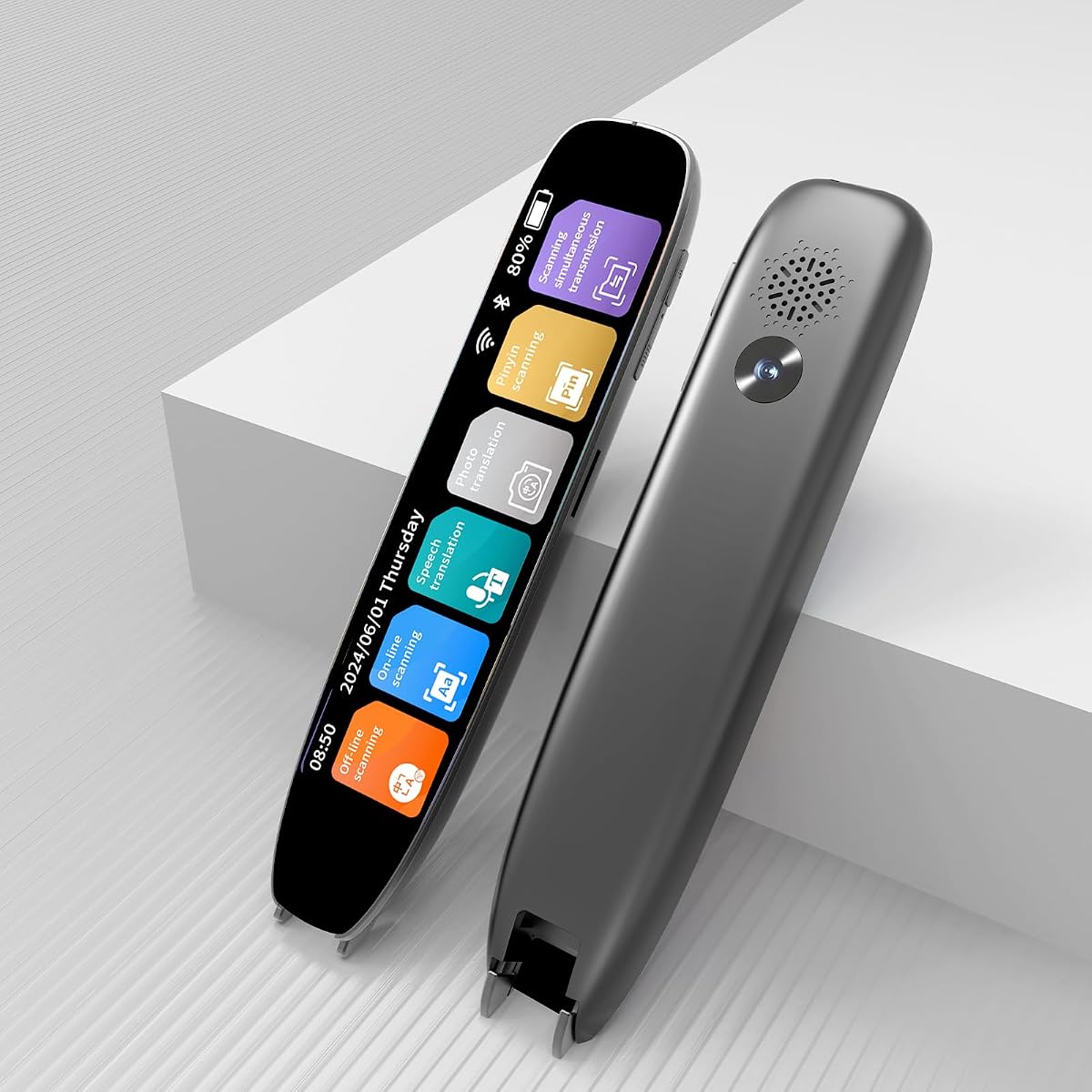
Scan Translator Pen
3.8Editor score
142 online translation languages
Built-in camera for photo translation
Lightweight portable design
Choosing the right Dyslexia Reading Pen can transform how students and adults interact with text. These devices scan printed words and read them aloud, supporting comprehension and reducing reading stress for users with learning difficulties.
We compared ten leading models based on scanning accuracy, translation speed, text-to-speech quality, and ease of use. Our analysis focused on features that matter most for dyslexia support, language learners, and everyday productivity needs.
Each pick below highlights key strengths, trade-offs, and ideal use cases. Remember that device features and availability change frequently, so verify current specs before purchasing to ensure the tool meets your specific learning or travel requirements.
3.8Editor score

4.0Editor score

3.9Editor score
As an Amazon Associate we earn from qualifying purchases.
The following table provides a side-by-side comparison of all ten Dyslexia Reading Pen models reviewed in this guide. Each entry highlights core specifications and unique capabilities to help you distinguish between similar features and make an informed decision based on your priorities.


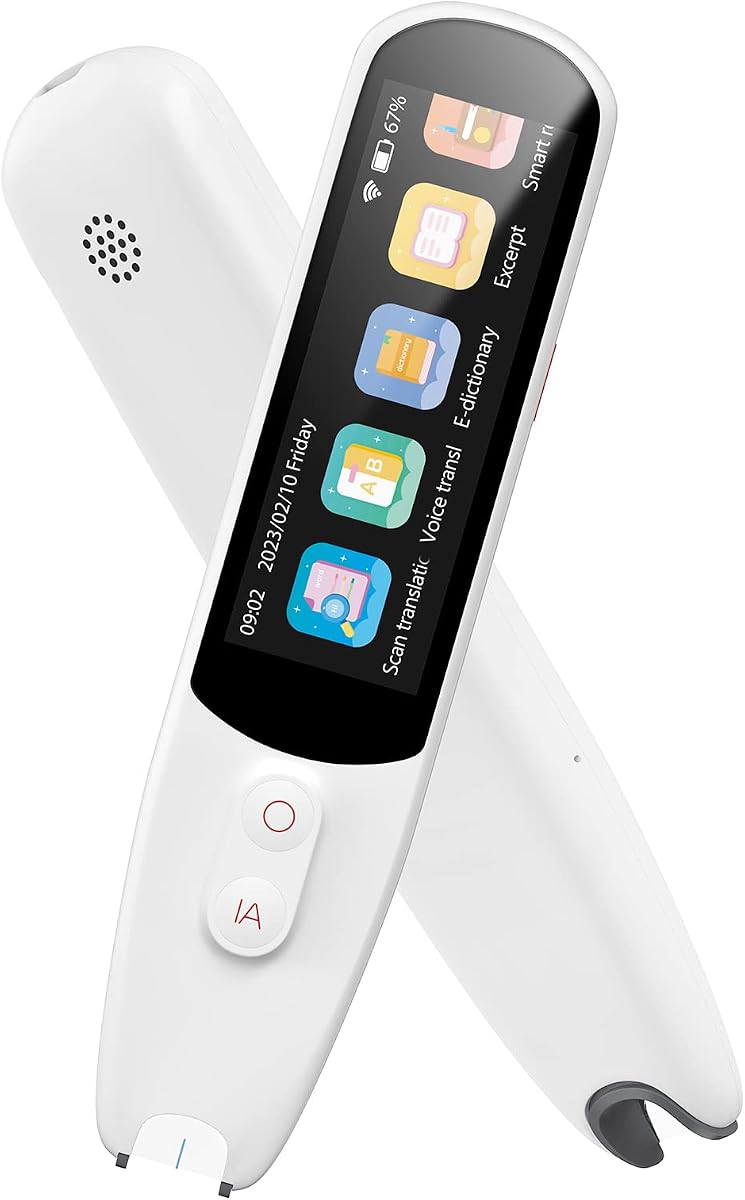


The Scanmarker Pal stands out as a versatile tool for both dyslexia support and language learning. With a solid 4.0 rating, it delivers reliable scanning and text-to-speech functionality that helps users process written content more easily.
We may earn a commission when you buy through this link, at no additional cost to you.
Its ability to translate and read text aloud in over 100 languages makes it ideal for students or professionals working in multilingual environments. The offline support for five major languages ensures functionality even without an internet connection.
While the device offers robust features, the limited offline language selection may require planning for travel or remote study. Additionally, the price reflects its premium positioning compared to entry-level models.
This pen is best suited for users who need extensive language coverage and high-quality audio playback. For dyslexia support and academic translation tasks, it provides a balanced mix of performance and portability.
Highlighted words on screen improve visual tracking and understanding while reading.
Bluetooth headphone support creates an immersive audio experience for focused study.
We may earn a commission when you buy through this link, at no additional cost to you.
The VORMOR Translator Pen received a perfect 5.0 rating, reflecting its user-friendly interface and accurate scanning capabilities. Its 3.5-inch touch screen provides a smooth experience for navigating dictionaries and translation options.
We may earn a commission when you buy through this link, at no additional cost to you.
Users benefit from authoritative dictionaries like Collins, which support vocabulary building alongside translation. The two-way real-time voice translation and reverse scanning direction settings make it inclusive for diverse users.
The device is slightly larger due to its screen, which might affect pocketability for some. Battery consumption can increase with heavy use of the camera and voice features.
Ideal for students needing interactive study tools, this pen balances accessibility with advanced translation features. Its high satisfaction score suggests it delivers consistent performance for daily academic or business tasks.
Reverse scanning direction option accommodates left-handed users comfortably.
Bluetooth module connects to speakers for enhanced audio output during reading.
We may earn a commission when you buy through this link, at no additional cost to you.
This Scan Translator Pen offers an impressive 142 online languages, making it a top choice for global travelers and multilingual students. Its 4.0 rating indicates dependable performance across various scanning and translation tasks.
We may earn a commission when you buy through this link, at no additional cost to you.
The ability to translate from photos and sync text to phones adds flexibility for note-taking and editing. Users appreciate the offline support for ten major languages when internet access is limited.
One limitation is the inability to recognize vertical Japanese text, which may affect users working with specific scripts. The build is functional but may not feel as premium as higher-priced competitors.
For learners prioritizing language breadth and affordability, this pen provides excellent value. It serves well for academic translation, travel, and basic dyslexia support needs.
Support for 142 online languages covers nearly all major world languages.
Sync to phone enables editing and organizing captured text effortlessly.
We may earn a commission when you buy through this link, at no additional cost to you.
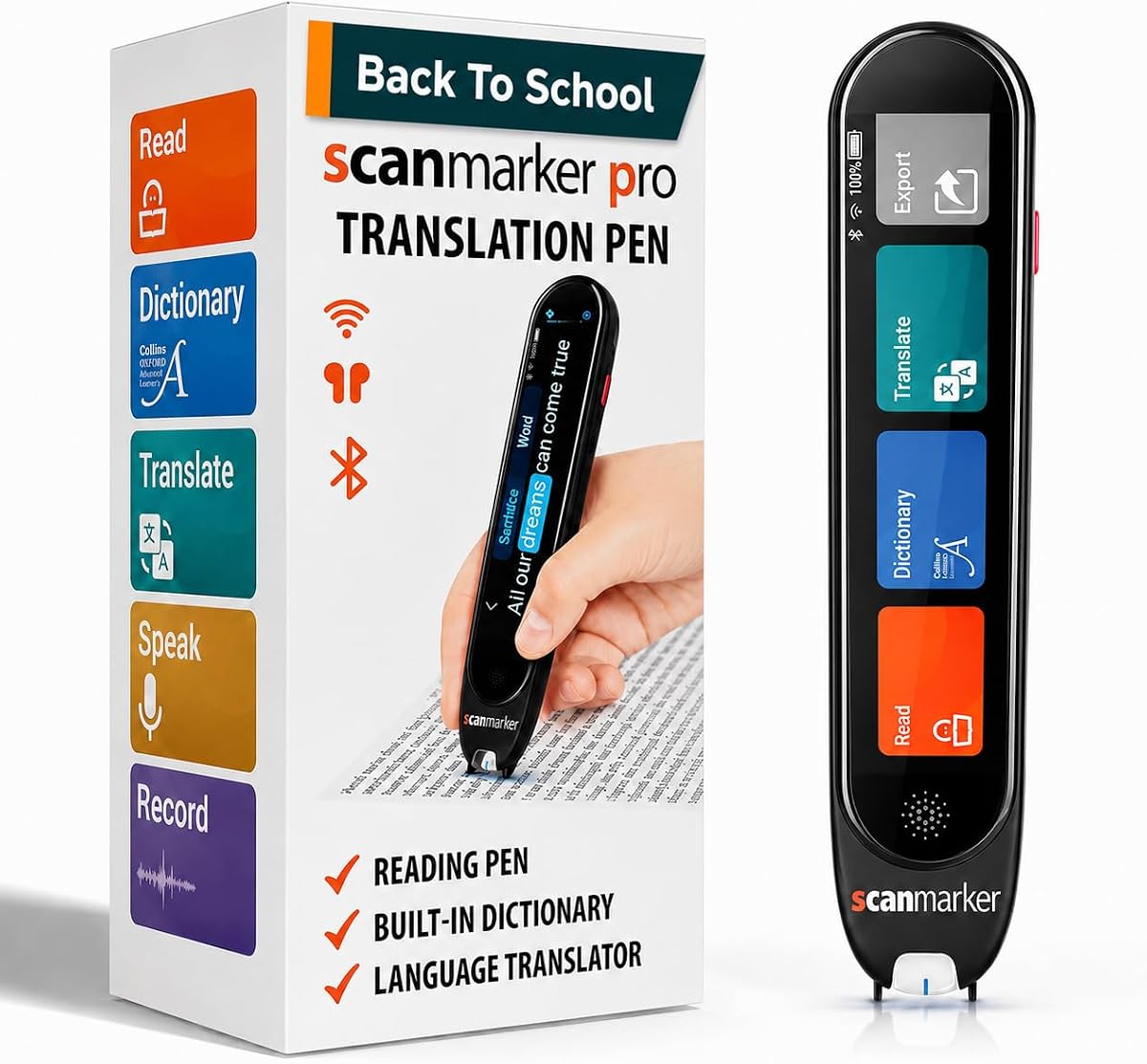
The Scanmarker Pro is designed as a standalone tool, eliminating the need for smartphone connections. With a 3.9 rating, it offers straightforward text scanning and reading features for kids and adults.
We may earn a commission when you buy through this link, at no additional cost to you.
Its built-in dictionary and offline support for five languages allow users to work independently. The device includes a one-year warranty, adding confidence to the purchase for long-term use.
While it avoids syncing complexity, the higher cost may not suit all budgets. Offline language support is minimal compared to rivals, requiring internet access for most translations.
This pen is ideal for users seeking simplicity and reliability without managing app connections. It is a solid choice for classroom settings or home study where consistency matters.
Standalone design removes dependency on external devices for translation.
Built-in dictionary aids vocabulary growth for students of all ages.
We may earn a commission when you buy through this link, at no additional cost to you.
This Scan Translator Pen offers a cost-effective entry into dyslexia support and language translation tools. It holds a 3.8 rating, reflecting decent performance for budget-conscious buyers.
We may earn a commission when you buy through this link, at no additional cost to you.
The device includes a voice recorder for meetings and classes, adding utility beyond reading. With 142 online languages and photo translation capabilities, it covers essential needs without premium pricing.
Build quality is functional but may not withstand heavy daily drops. Audio clarity is adequate for reading but may lack the polish of higher-end devices.
Students or travelers needing core translation features at a lower cost will find this pen valuable. It balances functionality with affordability effectively for casual or occasional use.
Competitive pricing makes advanced translation accessible to more users.
Voice recorder adds meeting and lecture capture capability.
We may earn a commission when you buy through this link, at no additional cost to you.
The SVANTTO Translator Pen integrates note management tools to streamline study workflows. Its 3.7 rating suggests it is effective for specific tasks like lecture capture and vocabulary lists.
We may earn a commission when you buy through this link, at no additional cost to you.
Users can adjust text-to-speech speeds and benefit from noise reduction during recordings. The one-click scanning to editable notes saves time when organizing study materials.
Its language count is lower than some competitors, which may limit global travel use. Software syncing can be occasional with certain devices or operating systems.
Ideal for students focused on organizing and capturing content efficiently, this pen supports academic routines well. It is a practical choice for those needing structured study aids.
Smart note editing converts scanned text to editable memos instantly.
Adjustable reading speeds accommodate different listening preferences.
We may earn a commission when you buy through this link, at no additional cost to you.
The NEWYES AI Pen stands out for its artificial intelligence capabilities, including a homework checker and AI chat. With a 3.9 rating, it appeals to users seeking advanced learning assistance.
We may earn a commission when you buy through this link, at no additional cost to you.
Its dyslexia-friendly design includes adjustable speeds and special fonts to reduce stress. Six reading levels allow the pen to grow with learners from pre-readers to advanced adults.
The complexity of AI features may overwhelm users needing simple text-to-speech functions. The price is higher, reflecting the advanced hardware and software integration.
For students wanting a comprehensive study buddy with translation and homework support, this pen offers unique value. It is best suited for tech-savvy users and long-term academic investment.
AI homework checker and real-time chat provide instant academic answers.
Special fonts and adjustable speeds reduce reading stress effectively.
We may earn a commission when you buy through this link, at no additional cost to you.
This Translation Pen focuses on extracting and translating key text efficiently. Its 3.8 rating indicates reliable performance for capturing essential information during travel or study.
We may earn a commission when you buy through this link, at no additional cost to you.
The text excerpt function helps users focus on relevant parts of documents. With 142 online languages and photo translation, it supports diverse multilingual scenarios well.
The interface is straightforward but lacks advanced customization found in premium models. It may feel basic to users expecting more sophisticated navigation.
Ideal for travelers and professionals needing quick information access, this pen simplifies document capture. It delivers core translation tools without unnecessary complexity.
Text excerpt function isolates key details for faster understanding.
Photo and offline translation modes support diverse situations.
We may earn a commission when you buy through this link, at no additional cost to you.
This Translator Pen features a 5MP HD camera capable of handling complex layouts and non-standard text. It earned a 5.0 rating, reflecting user satisfaction with its versatility and accuracy.
We may earn a commission when you buy through this link, at no additional cost to you.
Users can scan images and menus effectively, making it great for travel and diverse environments. The one-click mobile sync streamlines saving and organizing captured information quickly.
Battery consumption may increase with frequent camera use. Offline support is limited compared to models with more robust local language packs.
For users needing reliable camera-based scanning for irregular text, this pen performs excellently. It is recommended for travelers and learners dealing with varied document types.
5MP HD camera decodes images and complex layouts successfully.
One-click mobile sync saves time during study and office tasks.
We may earn a commission when you buy through this link, at no additional cost to you.
This Scan Translation Pen includes a unique left-handed mode selection, making it more ergonomic for left-handers. Its 3.8 rating indicates solid performance for classroom and travel scenarios.
We may earn a commission when you buy through this link, at no additional cost to you.
Weighing only 70 grams, it is highly portable and easy to handle for extended periods. Offline support for ten languages ensures functionality in areas with limited internet.
The materials feel budget-friendly, which may affect long-term durability. Advanced features like AI or high-res screens are not present.
Ideal for students seeking a lightweight, accessible tool with inclusive design, this pen delivers reliable core capabilities. It is a practical choice for daily academic use.
Left and right hand mode selection reduces fatigue for all users.
70g weight ensures easy carrying for daily or travel use.
We may earn a commission when you buy through this link, at no additional cost to you.
Selecting the right Dyslexia Reading Pen involves evaluating features that align with your learning goals and daily habits. This guide outlines key factors to consider to ensure you choose a device that provides meaningful support.
Consider how many languages the device supports online and offline. For travelers or students studying multiple languages, a pen with 100+ online languages is essential. Offline capabilities ensure you can translate even without internet access.
Prioritize devices offering a broad online range and sufficient offline options for the languages you use most frequently.
Clear audio output is crucial for dyslexia support and pronunciation practice. Look for pens that offer adjustable speech speeds and accent options to match your listening preferences and comprehension needs.
Check reviews for audio clarity and ensure the device supports Bluetooth headphones for immersive listening experiences.
High-precision OCR technology ensures text is captured correctly the first time. Faster response times reduce interruptions during reading or scanning tasks, maintaining focus and flow.
Choose models with high detection rates and fast processing to avoid frustration with errors or delays.
Features like voice recording, note-taking, or AI homework checkers can add significant value for students. These tools help organize learning materials and capture lectures efficiently.
Assess if these extra capabilities align with your study routines and justify the potential increase in cost.
A lightweight and compact design makes the pen easier to carry in pockets or pencil cases. Ergonomic features, such as left-handed mode, can improve comfort during extended use.
Select a model that fits your daily carry needs and remains comfortable to operate throughout the day.
Long battery life ensures the device is ready when needed, especially during travel or all-day study sessions. Bluetooth connectivity allows seamless pairing with headphones or phones for better audio and data sync.
Review battery specs and ensure connectivity options match your preferred accessories and usage patterns.
A solid warranty provides peace of mind for potential hardware issues. Dedicated customer support can assist with software updates or troubleshooting to keep the device functioning optimally.
Opt for brands that offer clear warranty terms and responsive support channels for long-term reliability.
Prices vary based on features, with basic models being more affordable and AI-enhanced tools costing more. Determine how much you need advanced functionality versus core translation and reading capabilities.
Balance your budget with the essential features you require to avoid overspending on unnecessary upgrades.
To get started, charge your device fully and install any required companion apps on your phone or tablet. Pair Bluetooth headphones if you prefer private listening or want clearer audio output while reading aloud.
When scanning, hold the pen steady and move it smoothly across the text in the direction indicated. Ensure the text is well-lit and flat on a surface for the best recognition results.
Maintain your pen by cleaning the scan window with a soft cloth and storing it in a protective case. Regularly check for firmware updates and clear memory to keep performance optimal over time.
Yes, many of these pens are designed with dyslexia-friendly features such as adjustable reading speeds and clear audio playback. They help children decode text and improve comprehension without visual strain.
Most models support offline translation for a limited number of languages. This allows you to scan and translate text even when you are traveling or in areas without reliable internet access.
Many pens sync with smartphones via Bluetooth or USB for editing and saving scanned text. Some models require apps for advanced features, while others function as standalone tools.
The accuracy depends on the model, with higher-end devices offering clearer and more natural audio. Reviews indicate most pens provide readable output suitable for language learning and reading support.
Most pens are designed for daily classroom or travel use but are not waterproof. Handling them carefully and using protective cases helps prevent damage from drops or spills.
Some models include a left-handed mode to adjust the interface and scanning direction. Checking product specifications for ergonomic features ensures comfort for all users.
The Scanmarker Pal leads our list as the best choice for multilingual learners, while the NEWYES AI Pen offers the most advanced features. The VORMOR Translator Pen provides excellent value with its large touch screen.
Prioritize language support, audio quality, and ease of use when selecting your device. Choose the model that aligns with your specific academic needs or travel requirements.
Always check current product availability and user reviews before purchasing. Features and pricing can change, so verifying details ensures you get the best tool for your learning goals.