
Seagate 8TB BarraCuda Internal Hard Drive
4.7Editor score
8TB capacity for extensive media libraries
SATA 6 Gb/s interface speed
Proven reliability for desktop use
Choosing the right hard drive for Jellyfin is crucial for smooth media streaming and reliable storage. You need a drive that handles continuous read operations without throttling or failing under load.
We analyzed ten top-rated drives based on capacity, speed, warranty, and NAS optimization. Our comparison focuses on real-world performance for media servers and home use cases.
Each pick highlights specific strengths and ideal use cases for your setup. Remember that prices fluctuate frequently, so check current listings before making your final purchase decision.
4.7Editor score
4.2Editor score

4.6Editor score
As an Amazon Associate we earn from qualifying purchases.
This side-by-side comparison lists all ten drives with key specifications to help you evaluate capacity, speed, and specialized features for Jellyfin media serving needs.




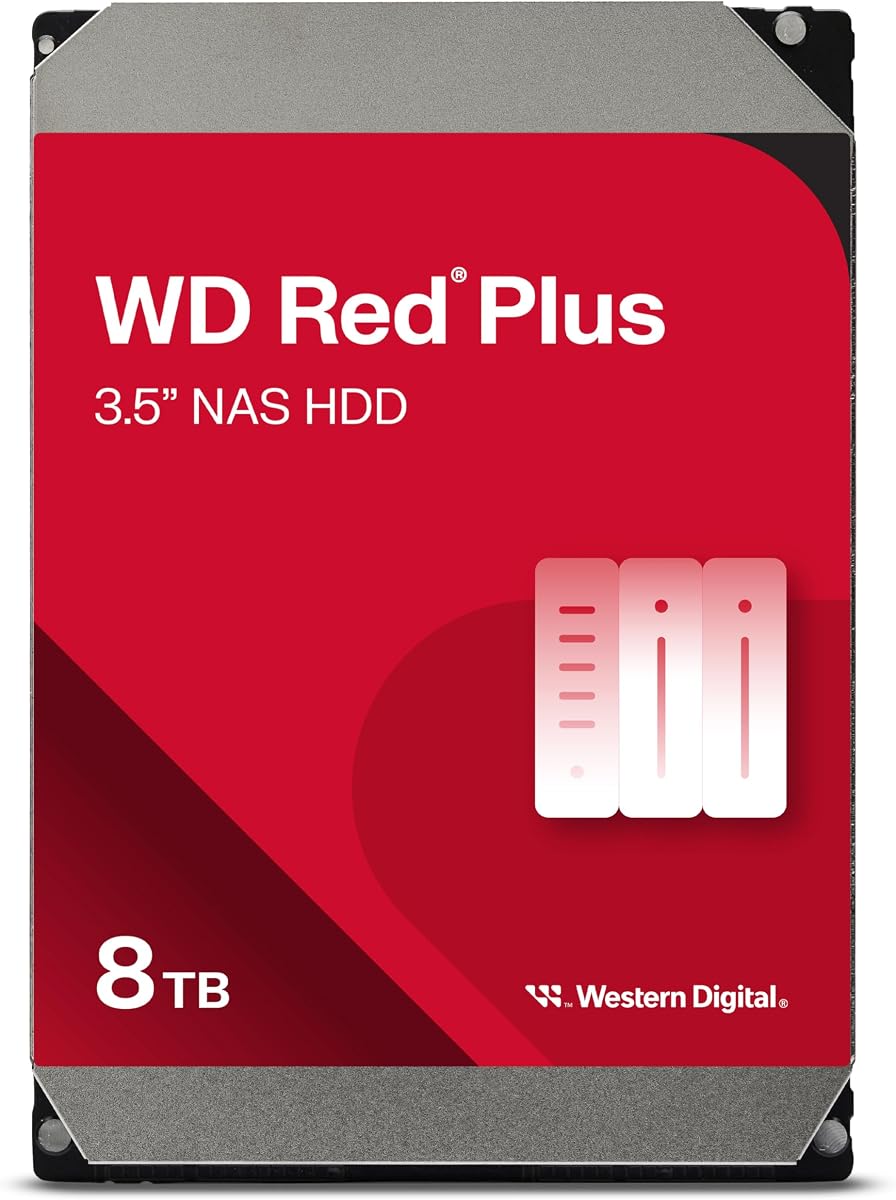
The Western Digital 8TB WD Red Plus stands out as our top pick for Jellyfin users who need reliability over raw speed. It holds a strong rating and is purpose-built for NAS enclosures.
We may earn a commission when you buy through this link, at no additional cost to you.
This drive uses CMR technology, which ensures stable write performance crucial for media servers that stream continuously. The 5400 RPM speed balances power use with noise levels in living spaces.
While it costs more than standard desktop drives, the trade-off is worth it for longevity. The 3-year warranty and workload rate support add peace of mind for important media collections.
If you prioritize data safety and want a drive that handles constant read requests without failing, this is your best bet for a home Jellyfin server setup.
Designed for always-on NAS systems, this drive minimizes failure risks during continuous streaming sessions.
CMR ensures stable writes without the slowdowns common in SMR drives during heavy media library operations.
We may earn a commission when you buy through this link, at no additional cost to you.
The Seagate 8TB BarraCuda offers incredible value for those starting their Jellyfin journey on a budget. With a high rating, it proves reliable for light to medium streaming needs.
We may earn a commission when you buy through this link, at no additional cost to you.
Its 190MB/s sustained transfer rate handles most 1080p and 4K transcodes without buffering. The 8TB capacity gives ample room for a growing movie and TV show library.
However, it is built for desktop use not always-on servers. If you run Jellyfin 24/7, expect higher wear over time compared to NAS-specific drives.
For casual viewers or those new to self-hosting media, this drive provides the best balance of capacity and cost without breaking the bank.
You get massive 8TB space for a fraction of the cost of enterprise-grade storage solutions.
Sustained transfer rates ensure smooth playback for single or dual-user viewing scenarios.
We may earn a commission when you buy through this link, at no additional cost to you.
If money is less of a concern than performance, the WD 12TB Blue delivers premium features for serious Jellyfin servers. Its massive capacity and speed specs make it a powerhouse.
We may earn a commission when you buy through this link, at no additional cost to you.
The 7200 RPM motor and 512 MB cache significantly reduce seek times. This helps when multiple users access different files simultaneously without lagging.
The price tag is steep, and it uses more power than slower drives. But for large libraries with high traffic, the speed benefits justify the extra cost.
Choose this if you need top-tier throughput and want to store a vast collection of high-bitrate media locally without constant management.
12TB allows you to archive years of content without needing to upgrade soon.
Fast RPM and cache ensure rapid file access even with complex media metadata.
We may earn a commission when you buy through this link, at no additional cost to you.
The Seagate One Touch 8TB is ideal for users who want flexible storage without opening their PC case. It connects easily via USB-C and draws power from the bus.
We may earn a commission when you buy through this link, at no additional cost to you.
Its 8TB capacity is perfect for expanding an existing setup or creating a backup library. The included rescue recovery adds a safety net against accidental data loss.
However, USB bottlenecks limit its streaming performance compared to internal SATA drives. It is also more vulnerable to physical shocks than an internal drive.
This drive is a great choice for portable backups or simple single-user setups where convenience outweighs raw speed requirements.
USB-C compatibility makes it easy to use across Windows and macOS systems seamlessly.
Built-in recovery services provide an extra layer of protection for your media files.
We may earn a commission when you buy through this link, at no additional cost to you.
The Seagate IronWolf 4TB is engineered specifically for NAS environments. Its 4TB size fits well in smaller multi-drive arrays for growing media collections.
We may earn a commission when you buy through this link, at no additional cost to you.
IronWolf Health Management lets you monitor drive status easily. The 5400 RPM ensures quiet operation, which is essential if your server is in a living area.
Capacity is limited compared to 8TB drives, but it balances cost and reliability. It works best in RAID setups where data is distributed across multiple drives.
Pick this if you are building a small NAS server and need reliable performance with monitoring tools built directly into the drive.
Built to withstand the vibration and write patterns common in multi-drive NAS enclosures.
Lower RPM reduces noise, making it suitable for home office or living room setups.
We may earn a commission when you buy through this link, at no additional cost to you.
The Seagate 1TB Mobile HDD is perfect for compact setups like mini PCs or small form factor servers. Its thin 7mm profile fits tight spaces where full-size drives cannot.
We may earn a commission when you buy through this link, at no additional cost to you.
With 1TB capacity, it works best for light media libraries or as an OS drive paired with another storage volume. The lightweight build is ideal for portable units.
It lacks the capacity for large media libraries, so you might need multiple drives. It is also not built for constant heavy workloads compared to NAS options.
Consider this if you need a compact storage solution for a small server or a portable Jellyfin client device.
The slim design allows installation in mini PCs and other space-constrained systems.
Lower power requirements make it suitable for energy-efficient home server builds.
We may earn a commission when you buy through this link, at no additional cost to you.
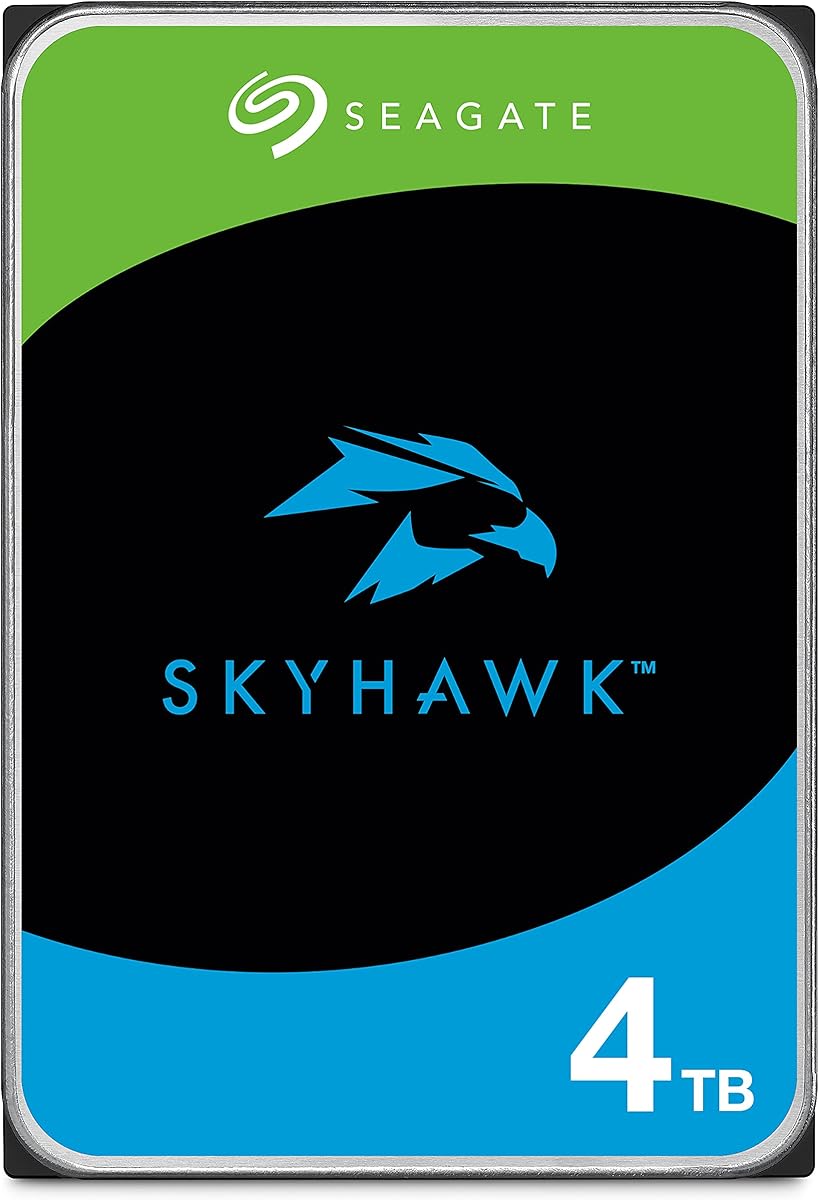
The Seagate Skyhawk 4TB is optimized for heavy write workloads typical in surveillance, which translates well to media server write tasks. It handles simultaneous streams reliably.
We may earn a commission when you buy through this link, at no additional cost to you.
With a 180TB workload rating, it can manage heavy traffic without slowing down. The RV sensors help maintain stability when multiple drives run in one enclosure.
While designed for security cameras, its endurance features benefit media servers that write metadata frequently. The 4TB capacity is a moderate option for mid-size libraries.
Choose this if you need a durable drive that can handle mixed read/write tasks without degradation over time in a multi-drive setup.
Engineered for continuous 24×7 writing, ensuring reliability under constant server use.
Vibration sensors keep performance steady when combined with other drives in a server chassis.
We may earn a commission when you buy through this link, at no additional cost to you.
The WD 6TB Purple is engineered for surveillance systems but excels at any task requiring sustained writes. Its 6TB capacity offers a good balance for larger server setups.
We may earn a commission when you buy through this link, at no additional cost to you.
AllFrame AI technology enhances performance for high stream-count workloads. This means smoother transcoding and metadata handling for complex Jellyfin libraries.
It supports more than eight bays, making it scalable for expanding systems. However, the surveillance focus might include firmware unnecessary for pure media playback.
If you need a durable 6TB drive that handles heavy concurrent streams, this drive provides solid reliability and modern features.
Enhanced firmware helps manage high stream counts without frame drops or errors.
Supports large arrays, allowing you to grow your server storage as your collection expands.
We may earn a commission when you buy through this link, at no additional cost to you.
This Seagate Skyhawk model features Image Perfect firmware optimized for crisp video workloads. It is a strong choice for media servers handling high-bitrate content.
We may earn a commission when you buy through this link, at no additional cost to you.
With a 180TB yearly workload rating, it withstands heavy use better than standard desktop drives. The 4TB capacity suits medium libraries without overpaying for unused space.
Frustration-free packaging makes installation easier and reduces e-waste. It remains an excellent option for servers focused on streaming and reliability.
Pick this if you want a cost-effective drive that prioritizes video performance and durability for home media use.
Image Perfect firmware ensures high-quality playback and stable recording for streaming apps.
Balances price and durability to offer reliable storage without the highest-end cost.
We may earn a commission when you buy through this link, at no additional cost to you.
The Seagate IronWolf 6TB brings larger capacity to the NAS lineup. It supports up to 8-bay environments and offers solid performance for home servers.
We may earn a commission when you buy through this link, at no additional cost to you.
The 256 MB cache helps buffer data efficiently during reads. This improves streaming stability when multiple users request content at the same time.
Its 5400 RPM speed is slower than desktop drives but better for heat and noise. It is a practical choice for users who value reliability and quiet operation.
For those building a NAS with 6TB per drive, this model provides the right mix of speed, capacity, and warranty support for long-term use.
6TB per drive allows for significant media libraries without requiring complex RAID setups.
A large cache buffers streaming requests, reducing latency for smooth playback.
We may earn a commission when you buy through this link, at no additional cost to you.
Selecting the right drive requires balancing capacity, speed, and reliability based on your server environment and viewing habits.
Assess your current library size and future growth plans. Jellyfin libraries often grow quickly with added metadata and high-bitrate files.
Choose a drive that offers enough space for at least two years of growth to avoid frequent upgrades.
NAS drives like WD Red Plus or IronWolf are designed for 24×7 operation and have better error recovery. Desktop drives work but may wear faster under constant load.
If your server runs nonstop, prioritize NAS drives for longevity.
CMR (Conventional Magnetic Recording) drives avoid the performance dips common in SMR drives during write-heavy tasks. This is crucial for transcoding and metadata updates.
Always check specifications to ensure the drive uses CMR technology for stable media server performance.
Faster transfer rates reduce latency when loading large media files. Look for drives with higher cache sizes and faster RPM for smoother playback.
For most home users, standard SATA speeds are sufficient, but high cache helps with multi-user scenarios.
Servers often run in living areas where noise matters. Drives with lower RPM typically operate quieter and consume less power.
Balance performance needs with noise levels to ensure your server does not disrupt your home environment.
A good warranty protects your investment in case of drive failure. Many NAS drives come with longer warranty periods and data recovery services.
Prioritize brands with strong reliability records and comprehensive support options.
Ensure the drive fits your enclosure size. Most servers use 3.5-inch drives, but mini PCs may need 2.5-inch options for space efficiency.
Check your system's interface support and physical dimensions before purchasing to avoid compatibility issues.
While high-end drives offer better features, budget options can work well for light usage. Determine how critical continuous uptime is to your workflow.
Allocate more budget to critical storage drives while saving on secondary or backup volumes.
Install the drive securely in your enclosure to prevent vibration damage. Use standard SATA cables and ensure power connections are tight to avoid interruptions.
Format the drive with a compatible file system like ext4 or NTFS depending on your OS. This ensures optimal performance and avoids read errors during media scanning.
Regularly monitor drive health using tools like SMART or NAS-specific health dashboards. Proactive monitoring helps catch issues early and protects your valuable media files.
Yes, you can use a desktop drive for light to moderate use. However, drives optimized for NAS or surveillance offer better endurance for continuous operation and heavy write tasks.
Ideally start with 4TB to 8TB depending on your library size. High bitrate 4K content requires more space, so plan for growth to avoid frequent drive swaps.
SSDs offer faster access times but lower capacity per dollar. For large libraries, HDDs are practical. Use SSDs for metadata and OS to improve overall system responsiveness.
Most modern drives support RAID but NAS drives like WD Red or IronWolf are optimized for it. Check the manufacturer specs for RAID compatibility and warranty coverage.
CMR drives maintain consistent performance during heavy writes unlike SMR drives that slow down. This stability is key for uninterrupted streaming and metadata handling.
Back up your metadata and media library regularly at least monthly. Use an external drive or cloud storage to protect against hardware failure or corruption.
5400 RPM is quiet and power-efficient for home servers. 7200 RPM offers faster speeds but generates more noise and heat. Balance these based on your location.
You can mix different drives but ensure they have compatible interfaces. Avoid mixing SMR and CMR in RAID sets as performance differences can cause issues.
Choosing the right drive involves balancing capacity and reliability with your budget. Our top picks like the WD Red Plus and Seagate BarraCuda cover various needs.
Prioritize CMR technology and NAS optimization if your server runs constantly. This ensures your media remains accessible without frequent maintenance.
Remember that prices and models change over time. Always check current listings and specifications before finalizing your purchase for the best value.