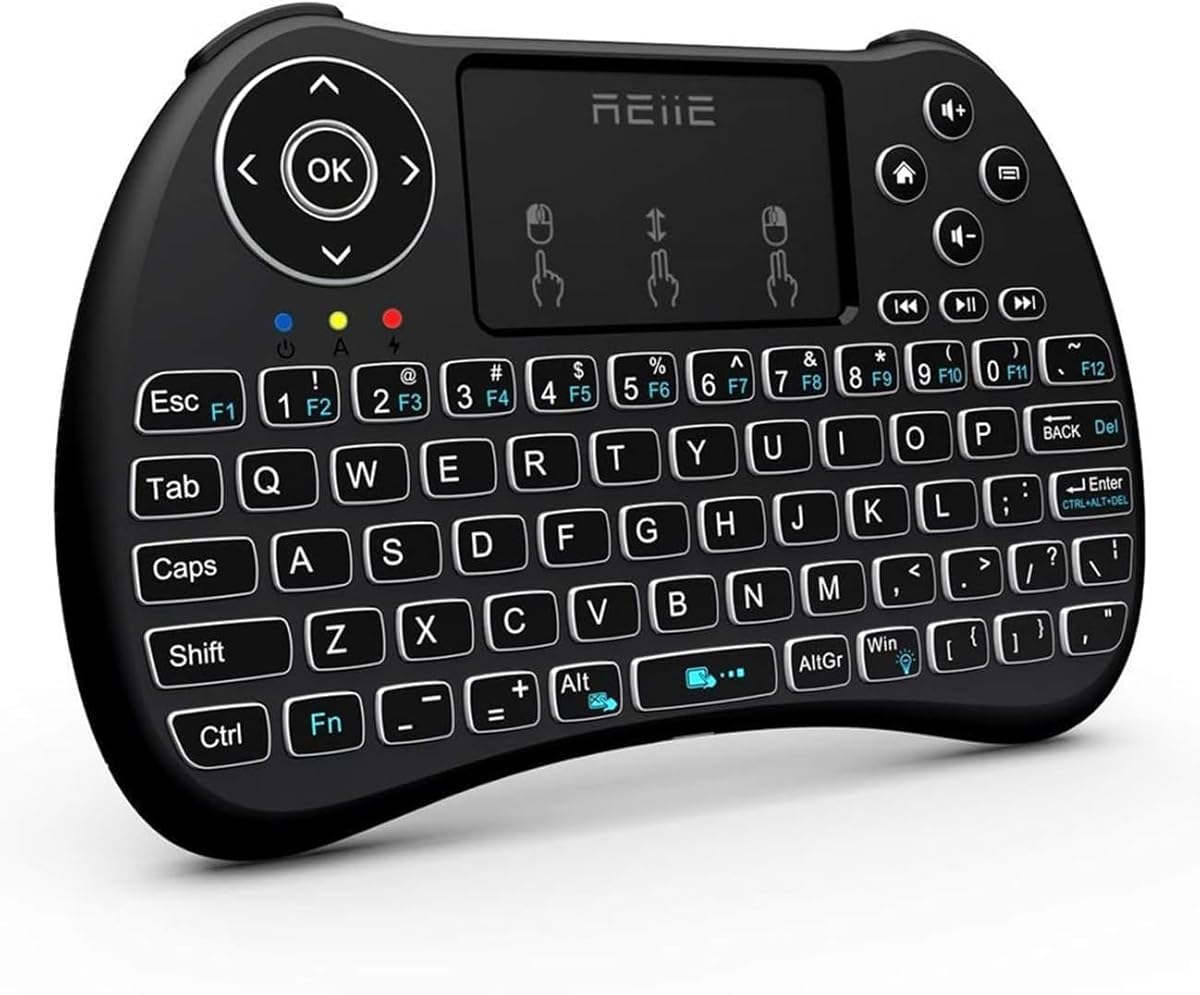
REIIE H9+ Mini
4.3Editor score
White soft backlight design
Multi-finger touchpad gestures
Compact handheld portable shape
This guide compares the top Htpc Keyboard models for home theater PC control, featuring touchpads, wireless connectivity, and media keys for seamless living
Finding the right Htpc Keyboard transforms your living room into a powerful media hub. These devices combine typing ability with touchpad control for seamless navigation on big screens.
We evaluated ten leading models based on connectivity, build quality, and user comfort. Our analysis covers wireless range, battery life, and compatibility with various operating systems.
Each pick highlights unique strengths to help you choose the perfect fit. Remember that stock and availability can change, so verify details before purchasing your next device.
4.3Editor score

4.4Editor score
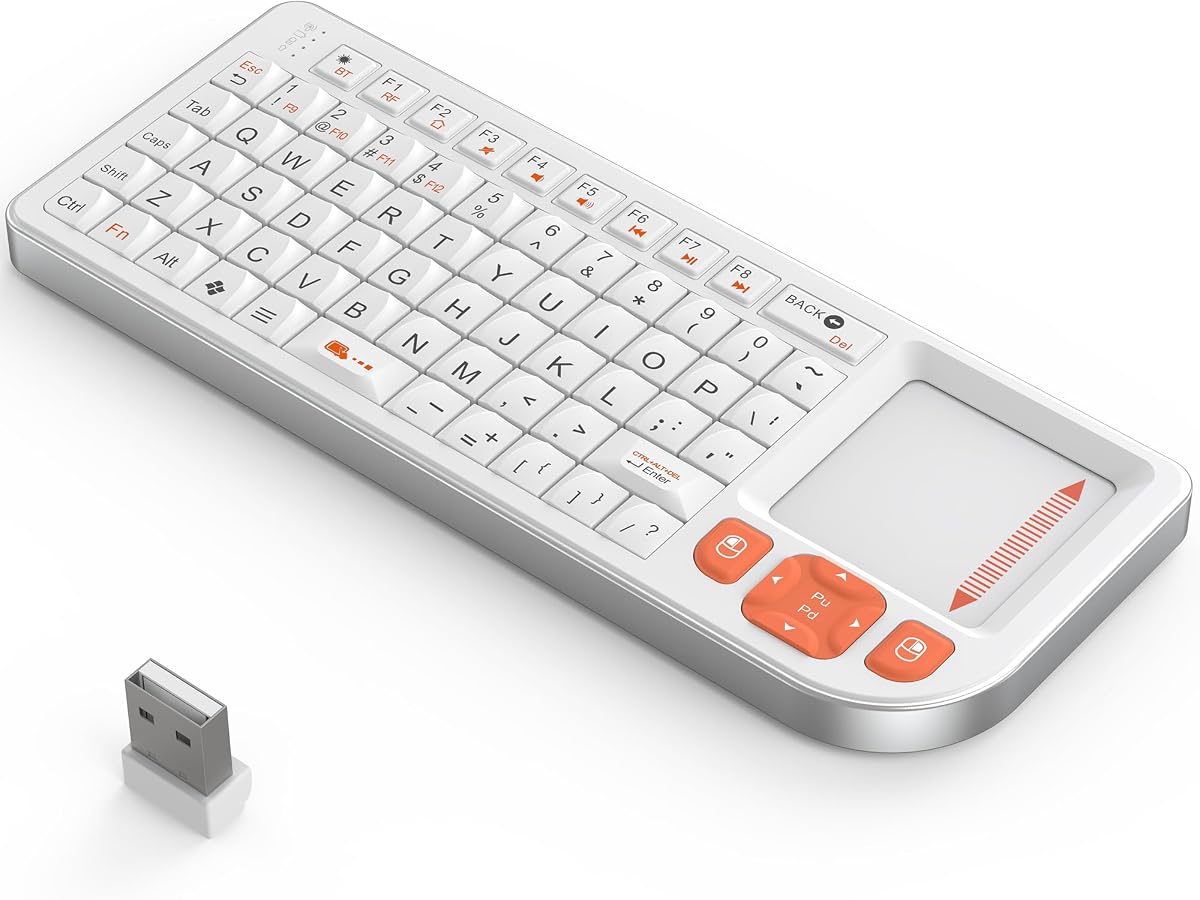
4.2Editor score
The following table provides a side-by-side overview of key specifications for each model. This helps you quickly identify connectivity options, design features, and compatibility details.




The Logitech K400 Plus stands out as the top choice for home theater control. It combines a full keyboard with a large touchpad for seamless navigation.
We may earn a commission when you buy through this link, at no additional cost to you.
Its battery life lasts up to 18 months with efficient power management. The touchpad is responsive enough to replace a separate mouse entirely.
While it lacks backlighting for dark environments, the spill-resistant design protects against accidental drinks. The connection remains stable up to 33 feet away.
Anyone needing a reliable all-in-one solution for PC TVs should choose this model. It balances comfort durability and ease of use perfectly.
The K400 Plus is built for daily use with keys designed to withstand years of typing. Its power efficiency ensures you rarely need to change batteries.
By integrating the touchpad directly into the keyboard, you save space and simplify your setup. This allows smooth cursor control from your couch.
We may earn a commission when you buy through this link, at no additional cost to you.
The Arteck Universal Backlit offers a unique aesthetic with seven unique LED backlight colors. This customization makes it stand out in any home entertainment setup.
We may earn a commission when you buy through this link, at no additional cost to you.
It supports Bluetooth connectivity allowing you to connect without a USB receiver. The auto sleep feature helps maximize power usage when the device is idle.
While the battery life can vary based on backlight usage, the USB-C charging is convenient. The media keys provide quick access to volume and playback controls.
Users wanting style and versatility will appreciate this keyboard. It works across Windows Mac Android and iOS devices effectively.
You can choose from seven different LED colors to match your room decor. This adds a premium touch to your media center experience.
Bluetooth support means you can connect to tablets and phones easily. This flexibility extends the utility beyond just a home theater PC.
We may earn a commission when you buy through this link, at no additional cost to you.
Arteck builds this model with a solid stainless steel body for a premium feel. It feels sturdy in hand and resists wear over time.
We may earn a commission when you buy through this link, at no additional cost to you.
The setup is incredibly simple with a nano receiver that fits into any USB port. The touchpad works well for navigating menus on smart TVs.
Lack of backlighting is a trade-off for its durable build. It remains functional in low light but requires some adaptation from users.
If you prefer a device that feels robust and reliable, this is a great option. It supports major operating systems seamlessly.
The stainless steel frame provides a level of durability rare in this price range. It ensures the keyboard withstands regular handling.
You do not need software to get started. Plug in the receiver and begin typing immediately without configuration steps.
We may earn a commission when you buy through this link, at no additional cost to you.
This keyboard allows you to connect to three devices at once for ultimate convenience. A single click switches between your PC and TV instantly.
We may earn a commission when you buy through this link, at no additional cost to you.
It combines Bluetooth for laptops and USB for desktops giving you maximum flexibility. The rechargeable battery eliminates the need for disposable cells.
Switching is fast but requires an extra step that might interrupt typing flow. However, the convenience outweighs this minor inconvenience for many users.
Ideal for households with multiple computers and TVs. It simplifies the control of various devices in one place.
You can assign different profiles to each connected device. This saves time when moving between work and entertainment.
Having both Bluetooth and USB ensures you can connect to older and newer devices. This future proofs your purchase effectively.
We may earn a commission when you buy through this link, at no additional cost to you.
The REIIE H9+ Mini offers essential features at a budget friendly price point. It is perfect for users who want backlighting without spending much.
We may earn a commission when you buy through this link, at no additional cost to you.
Its compact design makes it easy to hold in one hand for remote control tasks. The touchpad supports multi-finger gestures for intuitive navigation.
While it lacks Bluetooth, the 2.4G connection is stable for most living room setups. Users should charge it before first use for best performance.
This is an excellent entry level choice for HTPC setups. It delivers core functionality without unnecessary extras.
You get a backlit keyboard and touchpad for a fraction of the cost of premium models. This makes high tech accessible to everyone.
The ergonomic shape fits comfortably in your hand. This is great for typing short responses while watching movies.
We may earn a commission when you buy through this link, at no additional cost to you.
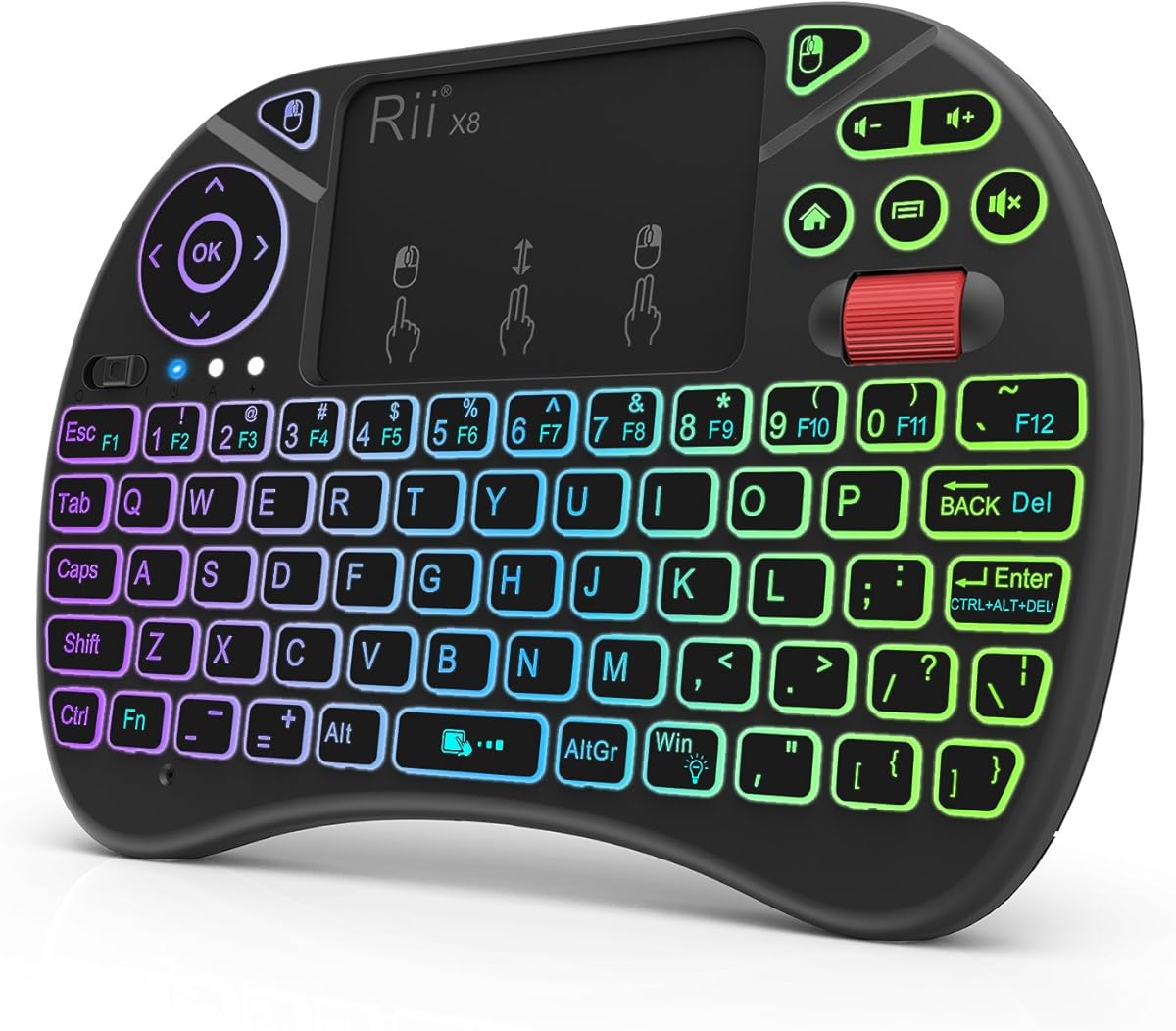
The Rii X8 is tailored for Android TV boxes and Raspberry Pi users. Its specialized layout includes media keys optimized for these platforms.
We may earn a commission when you buy through this link, at no additional cost to you.
An included scroll wheel adds a unique touch for vertical scrolling. The 8-color RGB backlight provides visibility in dark rooms.
Users of Fire TV 4K may need an OTG adapter which adds complexity. However, standard Android TV boxes work without issues.
If you need a dedicated controller for a set top box, this fits the bill. It is rechargeable and easy to use.
Keys are mapped specifically for common Android commands. This reduces the learning curve for TV navigation.
The RGB lighting adds a gaming vibe to the device. It makes the setup look modern and engaging.
We may earn a commission when you buy through this link, at no additional cost to you.
The Rapoo Mini is one of the thinnest options available at 3.9mm thick. It fits easily into bags for travel or portable setups.
We may earn a commission when you buy through this link, at no additional cost to you.
It connects to four devices via Bluetooth or 2.4G USB. This is more than most competitors allow for a single keyboard.
The lower rating suggests some quality control or connection issues. However, for travel, its size makes it a strong contender.
Travelers or users with many devices will find this useful. It offers flexibility despite some reliability concerns.
The slim form factor means it slips into pockets or small cases. This is perfect for taking your media center on the go.
You can use two finger gestures to scroll and select. This mimics tablet interactions for a more modern feel.
We may earn a commission when you buy through this link, at no additional cost to you.
The K809 features a high-end aluminum alloy frame that feels durable and premium. It resists scratches and keeps a clean look.
We may earn a commission when you buy through this link, at no additional cost to you.
Its 1000mAh battery provides long usage times between charges. The dual modes allow you to use it with or without Bluetooth.
The higher price reflects the superior materials and construction. It justifies the cost for users prioritizing quality over savings.
If you want a device that looks expensive and performs well, choose this. It is perfect for professional or high-end home offices.
The metal frame adds weight and solidity. It feels like a high-quality accessory rather than a cheap gadget.
The large battery capacity ensures you use it for weeks without charging. This reduces interruptions during use.
We may earn a commission when you buy through this link, at no additional cost to you.
Fosmon offers a limited lifetime warranty with this model which is rare in the category. It provides peace of mind for long-term ownership.
We may earn a commission when you buy through this link, at no additional cost to you.
Bluetooth 5.2 ensures a stable connection to modern devices. The backlight helps you type in the dark without issues.
Some users report compatibility quirks with specific smart TV models. Checking your device list before buying is advisable.
Those worried about durability will appreciate the warranty coverage. It is a solid choice for risk-averse buyers.
A lifetime warranty covers defects for the life of the product. This is a strong benefit for budget-conscious users.
The 5.2 version offers better power efficiency and range. It keeps connection reliable even with obstacles.
We may earn a commission when you buy through this link, at no additional cost to you.
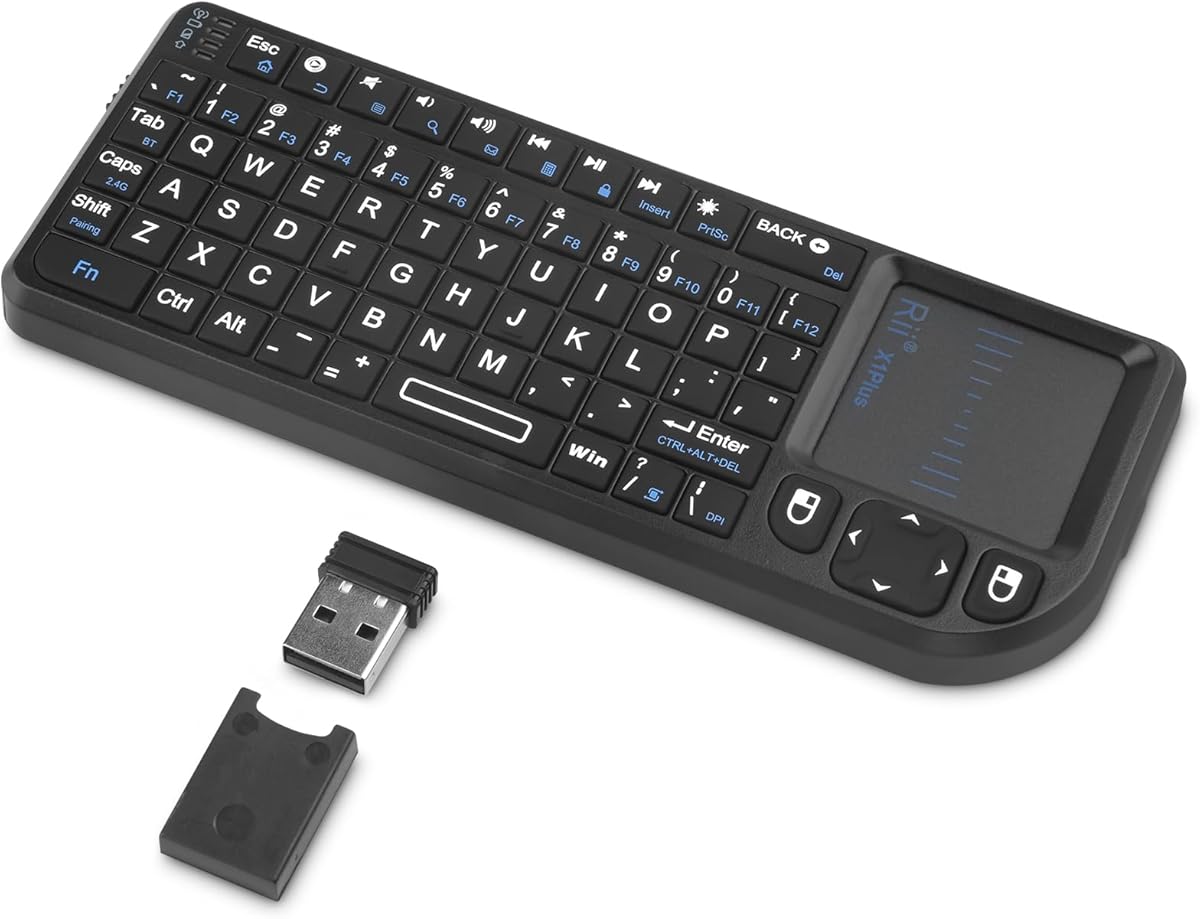
The Rii Mini 2.4G balances features and price effectively. It supports both Bluetooth and USB for maximum device compatibility.
We may earn a commission when you buy through this link, at no additional cost to you.
Battery life can reach 30 days on a single charge. The USB-C charging makes it easy to power up from most sources.
The touchpad is compact which some may find limiting for precise cursor control. However, it works well for general navigation.
This is a great all-rounder for users wanting versatility. It covers the basics without significant flaws.
The low power consumption means less frequent charging. You can rely on it for weeks without plugging in.
Whether you have a TV or PC, the dual modes work well. It adapts to your needs effectively.
We may earn a commission when you buy through this link, at no additional cost to you.
Selecting the right Htpc Keyboard involves evaluating connectivity options build quality and ergonomics. This guide explains the key factors to consider.
Most HTPC keyboards use 2.4GHz wireless with a USB receiver for stable connection. Bluetooth offers flexibility but may drain battery faster. Consider if your TV or PC has available USB ports for the receiver.
Choose Bluetooth for portability or 2.4G for stable TV control.
Many users navigate in dim light. Keyboards with LED backlighting help visibility in dark rooms. Options range from white light to customizable RGB colors. Check brightness levels to ensure keys are visible without glare.
Backlighting is essential for comfortable night viewing.
The touchpad replaces a mouse. Look for multi-finger support for scrolling and selection. Size matters as larger pads allow easier cursor movement. Some models support gestures like two-finger tap for right-click.
A responsive touchpad is critical for menu navigation.
Battery life impacts convenience. Rechargeable models offer eco-friendly long-term use while disposable batteries may last longer. Check ratings like 18 months for AAA cells. Some models use lithium-ion batteries via USB-C charging.
Prioritize rechargeable options if you want to reduce waste.
Premium models use aluminum alloy for durability. Standard models use plastic which is lighter. Check for spill-resistant designs if you use the keyboard near drinks. A sturdy build prevents flex during typing.
Metal frames offer a better long-term feel.
Ensure the keyboard supports your operating system like Windows or Android. Some keyboards need drivers for advanced features while others work plug-and-play. Verify support for smart TV platforms like Fire TV or Apple TV.
Always check device compatibility lists before buying.
Dedicated media keys allow control of volume and playback. These are vital for entertainment use. Look for keys that mute audio or pause video. Some keyboards include scroll wheels for additional convenience.
Media keys improve your remote control experience.
A good warranty protects your investment. Some brands offer lifetime or 24-month coverage. Check customer support responsiveness for potential issues. Reliable support ensures you can fix connection or hardware problems.
Strong warranty coverage adds value to the purchase.
Plug the USB receiver into your TV or PC and ensure batteries are charged. The keyboard should connect automatically for plug-and-play functionality.
Clean the keys with a soft cloth and avoid moisture spills. Use compressed air to remove dust from under the keys to maintain smooth operation.
Keep the device away from direct sunlight to prevent plastic fading. Store it in a dry place when not in use to prolong battery life.
Most modern models work without drivers for basic typing and navigation. However, advanced features like macro keys may require software. Always check the product page for software requirements before purchasing.
Most HTPC keyboards support Apple TV via Bluetooth. Check compatibility lists as some older models may require a USB receiver adapter. Newer Bluetooth models work seamlessly with iOS systems.
Use a microfiber cloth to wipe the surface gently. Avoid harsh chemicals that may damage the coating. For deep cleaning, lightly dampen the cloth with water to remove stubborn stains.
Lag often occurs due to signal interference or low battery. Try moving the receiver closer to the keyboard or replacing batteries. Ensure no other wireless devices are blocking the signal path.
Yes, many work with consoles like PlayStation and Xbox. Check specific compatibility for your console model. Some may require specific modes for game navigation versus web browsing.
Battery life varies by usage and backlight. Standard models with LEDs last weeks. Some premium models claim up to 18 months. Rechargeable batteries may last days to weeks depending on charging habits.
Multi-device models allow switching with a single button click. This is common on Bluetooth keyboards. Ensure your keyboard supports multi-pairing to manage multiple connections efficiently.
While not strictly necessary, backlighting helps in dark environments. It reduces eye strain when typing at night. If you often use your media center in dim light, a backlit keyboard is recommended.
The Logitech K400 Plus leads with reliability and a large touchpad for comfortable use. It remains the top choice for general home theater control needs.
Consider your specific needs such as budget or premium build. The REIIE H9+ offers value while the K809 delivers a premium experience with aluminum.
Verify current prices and availability before purchase as stock varies. These models cover the full spectrum of HTPC control requirements.