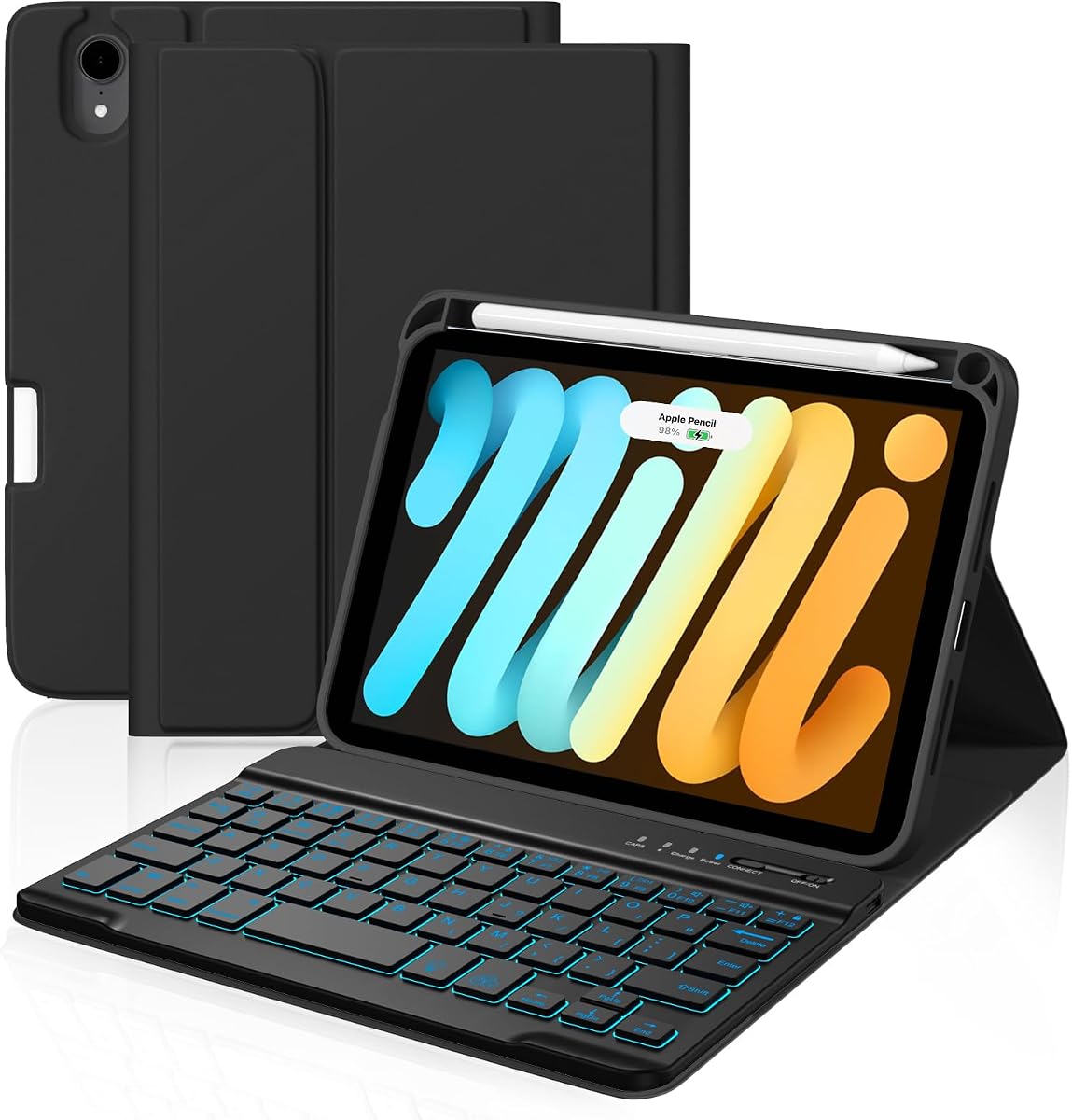
for iPad mini 7 Keyboard Case A17 Pro/Mini 6 Gen Case with Keyboard
4.4Editor score
Detachable 7-color backlit keyboard
Long-life rechargeable battery
Stain-resistant protective case
Finding the right iPad Mini Folio Case with Keyboard transforms your tablet into a portable workstation. These accessories combine protection with typing functionality, making them ideal for professionals and students who need versatility on the go.
We have analyzed ten top-rated models based on build quality, trackpad performance, and keyboard comfort. Each product offers unique features like backlighting, magnetic attachments, and rotating hinges to suit different usage scenarios and preferences.
Our detailed reviews highlight the strengths and weaknesses of each case to guide your decision. Prices and availability may change frequently, so verify current details before purchasing to ensure you get the best value for your needs.
4.4Editor score

4.6Editor score

4.3Editor score
As an Amazon Associate we earn from qualifying purchases.
This side-by-side comparison highlights the key specifications of the top ten iPad Mini Folio Case with Keyboard models available in 2026, helping you identify the best fit for your workflow.
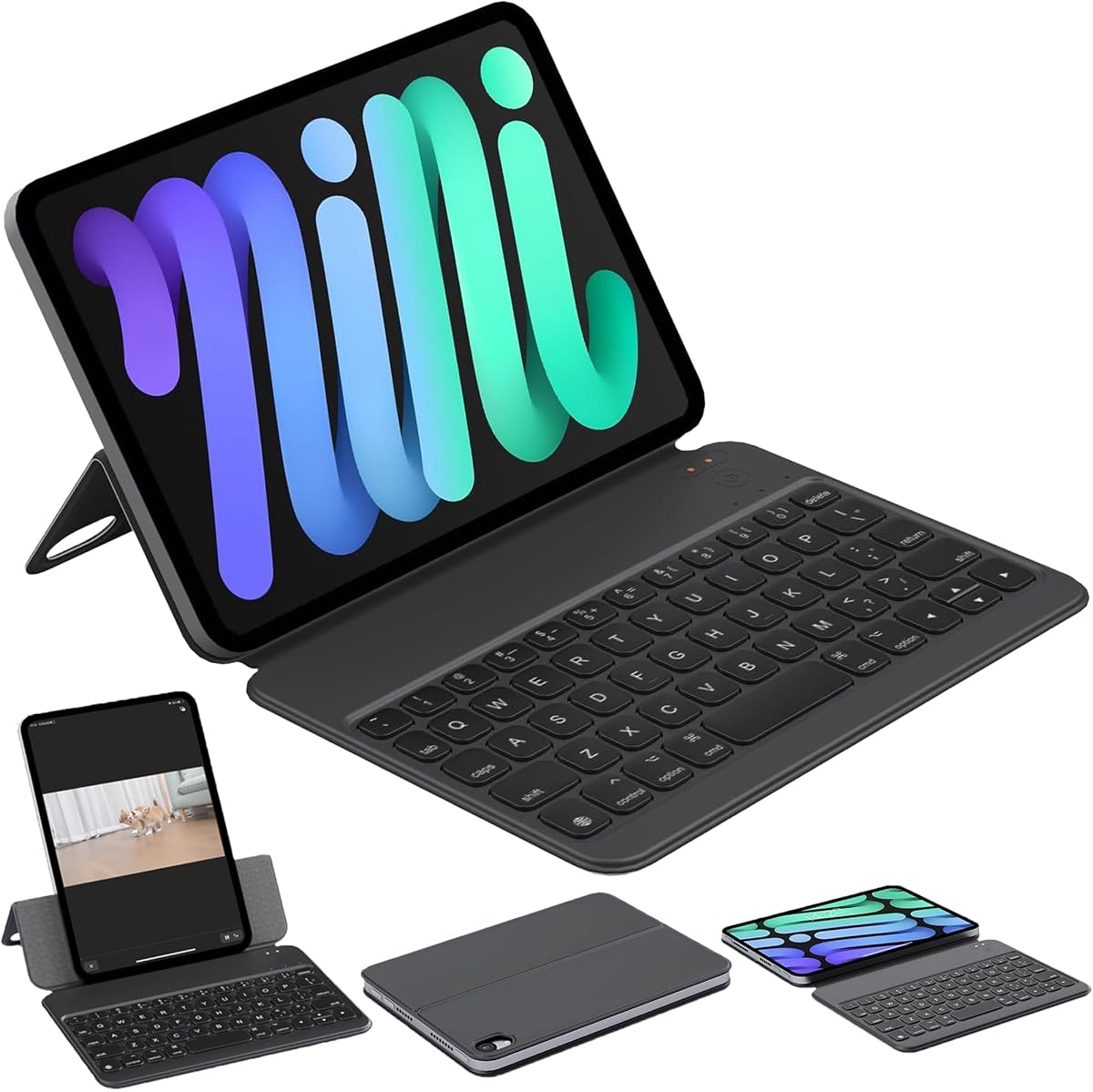


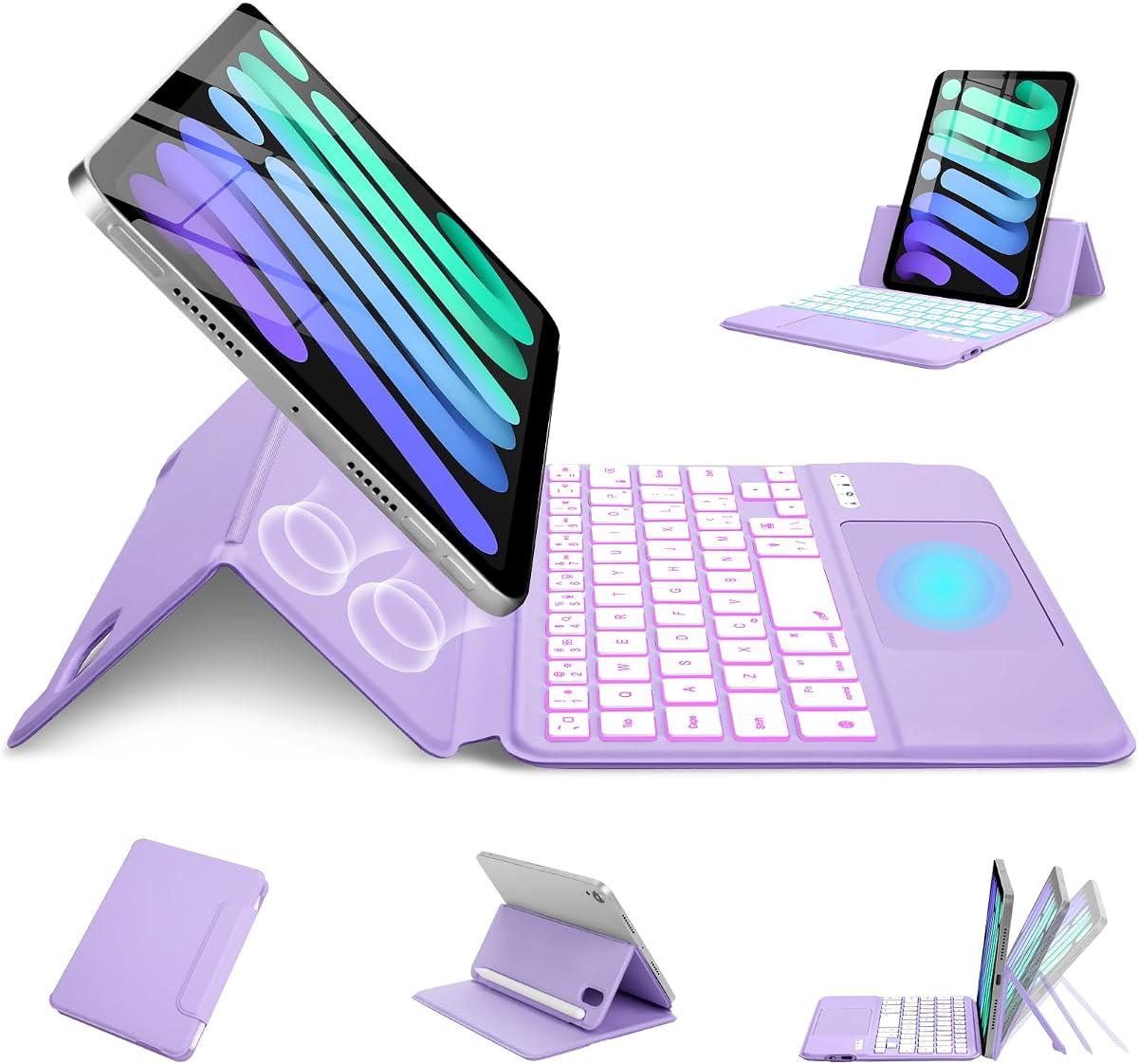
This Magic-Style case stands out with its premium features and high user satisfaction rating. It offers a full laptop-like experience with a multi-touch trackpad and versatile viewing modes.
We may earn a commission when you buy through this link, at no additional cost to you.
The breathing mode backlight adds a unique touch for low-light environments. The detachable case design allows for easy handheld use while maintaining full protection when attached.
While the price is on the higher end, the build quality and functionality justify the cost. Users appreciate the stability and responsiveness of the keyboard and trackpad.
Ideal for professionals seeking a reliable and feature-rich accessory. This case is a top recommendation for those prioritizing quality and versatility over budget constraints.
The smart trackpad supports multi-finger gestures for seamless navigation and cursor control.
Breathing mode and adjustable brightness ensure comfortable typing in any lighting condition.
We may earn a commission when you buy through this link, at no additional cost to you.
The Dexnor case delivers a robust typing experience with its floating cantilever stand. It is designed for productivity with scissor-switch keys and a precise trackpad.
We may earn a commission when you buy through this link, at no additional cost to you.
The trackpad supports advanced gestures for improved workflow. Battery life is exceptional, allowing long periods of use without frequent recharging.
Users with larger hands might find the keys slightly compact. The weight is noticeable but provides stability for extended typing sessions.
Best for users who need a reliable laptop replacement. This case balances performance and durability for professional and educational use.
The aluminum alloy hinge ensures a sturdy connection and flexible viewing angles.
Multi-finger support enables efficient navigation and multitasking on the iPad.
We may earn a commission when you buy through this link, at no additional cost to you.
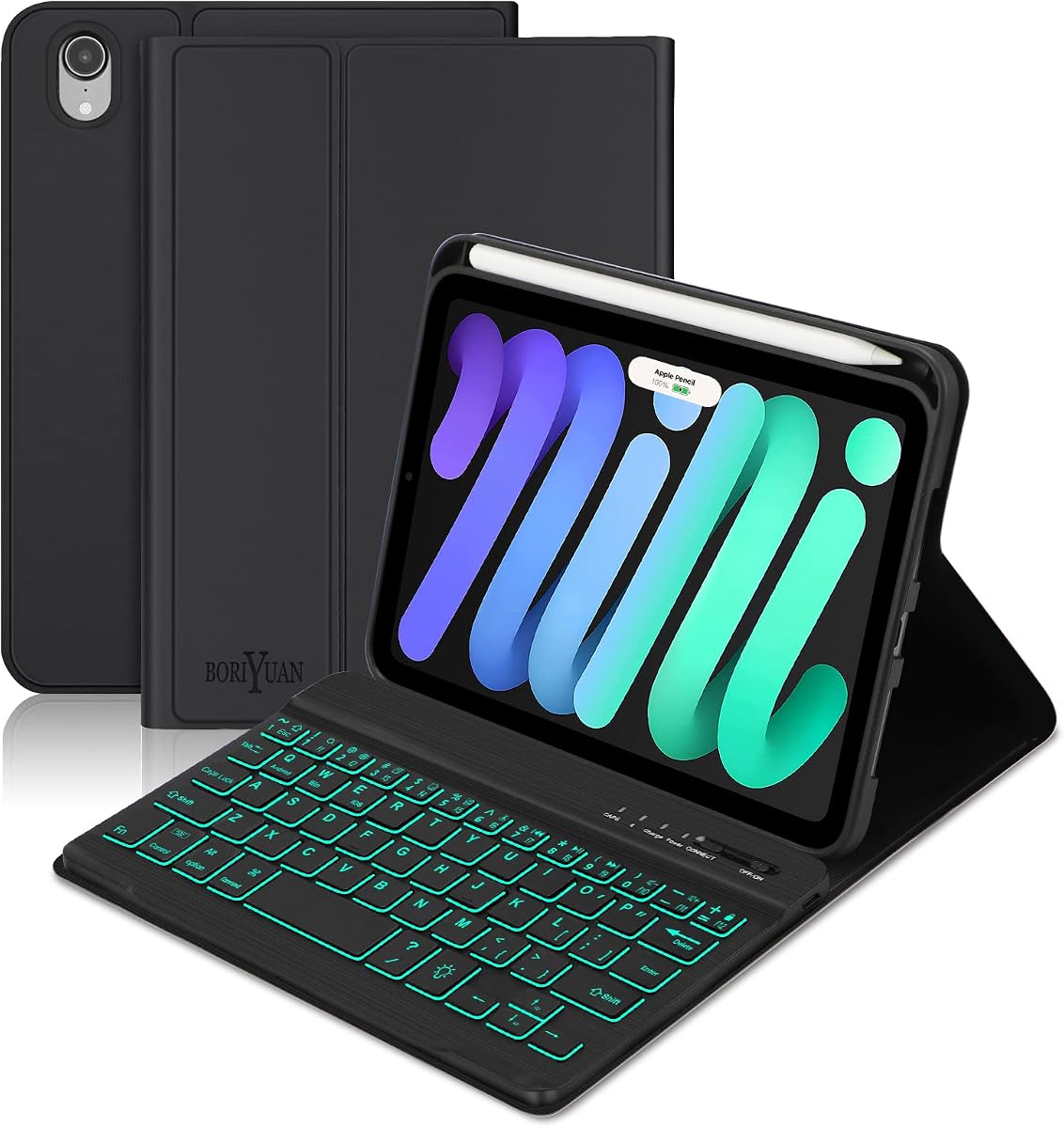
This budget-friendly case offers excellent value without compromising essential features. It includes a detachable backlit keyboard and a durable protective case.
We may earn a commission when you buy through this link, at no additional cost to you.
The stain-resistant material keeps the case looking new for longer. Users report solid performance for basic typing and browsing tasks.
Trackpad functionality is limited compared to premium options. The lack of advanced gestures may not suit power users.
Perfect for students or casual users on a tight budget. It provides the core functionality needed for efficient typing on the go.
Combines essential features like backlighting and protection at a very competitive price point.
Stain-resistant material reduces maintenance and keeps the device clean in various environments.
We may earn a commission when you buy through this link, at no additional cost to you.
The typecase design focuses on versatility with a 360-degree rotating hinge. It supports seven modes for typing, reading, and presentation.
We may earn a commission when you buy through this link, at no additional cost to you.
The 11-color backlight allows for personalization. The trackpad enhances navigation, making it easier to manage documents and media.
Some users find the hinge requires more force to adjust. The design is sturdy but may not support heavy use over time.
Suitable for users who need flexible viewing angles. It offers a great mix of style and functionality for various tasks.
The hinge is tested for durability, allowing seamless transitions between tablet and laptop modes.
Choose from multiple colors to match your mood or environment while typing.
We may earn a commission when you buy through this link, at no additional cost to you.
The HOU case is designed for minimalism with a very lightweight profile. It focuses on portability while providing essential keyboard functions.
We may earn a commission when you buy through this link, at no additional cost to you.
Strong magnets ensure the iPad stays secure. The auto key lock prevents accidental touches during entertainment modes.
Build quality may not match premium brands. Users have reported issues with long-term durability.
Best for travelers who prioritize weight. It is a functional option for those who need a simple, light solution.
Weighing only 240g, it adds minimal bulk to your device for easy transport.
Auto key lock technology ensures a secure experience when switching to media consumption.
We may earn a commission when you buy through this link, at no additional cost to you.
This case stands out with its high-quality fabric material that resists dirt and stains. It is designed to maintain a clean look over time.
We may earn a commission when you buy through this link, at no additional cost to you.
The 60-key layout keeps the design compact. The 11-color backlight options offer flexibility for different environments.
Users have noted some inconsistency in performance. The trackpad and keyboard feel functional but not premium.
A good option for style-conscious users. It offers unique aesthetics with reasonable functionality for daily use.
The fabric resists yellowing and daily wear, ensuring the case looks new longer.
The 60-key layout reduces bulk while retaining essential typing and media controls.
We may earn a commission when you buy through this link, at no additional cost to you.
This case allows you to detach the keyboard for a cleaner typing setup. It provides full protection with a silicone shell and leather cover.
We may earn a commission when you buy through this link, at no additional cost to you.
The 7-color backlight makes it usable in dark settings. Multiple viewing angles offer flexibility for video consumption and typing.
Lack of a trackpad requires touch navigation. The keyboard needs separate charging via USB-C.
Ideal for users who prefer flexibility. It is a practical solution for those who value protection and detachability.
Remove the keyboard magnetically for a lightweight case or attach it for full typing support.
The combination of PU leather and silicone shell offers durable defense against drops and scratches.
We may earn a commission when you buy through this link, at no additional cost to you.
The GreenLaw case features a 360-degree rotation hinge for flexible viewing. It includes a multi-gesture trackpad for enhanced navigation.
We may earn a commission when you buy through this link, at no additional cost to you.
The 7-color backlight and Type-C charging ensure modern usability. It is designed for productivity on the go.
Users report the hinge can be stiff initially. The cable is not included in the package.
Great for users needing versatile angles. It combines functionality and style for a practical accessory.
The hinge allows the keyboard to rotate freely, supporting various usage positions.
Multi-gesture capabilities enable efficient navigation similar to a laptop trackpad.
We may earn a commission when you buy through this link, at no additional cost to you.
ZAGG offers a sleek and functional case with a detachable keyboard. It provides a comfortable typing experience suitable for productivity.
We may earn a commission when you buy through this link, at no additional cost to you.
The slim design makes it easy to carry. The durable case ensures your iPad is protected from daily wear.
Viewing angles are limited compared to rotating options. The price reflects the brand's quality but may be high for some.
Best for users who value ergonomics. It is a reliable choice for professionals needing a laptop feel.
The keys provide a comfortable typing experience that reduces fatigue during long sessions.
The ultra-compact form factor ensures the case fits easily into bags and backpacks.
We may earn a commission when you buy through this link, at no additional cost to you.
This case features a built-in smart touchpad for cursor control. It is designed for efficiency with a scissor mechanism for typing.
We may earn a commission when you buy through this link, at no additional cost to you.
The magnetic attachment ensures stability. You can use the iPad horizontally or vertically for different tasks.
Setup instructions may require careful reading. The trackpad is compact but functional.
Ideal for users needing a lightweight laptop substitute. It offers a practical solution for daily productivity.
The touchpad supports multi-finger gestures for efficient navigation and app switching.
Strong magnets keep the iPad stable in both horizontal and vertical orientations.
We may earn a commission when you buy through this link, at no additional cost to you.
Selecting the right accessory requires evaluating several factors to match your workflow needs and preferences.
Ensure the case supports your specific iPad Mini model generation and size. Most options cover 6th and 7th generation devices, but verifying model numbers prevents fit issues.
Always check compatibility lists before purchasing to avoid mismatches.
Decide between detachable and fixed keyboards. Detachable options offer flexibility while fixed ones provide stability and convenience.
Choose based on whether you prefer a versatile setup or a permanent attachment.
Look for cases with multi-touch trackpads for better navigation efficiency. A good trackpad can significantly enhance your workflow.
Prioritize trackpad quality if you plan to do precise work or browsing.
Backlit keys are essential for typing in low-light environments. Check for adjustable brightness and color options.
Ensure the backlight offers sufficient customization for your lighting needs.
Consider the weight added by the case to your device. Lightweight options are better for frequent travel.
Balance protection with portability to avoid unnecessary bulk in your bag.
Evaluate the battery life of the keyboard to ensure it lasts through your work sessions. Rechargeable options are convenient.
Check charging times and battery duration to avoid frequent interruptions.
Select materials that resist stains and wear for long-term use. Leather or anti-yellowing fabrics are good choices.
Durable materials ensure your accessory remains functional and attractive over time.
Compare features against the price to determine value. Budget options may lack advanced features like trackpads.
Invest in a model that offers the necessary features for your specific requirements.
Connect the keyboard to your iPad via Bluetooth following the pairing instructions. Ensure the iPad is close to the keyboard for a stable connection.
Clean the keyboard regularly with a soft, dry cloth. Avoid using liquid cleaners directly on the keys or surface.
Charge the keyboard periodically to maintain battery health. Keep the case away from direct sunlight to prevent material degradation.
Most cases are designed specifically for 6th and 7th generation iPad Mini models. Verify your model number in settings before purchasing to ensure compatibility.
Yes, most cases include a built-in holder for Apple Pencil. This allows you to store and charge the pencil securely.
Turn on the keyboard and enable Bluetooth on your iPad. Select the keyboard from the list of available devices to complete pairing.
No, the battery is built-in and rechargeable via USB-C. Recharging ensures long-term usage without replacement needs.
The keyboards are not waterproof. Avoid exposure to water or liquids to prevent damage to the internal components.
Battery life varies but typically lasts between 40 to 150 hours. Usage and backlight settings affect the total duration.
Check iPad settings to enable trackpad features. Ensure the keyboard is connected properly and restart if needed.
Some manufacturers offer warranties for defects or issues. Check the product details for specific warranty terms and support.
Choosing the best accessory depends on your unique needs. Our top picks highlight excellence in budget, quality, and features.
Prioritize compatibility and trackpad performance for productivity. Ensure the case fits your lifestyle and usage habits.
Check current availability and details before buying. Prices and features may change so verify product specifics.