
Focusrite Scarlett Solo 4th Gen
4.6Editor score
Compact size for travel
One mic preamp input
Includes software bundle
This guide compares the top Focusrite USB audio interfaces for recording, streaming, and music production to help you find the right studio gear.
Choosing the right audio interface is crucial for musicians and creators seeking professional sound quality. Focusrite offers a range of reliable interfaces that deliver crisp audio and seamless connectivity for any studio setup.
We evaluated each model based on sound quality, connectivity options, software bundles, and user feedback. Our analysis ensures you see how each interface performs in real-world recording scenarios and daily use.
Each pick highlights key strengths and ideal use cases to guide your decision. Keep in mind that prices and availability may change, so verify details before making your final purchase choice.
4.6Editor score

4.7Editor score

5.0Editor score
This side-by-side comparison shows how each Focusrite USB audio interface stacks up in terms of inputs, features, and overall value for different users.




The Focusrite Scarlett 2i2 4th Gen stands out as the top choice for home studio owners seeking professional results. It earns a 4.7 rating from users who praise its clarity and ease of use.
We may earn a commission when you buy through this link, at no additional cost to you.
Its new preamps offer unmatched clarity with a 69dB gain range, while Air mode adds rich harmonic drive to vocals. The dynamic gain halos simplify level setting, ensuring clean recordings every time.
Though it lacks MIDI inputs found in larger units, its loopback feature makes streaming and podcasting effortless. The trade-off is minimal for solo artists focused on vocals and instruments.
If you need a reliable interface for recording, mixing, and streaming, this model delivers everything you need without complexity. It remains the best balanced choice for most musicians today.
The 120dB dynamic range ensures your recordings capture every nuance without distortion, matching flagship studio standards.
Dynamic gain halos and Auto Gain settings let you monitor and adjust levels directly on the device for immediate results.
We may earn a commission when you buy through this link, at no additional cost to you.
This Solo 4th Gen model offers an affordable entry into professional recording with its 4.6 rating. It brings big studio sound to smaller budgets without compromising on core audio quality.
We may earn a commission when you buy through this link, at no additional cost to you.
It features the same converters as Focusrite’s flagship interfaces, ensuring pristine clarity for vocals and guitars. Air mode lifts tracks to the front of the mix, adding presence and drive.
While it only supports one mic and one instrument input, that suffices for solo songwriters. The included software suite provides everything needed for complete projects without extra costs.
Choose this interface if you record alone or need a portable solution for travel. It delivers exceptional value and quality for beginners and intermediate creators alike.
Includes Pro Tools Intro, Ableton Live Lite, and Hitmaker Expansion so you can record and master music instantly.
Designed for mobility, it fits easily in bags and remains tough enough for touring and on-the-go recording sessions.
We may earn a commission when you buy through this link, at no additional cost to you.
The 18i16 earns a perfect 5.0 rating from professionals managing multi-track recordings. It provides extensive connectivity for bands and complex production workflows.
We may earn a commission when you buy through this link, at no additional cost to you.
With four mic preamps and support for ADAT and MIDI, you can record entire drums or orchestras at once. Auto Gain and Clip Safe features streamline setup for busy sessions.
Its size and cost make it less suitable for solo users, but the extra inputs justify the investment for serious studios. The included bundle adds value with professional monitoring gear.
Invest in this model if you need to record multiple sources simultaneously. It offers unmatched flexibility and reliability for high-demand production environments.
Eight line inputs and four mic preamps allow full band recording without additional hardware or mixers.
Auto Gain ensures levels stay optimal without manual tweaking, saving time and preventing clips during live takes.
We may earn a commission when you buy through this link, at no additional cost to you.
This bundle offers the same award-winning Solo interface plus essential cabling for immediate recording. Users rate it 4.7 stars for convenience and reliability.
We may earn a commission when you buy through this link, at no additional cost to you.
The included 10 foot XLR cable gives plenty of reach for microphone placement. You gain all the benefits of the 4th Gen Solo including Air mode and USB-C speed.
While it does not include headphones, the cable saves you separate purchases and ensures compatibility. It suits those needing a full signal chain without extra shopping.
Opt for this bundle if you want to start recording right away. It combines top audio quality with practical accessories for streamlined setup.
Everything required to plug in a mic and record is provided, reducing wait time and additional costs.
Class-compliant USB-C ensures it works seamlessly with modern Macs, Windows PCs, and iPads for versatile use.
We may earn a commission when you buy through this link, at no additional cost to you.
The 3rd Gen 2i2 remains a favorite among home recording enthusiasts for its straightforward reliability. It holds a 4.6 rating for consistent performance and ease of use.
We may earn a commission when you buy through this link, at no additional cost to you.
Its mic preamps deliver natural sound with Air mode to emulate classic consoles. The Easy Start tool simplifies setup so you can record within minutes.
Compared to newer models, it lacks Clip Safe and USB-C but remains robust for most tasks. Its classic design and proven stability keep it relevant for budgets.
Choose this version if you prefer tested hardware with no learning curve. It provides dependable quality that has satisfied millions of users worldwide.
Air mode adds unique high-end detail to vocals, recreating the warmth of vintage studio gear.
Easy Start guides you through setup ensuring you never feel lost when starting new recording projects.
We may earn a commission when you buy through this link, at no additional cost to you.
This bundle provides the 4th Gen 2i2 with studio headphones and essential accessories. It receives a 4.6 rating for delivering a complete workflow in one box.
We may earn a commission when you buy through this link, at no additional cost to you.
The included monitor headphones ensure accurate playback and mixing without needing separate purchases. All cabling and filters are present so setup is immediate.
The added cost compared to the bare interface is justified by convenience and savings on accessories. It suits those wanting a full studio start without hunting for parts.
Select this bundle for maximum convenience and value. It removes the hassle of buying components separately while ensuring everything works together perfectly.
Studio headphones offer flat response for mixing and mastering so your recordings translate well to other systems.
Pop filter and XLR cables are included to ensure professional recording quality from the very first session.
We may earn a commission when you buy through this link, at no additional cost to you.
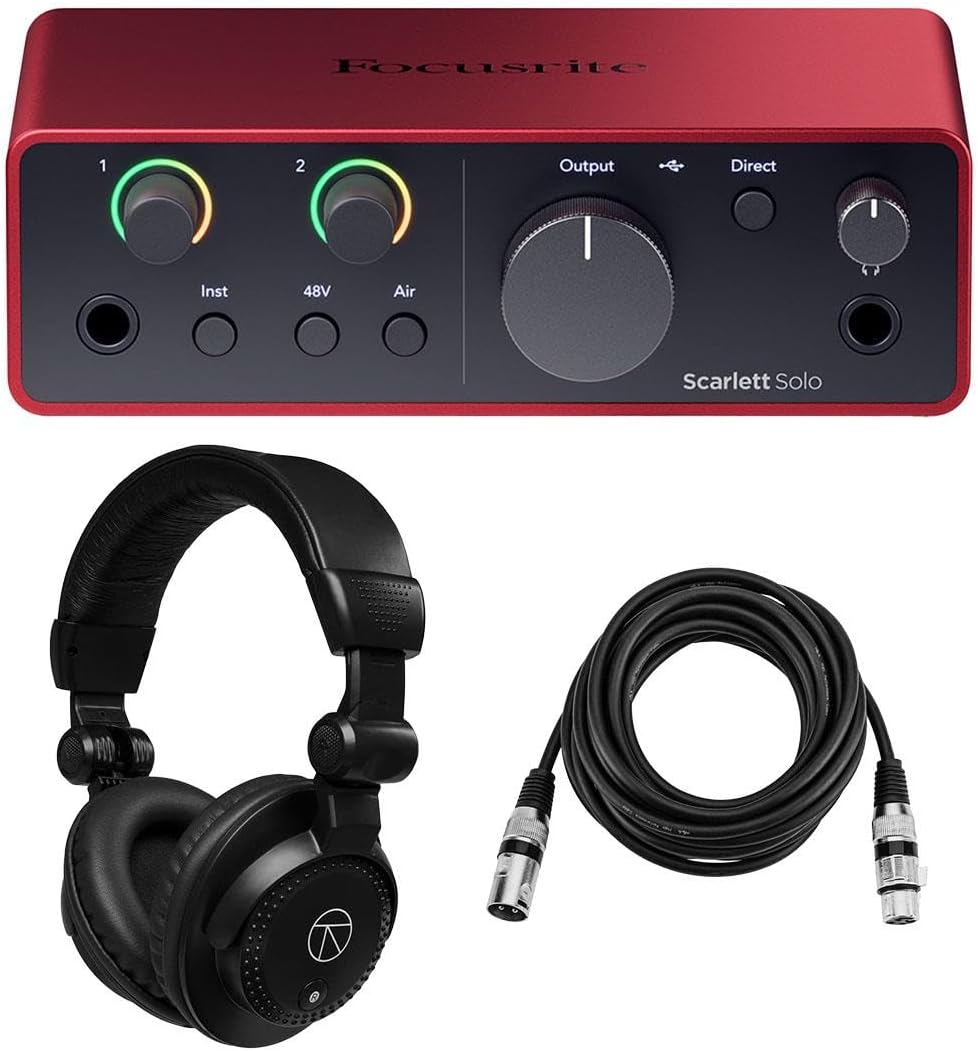
This Solo bundle adds studio headphones to the 4th Gen interface for total readiness. It earns a 4.6 rating for providing everything beginners need to start recording.
We may earn a commission when you buy through this link, at no additional cost to you.
The included headphones allow private monitoring and mixing, while the Hitmaker Expansion includes Auto-Tune Access. A 10 foot XLR cable gives flexibility in mic placement.
While it omits a pop filter, the headphones and interface alone represent excellent value. You avoid extra costs for critical monitoring equipment essential for quality control.
Buy this if you need immediate headphones plus the interface. It offers a balanced package for aspiring singers and producers wanting professional monitoring.
Software includes Auto-Tune Access and effects so you can polish vocals right after recording.
Studio headphones enable accurate feedback so you hear exactly what you are recording without external speakers.
We may earn a commission when you buy through this link, at no additional cost to you.
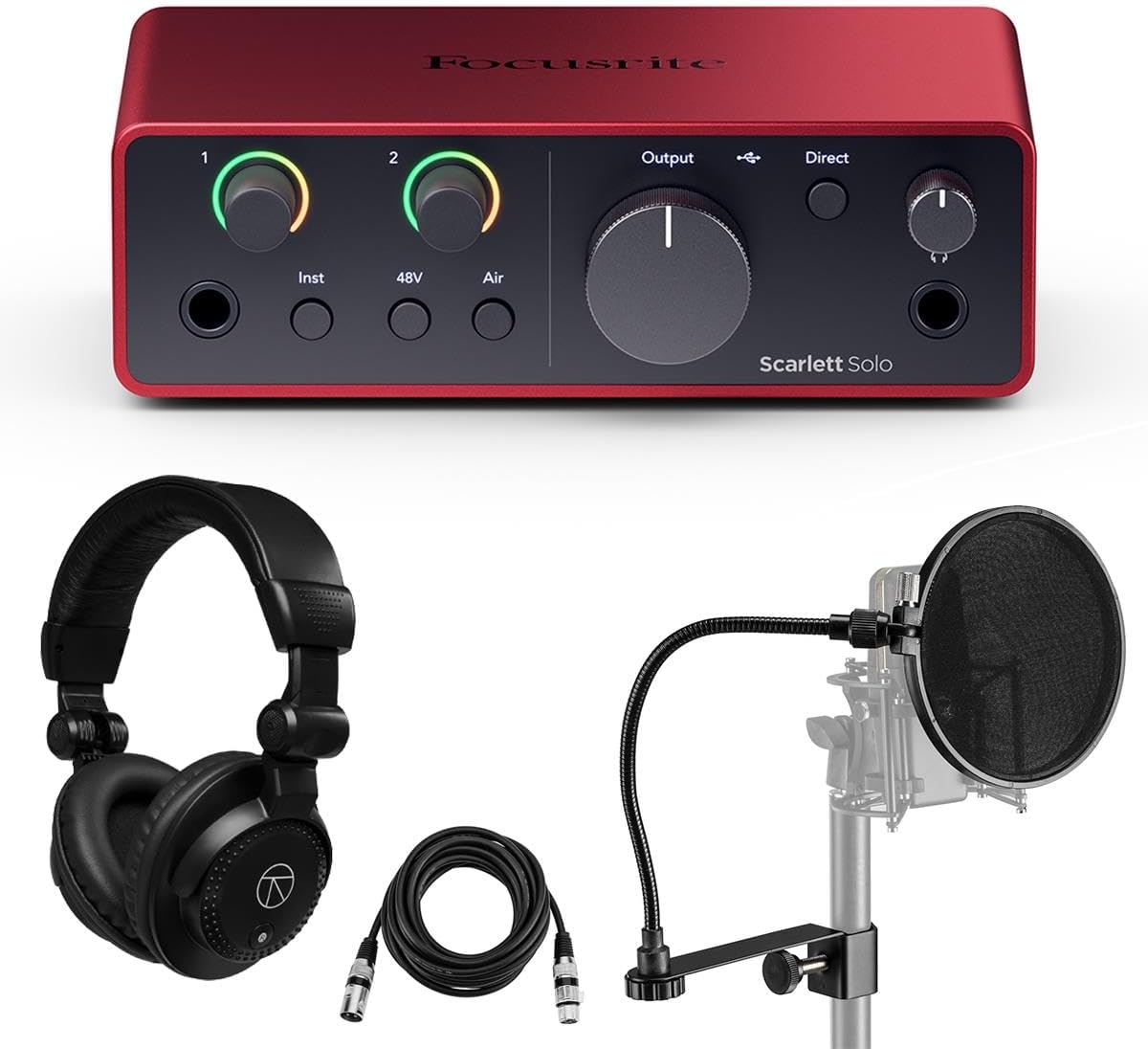
This bundle adds both headphones and a pop filter to the Solo interface, making it ideal for vocalists. It holds a 4.7 rating for completeness and performance.
We may earn a commission when you buy through this link, at no additional cost to you.
The pop filter minimizes plosives while the monitor headphones deliver clear feedback. You get all necessary components for recording clean vocals and instruments.
The 6 foot cable is shorter but works well on desk setups. The convenience of having everything reduces setup time and ensures consistent quality.
Choose this if you want a dedicated vocal recording station. It covers every accessory needed for professional-sounding vocal takes at home.
Pop filter prevents harsh plosives while headphones deliver precise audio control for better production results.
Pro Tools Artist gives you industry-standard tools to edit and mix tracks with professional precision.
We may earn a commission when you buy through this link, at no additional cost to you.
The 16i16 delivers extensive connectivity for recording bands and full sessions. It holds a perfect 5.0 rating for its powerful capabilities and reliability.
We may earn a commission when you buy through this link, at no additional cost to you.
With six line inputs and ADAT support, you can connect multiple devices simultaneously. The bundle ensures you have headphones and cabling for immediate use.
Its size and complexity may overwhelm solo artists, but it excels for bands needing many inputs. Zero latency ensures performance monitoring stays smooth.
Use this interface for live band recordings or expanding studios. It bridges the gap between consumer gear and professional racks.
Support for ADAT and MIDI allows you to expand with more inputs or connect synthesizers seamlessly.
Ultra-low latency ensures you can monitor tracks in real time without distracting delays during performance.
We may earn a commission when you buy through this link, at no additional cost to you.
The 2nd Gen Solo remains a popular budget choice for those needing simple recording. It receives a 4.6 rating for dependable performance and classic features.
We may earn a commission when you buy through this link, at no additional cost to you.
Its design includes one mic and one instrument input with plenty of gain and 48V phantom power. The Red 2 and 3 plug-in suite enhances sound without extra cost.
It lacks newer features like Air mode but still delivers quality audio for the price. The compact build makes it highly portable for any setup.
Pick this model if you need an affordable and portable unit. It continues to be a solid entry for beginners on tight budgets.
Includes Red 2 and Red 3 EQs and compressors to give your tracks professional polish immediately.
Its compact and tough build lets you take it anywhere for mobile recording sessions.
We may earn a commission when you buy through this link, at no additional cost to you.
Selecting the right interface depends on your inputs, software, and future goals. This section covers key factors to consider.
Determine how many microphones or instruments you need to record at once. Solo models work for single sources, while multi-input interfaces support full bands.
Choose an interface with enough inputs for current and near-future recording needs.
Preamps define the clarity and noise floor of your recordings. Focusrite’s 4th Gen preamps offer high gain with low noise.
Look for preamps with features like Air mode to add harmonic drive and presence to vocals.
USB-C provides faster data transfer and modern compatibility compared to USB-A. Some models also include MIDI and ADAT for expanded gear connections.
Prioritize USB-C for current Mac and PC compatibility and lower latency performance.
Focusrite interfaces include DAWs like Pro Tools and Ableton Lite plus plugin suites. These tools reduce extra software costs for beginners.
Verify which software is included and if it meets your production and mixing needs.
Compact interfaces are ideal for travel and small desks while larger units suit permanent studios. Durability ensures longevity during touring.
Select a size that matches your mobility requirements and workspace constraints.
Direct monitoring with low latency lets you hear your input in real time. Look for independent headphone controls and loopback capabilities.
Ensure the interface supports your preferred workflow for streaming or live monitoring.
Entry-level models offer basic functionality while premium units provide more inputs and features. Consider if bundles include cables and headphones to save cost.
Balance your budget with the features you truly need now and in the future.
Focusrite offers a three-year limited warranty for most Scarlett interfaces. Reliable support helps resolve issues quickly.
Check warranty terms to ensure peace of mind after purchase.
Connect the interface to your computer using the provided USB cable and ensure drivers are installed via the Focusrite website. Use a dedicated USB port for stable performance.
Set input levels using the gain knobs while watching the gain halo lights. Avoid clipping by keeping levels below the red zone for clean recordings.
Store the interface in a dry, dust-free environment and avoid extreme temperatures. Regularly update firmware to maintain compatibility with new operating systems.
Solo has one mic and instrument input while 2i2 offers two mic inputs. Solo suits solo artists, while 2i2 supports recording vocals and instruments simultaneously.
Yes, all Scarlett interfaces are class-compliant and work seamlessly with both macOS and Windows. Drivers are available for advanced control if needed.
No, they work as class-compliant devices without extra drivers. However, Focusrite Control software allows more detailed routing and settings.
Air mode boosts high frequencies and adds harmonic drive to make vocals and instruments stand out. It emulates the classic ISA preamp sound for richness.
Yes, USB-C compatible iPads can connect directly to the 4th Gen Scarlett interfaces. Some models may need USB-A adapters for older iPad versions.
All current models come with a bundle including DAWs like Pro Tools or Ableton Lite and plugins. This reduces the cost for starting projects.
Most Scarlett 4th Gen models have a 120dB dynamic range. This ensures recordings stay clear with minimal noise even at low input levels.
Depends on the model. Solo limits to one source while 2i2 and 16i16 allow multiple mic or instrument inputs for full band recordings.
The Focusrite Scarlett 2i2 4th Gen leads as the top choice for most users thanks to its balanced inputs and quality sound. For solo artists on a budget, the Solo 4th Gen delivers professional results affordably.
If you need to record multiple sources, the 18i16 or 16i16 provide extensive inputs with reliable performance. Prioritize your current setup needs and future expansion when deciding.
Always check current pricing and bundle options as offers change frequently. The right interface will elevate your recording quality and streamline your music production workflow.