
Thermalright TL-C14C-S X3 CPU Fan
4.7Editor score
Silent operation at 1500RPM
High airflow of 75.8CFM
S-FDB bearing for longevity
This guide compares the top ARGB 140mm fans for performance and silence, helping you choose the right cooling solution for your PC build.
Finding the right cooling solution is crucial for maintaining peak PC performance. ARGB 140mm fans offer a balance of airflow and aesthetic appeal, making them a popular choice for modern builds.
We compared these products based on airflow, noise levels, bearing technology, and lighting customization. Our analysis focuses on real-world performance and value for money across different price points.
Each pick highlights specific strengths like silent operation or high static pressure. Keep in mind that availability and features can change, so verify details before purchasing.
4.7Editor score

4.8Editor score

4.6Editor score
This table provides a side-by-side comparison of all ten selected fans, highlighting their key specifications and unique features to help you make an informed decision.
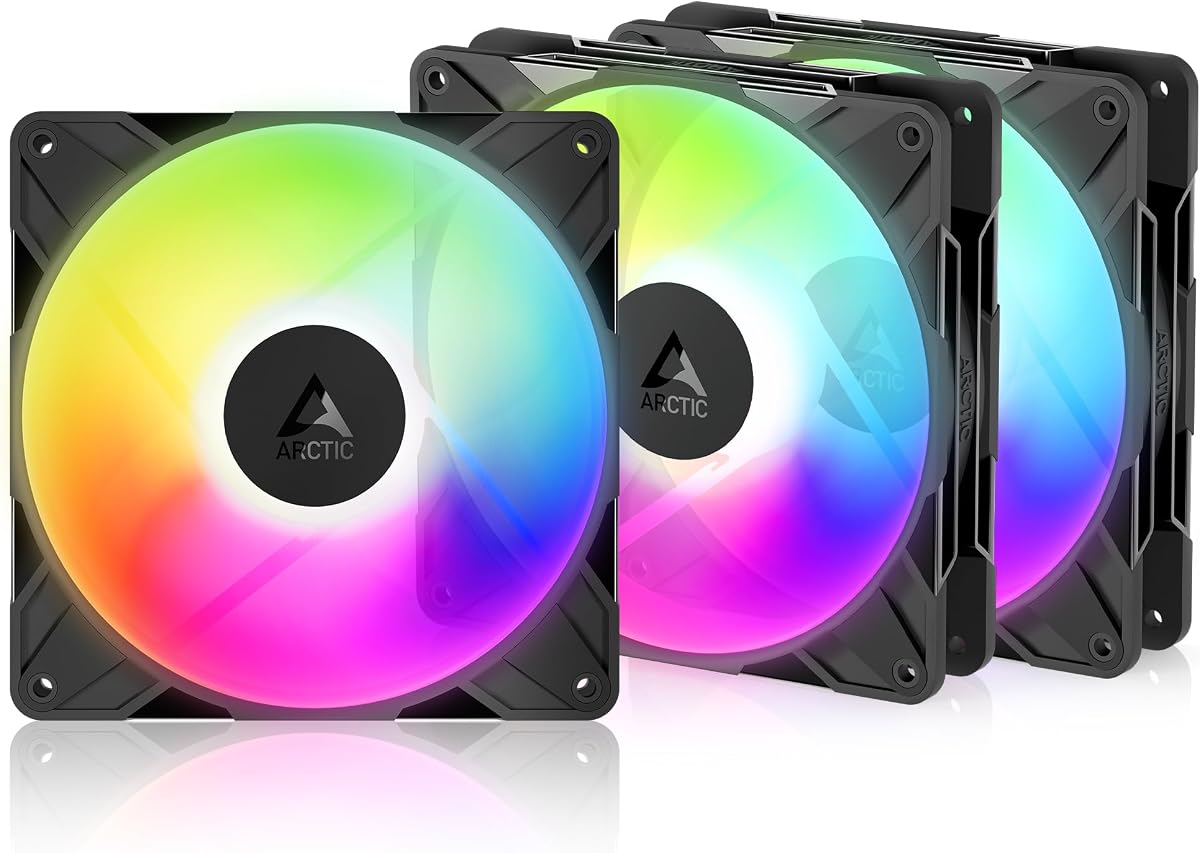


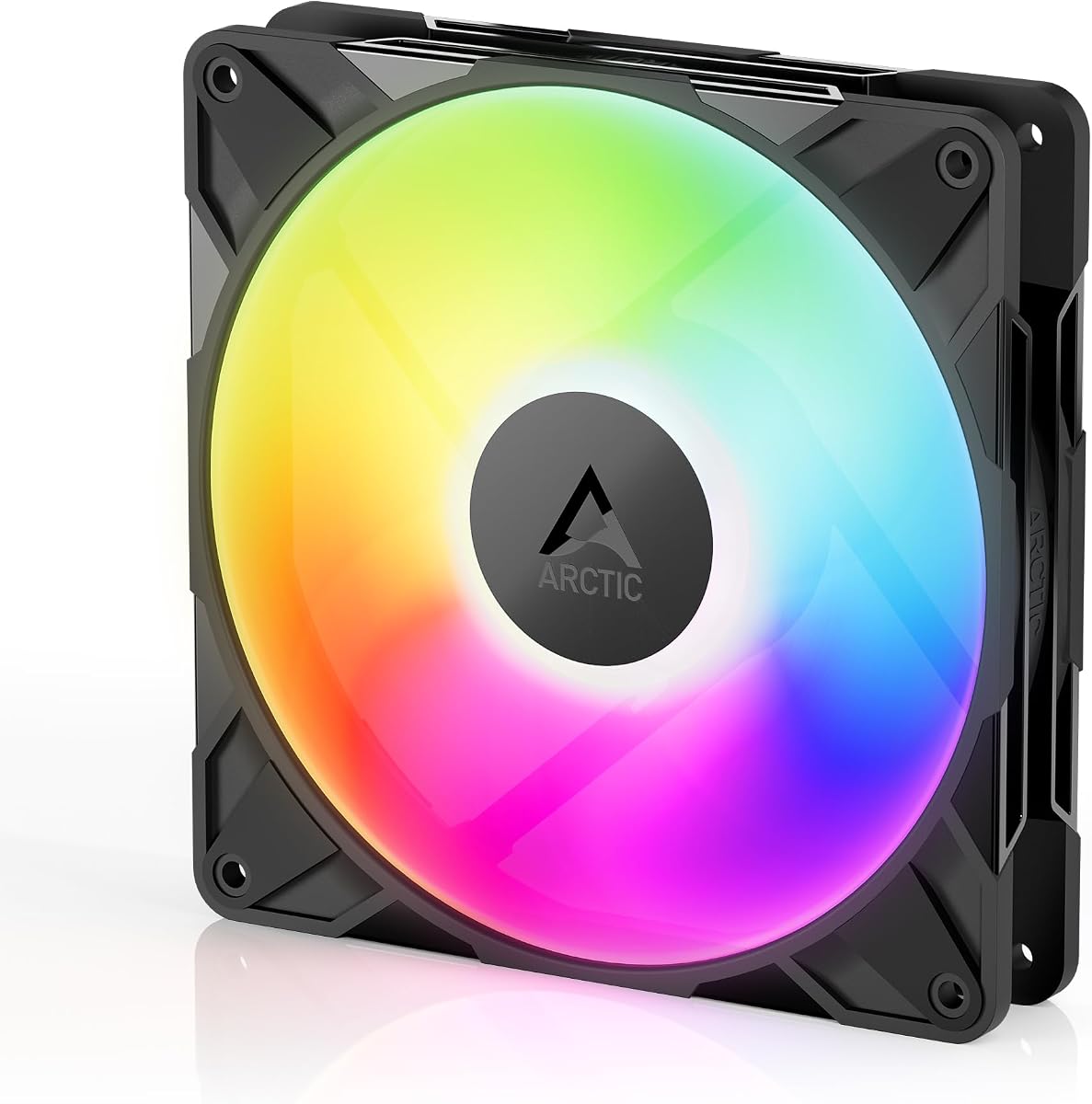


The Thermalright TL-C14C-S X3 offers exceptional value as a 3-pack of 140mm ARGB fans. With a solid 4.7 rating, it delivers high airflow and quiet operation, making it a top choice for budget-conscious builders.
We may earn a commission when you buy through this link, at no additional cost to you.
Its S-FDB bearing ensures long-lasting performance while the 1500RPM speed provides 75.8CFM of airflow. The atomizing ARGB fan blades create a softer light effect that matches well with other components.
While it lacks advanced lighting modes, the fan's primary focus on cooling efficiency is well executed. The silent operation and high performance make it a reliable option for most case setups.
Ideal for those seeking affordable yet high-performance cooling, this fan set is a strong recommendation for entry-level to mid-range builds requiring effective thermal management.
Noise levels remain under 26.4dBA, ensuring a quiet environment during gaming or work.
With 75.8CFM, it effectively moves air through cases and radiators for optimal cooling.
We may earn a commission when you buy through this link, at no additional cost to you.
The CORSAIR RS140 ARGB fans stand out with their advanced Magnetic Dome Bearing technology and daisy-chain connectivity. These features streamline installation and enhance durability, justifying the premium price tag for high-end builds.
We may earn a commission when you buy through this link, at no additional cost to you.
With 95.5CFM airflow and 3.46mm-H2O static pressure, these fans excel at pushing air through dense radiators. The AirGuide technology directs airflow precisely where it is needed for maximum cooling efficiency.
While the cost is higher, the convenience of daisy-chaining and superior build quality offer significant advantages. The customizable lighting adds a premium touch to any system with RGB support.
Recommended for users prioritizing performance and ease of installation, these fans are an excellent choice for radiators and cases requiring concentrated cooling power.
Connect multiple fans with just one PWM and ARGB connector to reduce cable clutter.
This bearing type minimizes noise and extends the fan's lifespan significantly.
We may earn a commission when you buy through this link, at no additional cost to you.
The ARCTIC P14 Pro Reverse A-RGB is a unique option designed specifically for glass-fronted cases. Its reverse airflow ensures that the front of the fan remains visible, maintaining the aesthetic appeal of your build.
We may earn a commission when you buy through this link, at no additional cost to you.
This fan features a Fluid Dynamic Bearing that minimizes noise while allowing speeds up to 2650RPM. The high static pressure makes it suitable for radiators, ensuring reliable cooling even under resistance.
While the reverse airflow is its main draw, the performance is robust enough for general use. The included Y cable splitter simplifies connections, adding to the overall value of the 3-pack.
Ideal for builders focusing on visual aesthetics without compromising cooling, this fan is a top recommendation for modern PC cases with glass panels.
Draws air from the back side to keep the fan frame visible through glass cases.
Adjustable from 400 to 2650 RPM for precise control over noise and performance.
We may earn a commission when you buy through this link, at no additional cost to you.
Thermaltake CT140 EX fans offer a convenient magnetic connection design for easy daisy-chaining. This feature simplifies setup while the 5V motherboard sync ensures vibrant lighting integration with your system.
We may earn a commission when you buy through this link, at no additional cost to you.
Each fan includes 9 addressable LEDs that support 16.8 million colors, creating a dynamic visual effect. The optimized hydraulic bearing and anti-vibration mounting contribute to quiet and reliable operation.
While airflow specs are average compared to high-performance fans, the focus on ease of installation and aesthetics is strong. This makes them suitable for cases where looks and simplicity are paramount.
Recommended for users seeking a balance of style and functionality, these fans are a solid choice for building a visually impressive PC without complex cabling.
Magnetic design allows for quick and secure fan connections without extra screws.
Embedded mounting system reduces noise by dampening vibrations during operation.
We may earn a commission when you buy through this link, at no additional cost to you.
The AsiaHorse Amici fan delivers impressive airflow of 89.77CFM, making it a strong contender for thermal performance. Its 50,000-hour lifespan ensures longevity, providing reliable cooling over an extended period.
We may earn a commission when you buy through this link, at no additional cost to you.
Features like the infinity mirror effect and compatibility with major RGB sync software add a modern aesthetic appeal. The hydraulic bearing reduces friction, contributing to quieter operation and longer durability.
While the brand is less established, the performance metrics compete well with leading options. The combination of high airflow and low noise makes it a practical choice for demanding workloads.
Ideal for those looking for cost-effective high airflow, this fan is recommended for builds requiring efficient heat dissipation without breaking the bank.
With 89.77CFM, it efficiently expels heat from internal components during heavy use.
Closed-loop lubrication ensures a 50,000-hour lifespan and smooth operation.
We may earn a commission when you buy through this link, at no additional cost to you.
The Cooler Master MF140 Halo fan stands out with its Duo-Ring ARGB lighting and hybrid blade design. This combination offers both stunning visuals and versatile performance across different mounting scenarios.
We may earn a commission when you buy through this link, at no additional cost to you.
Its hybrid static pressure blades allow it to handle resistance effectively, making it suitable for radiators and restrictive cases. Sound absorbing materials further enhance the quietness, ensuring a peaceful environment.
While the price per unit is higher, the build quality and versatility justify the investment. The wide speed range from 650 to 1500 RPM provides precise control over system noise and cooling.
Recommended as the best overall option, this fan is perfect for users seeking a balance of premium aesthetics and reliable performance in their PC build.
24 individually controlled LEDs create a stunning visual effect with customizable lighting.
Blade design tackles resistance in radiators while maintaining high airflow efficiency.
We may earn a commission when you buy through this link, at no additional cost to you.
The ARCTIC P14 Pro A-RGB delivers powerful performance with a max speed of 3000RPM and redesigned rotor blades. This fan is engineered for those who prioritize raw cooling capability and reliability.
We may earn a commission when you buy through this link, at no additional cost to you.
Its Fluid Dynamic Bearing minimizes noise, though it may be audible at higher speeds. The high static pressure ensures efficient airflow through dense radiators, maintaining optimal system temperatures.
While it may not be the quietest at maximum speed, the overall balance of performance and value is commendable. The precision manufacturing reduces vibrations, contributing to a smoother user experience.
Ideal for high-performance builds, this fan is recommended for users needing robust cooling for CPUs and GPUs under heavy workloads.
Adjustable up to 3000RPM ensures maximum airflow when thermal demands are high.
New blade design offers an optimal balance of performance and low noise.
We may earn a commission when you buy through this link, at no additional cost to you.
Thermalright TL-C14C-S X3 fans focus on silent operation with a noise-reducing 7-blade design and soft silicone feet. This makes them an ideal choice for users who prioritize a quiet environment.
We may earn a commission when you buy through this link, at no additional cost to you.
The PBT+PC material ensures durability and insulation, while the 3-pack provides excellent value for expanding cooling options. The 1500RPM speed maintains good airflow without generating excessive noise.
Although lacking ARGB lighting, the focus on acoustic performance is a strong selling point. The PWM control allows for automatic speed adjustment, further enhancing energy efficiency and comfort.
Recommended for quiet builds and workstations, this fan is a solid choice for users seeking effective cooling with minimal acoustic disruption.
Silicone feet and noise-reducing blades combine for low noise operation.
PBT+PC material ensures insulation and longevity for long-term reliability.
We may earn a commission when you buy through this link, at no additional cost to you.
The ARCTIC P14 Pro Reverse A-RGB holds an impressive 4.9 rating, reflecting its quality and effectiveness. Its reverse airflow design is specifically crafted to maintain visual aesthetics in glass-fronted cases.
We may earn a commission when you buy through this link, at no additional cost to you.
With a Fluid Dynamic Bearing and high static pressure, it ensures reliable cooling even in restricted environments. The precision manufacturing and automatic balancing reduce vibrations for a smooth experience.
While it comes as a single unit, the premium features and design make it a worthwhile investment. It is an excellent choice for builds where maintaining visibility of the fans is a priority.
Ideal for custom PC builds with glass panels, this fan is recommended for users who value aesthetics without compromising cooling performance.
Reverse airflow ensures the fan frame remains visible, enhancing case design.
High static pressure ensures efficient airflow through dense radiators and panels.
We may earn a commission when you buy through this link, at no additional cost to you.
Thermalright TL-C14C-S CPU Fan offers an affordable entry into ARGB 140mm fans with solid performance. It includes S-FDB bearing technology and supports ARGB lighting for customizable aesthetics.
We may earn a commission when you buy through this link, at no additional cost to you.
With a speed up to 1500RPM and 75.8CFM airflow, it delivers reliable cooling for standard cases and radiators. The atomizing ARGB blade ensures a softer light effect that integrates well with other components.
While it lacks advanced features, it covers the essentials effectively for the price. The PWM control allows for automatic speed adjustments based on system temperature for efficiency.
Recommended for budget builds needing ARGB lighting, this fan is a practical choice for users seeking cost-effective cooling with customizable visuals.
Provides customizable lighting at a budget-friendly price point for case aesthetics.
Ensures silent operation and extends the lifespan of the fan significantly.
We may earn a commission when you buy through this link, at no additional cost to you.
Selecting the right ARGB 140mm fan involves considering airflow, static pressure, and lighting features. This guide helps you understand what to look for.
Airflow is measured in CFM and determines how much air moves through your case. Static pressure measures the fan's ability to push air through obstacles like radiators.
Choose high airflow for open cases and high static pressure for radiators or dense cases.
Bearings affect the fan's lifespan and noise levels. Fluid Dynamic Bearings (FDB) are known for durability and quiet operation.
Look for FDB or Hydraulic Bearings for long-term reliability and silent performance.
ARGB fans offer customizable lighting with millions of colors. Ensure your motherboard supports 3-pin 5V ARGB headers.
Check compatibility with your motherboard's RGB software for seamless synchronization.
PWM (Pulse Width Modulation) allows automatic speed adjustment based on temperature. This helps balance cooling and noise dynamically.
Always choose 4-pin PWM fans for efficient control and energy savings.
Noise is measured in decibels (dB). Lower dB ratings indicate quieter operation, which is crucial for home offices.
Aim for fans under 25dB for a truly silent computing environment.
Daisy-chaining allows multiple fans to connect with fewer cables. This simplifies installation and reduces cable clutter.
Prioritize fans with daisy-chain support for cleaner cable management.
Ensure the fan fits your case and radiator. 140mm is standard but verify mounting points.
Check case dimensions to confirm proper fit before purchasing.
High-quality materials like PBT+PC resist warping and insulation issues. Anti-vibration mounts reduce noise.
Look for sturdy frames and rubber mounts for enhanced durability.
Install the fans securely using screws or anti-vibration mounts. Ensure airflow direction matches your cooling setup.
Connect PWM and ARGB headers correctly to your motherboard. Use daisy-chain connectors if available to simplify wiring.
Dust regularly with compressed air and update BIOS/RGB software for optimal performance and lighting control.
ARGB (Addressable RGB) allows individual control of each LED for dynamic lighting effects. RGB fans typically control all LEDs together with fixed patterns. ARGB offers more customization options.
Yes, your motherboard should have a 3-pin 5V ARGB header. If not, you can use a controller hub to manage the lighting effects independently.
Yes, ARGB fans function normally without lighting connections. You can simply leave the ARGB header disconnected and focus on PWM control.
Typically, 1000 to 1500 RPM balances noise and airflow well. High-performance models may reach 2000 RPM+ for specific cooling needs.
A typical setup includes 2 intake and 2 exhaust fans for optimal airflow. Consider your case size and cooling requirements when deciding.
Reverse airflow fans improve aesthetics by keeping the frame visible. They function similarly to standard fans but draw air from the back side.
PWM allows automatic speed control based on system temperature. This optimizes performance by reducing noise during low load and increasing cooling during high load.
Yes, you can mix brands, but ensure compatibility with PWM and ARGB headers. Lighting software might vary, affecting synchronization options.
The top picks include the Thermalright TL-C14C-S X3 for budget, Cooler Master MF140 Halo for overall value, and CORSAIR RS140 for premium features.
Prioritize airflow, static pressure, and noise levels based on your specific cooling needs and case design. Balance these with lighting preferences.
Always check current availability and verify specifications before buying. Your ideal fan depends on your unique build requirements.