
K7 Total Security Antivirus Software 2026 for laptop/pc
4.2Editor score
Affordable annual subscription
Webcam and ransomware protection
Quick email delivery code
This guide compares the top 10 laptop protection software solutions to help you find the best antivirus and security suite for your device needs.
Laptop protection software is essential for safeguarding your personal data and device integrity against evolving digital threats. A good solution provides comprehensive antivirus, identity monitoring, and secure browsing features.
We evaluated ten leading products based on threat detection, ease of use, device coverage, and additional privacy tools. Our analysis focuses on real-world performance and value for diverse user scenarios.
Each pick highlights key strengths and trade-offs to help you choose confidently. Note that pricing and subscription terms may change, so verify details before purchasing to ensure compatibility.
4.2Editor score

4.2Editor score

4.3Editor score
This side-by-side comparison highlights key features and device coverage for each product to help you compare options quickly before making your final selection decision.



McAfee Total Protection 2027 is a top-tier laptop protection software offering robust antivirus and identity monitoring features for five devices. It achieves a solid 4.2 rating by balancing security with ease of use.
We may earn a commission when you buy through this link, at no additional cost to you.
Its threat detection system catches suspicious links and scams before they reach you. Identity monitoring alerts you if your personal data is exposed, while secure connections protect your info on public Wi-Fi.
The auto-renewal feature ensures continuous protection but requires payment setup. Some users may find the renewal reminder process slightly complex but necessary for uninterrupted service.
Ideal for households with multiple devices, this suite offers peace of mind through comprehensive coverage. Its clear alerts make it easy for non-tech users to take action quickly.
Suspicious links and risky sites are caught automatically, preventing malware infections before they impact your device performance.
Monitoring your personal info exposure helps you act quickly if data is found on hidden or dark web sources.
We may earn a commission when you buy through this link, at no additional cost to you.
K7 Total Security stands out as a budget-friendly option delivering essential laptop protection software features for individual users. It maintains a 4.2 rating by offering reliable antivirus without unnecessary costs.
We may earn a commission when you buy through this link, at no additional cost to you.
It safeguards your laptop against viruses, malware, and spyware while blocking unauthorized webcam access. Ransomware protection ensures your files stay safe from encryption attacks that target personal documents.
While it lacks advanced identity tools, the focused security is sufficient for basic users. Delivery via email ensures you get your code quickly without waiting for physical shipments.
Perfect for students or budget-conscious individuals, this package delivers core security without complexity. Its straightforward activation makes it ideal for those prioritizing simplicity over feature depth.
Files and photos are protected from unauthorized changes, ensuring your data remains accessible even during suspicious app activity.
Webcam protection prevents hackers from spying on you by blocking unauthorized access to your device camera.
We may earn a commission when you buy through this link, at no additional cost to you.
McAfee+ Premium 2027 offers comprehensive laptop protection software with unlimited device support and advanced identity tools. It earns a 4.3 rating by combining security with deep privacy management features.
We may earn a commission when you buy through this link, at no additional cost to you.
This suite scans your personal data across sites selling it and guides removal actions. The social privacy manager finds hidden settings in your social accounts to fix exposure risks automatically.
While the higher price may be a barrier, the unlimited coverage justifies the cost for families. The guided action features ensure you know exactly what steps to take after alerts.
Best for tech-savvy users wanting control, this plan balances security and privacy. Its focus on social settings and data removal sets it apart from standard antivirus packages.
Fix privacy settings buried in your social accounts to reduce exposure and control what you share online.
Take your info off the market by scanning sites that sell your data and guiding you through removal.
We may earn a commission when you buy through this link, at no additional cost to you.
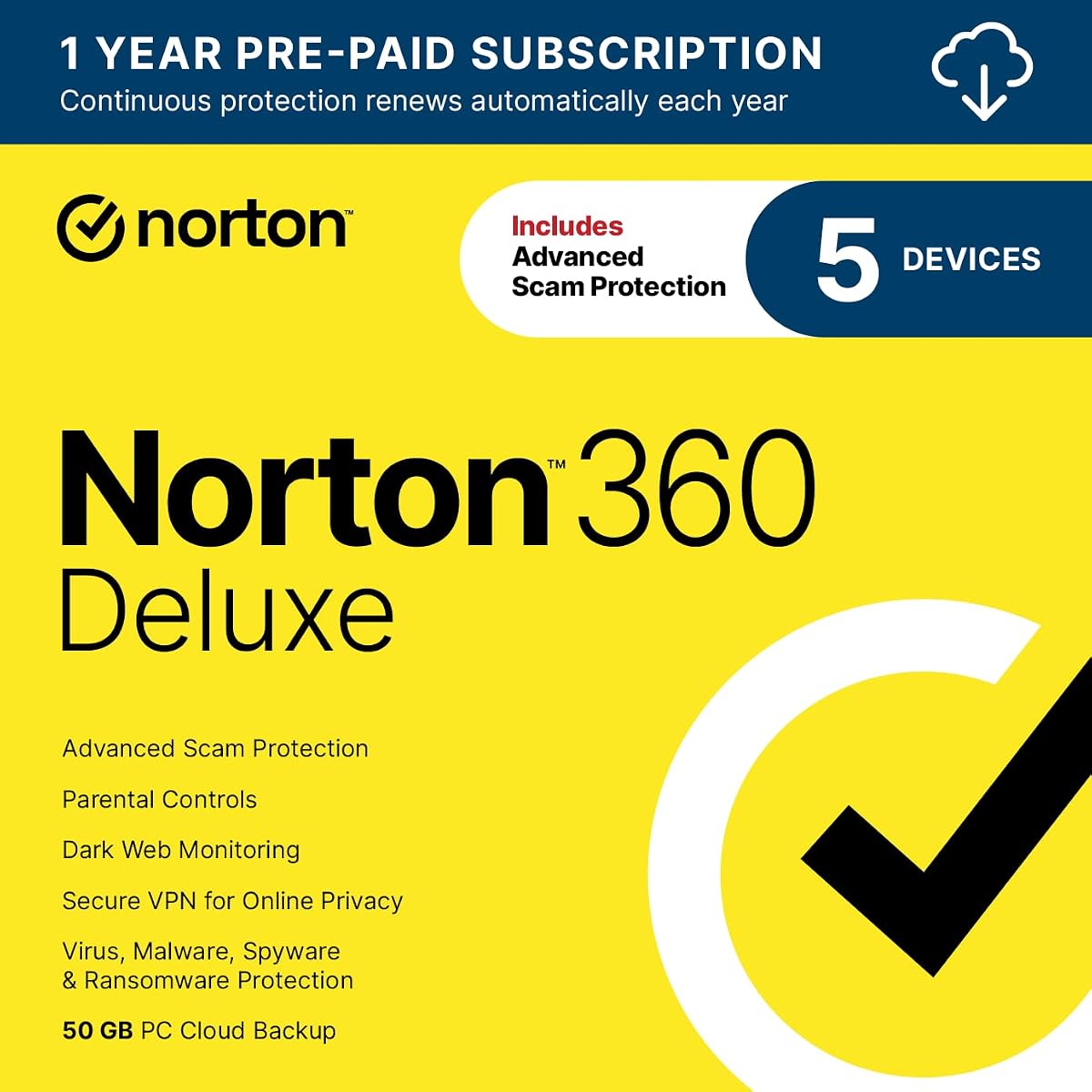
Norton 360 Deluxe provides strong laptop protection software features with Genie AI assistance and dark web monitoring. It holds a 4.0 rating by delivering comprehensive security across multiple device types.
We may earn a commission when you buy through this link, at no additional cost to you.
The Genie AI assistant helps spot hidden scams in emails or messages. Dark web monitoring notifies you if your information is sold online, while cloud backup prevents data loss from ransomware.
The storage limit may be insufficient for heavy file users, but it covers essential needs. Renewal pricing changes after the first year, so users should check costs before committing.
Ideal for users valuing AI and privacy, Norton offers reliable protection. Its combination of scam tools and dark web checks makes it a solid choice for online safety.
With the built-in Genie AI assistant, you will never wonder if a message or email is suspicious again.
Identity thieves can buy or sell your information online, but we search and notify you if found.
We may earn a commission when you buy through this link, at no additional cost to you.
McAfee Total Protection for three devices balances value and security with dark web monitoring and unlimited VPN. It maintains a 4.2 rating by offering robust features at a competitive price point.
We may earn a commission when you buy through this link, at no additional cost to you.
Dark web monitoring scans for your email or phone number signs of breaches, while the password manager generates complex passwords to secure your accounts. Unlimited VPN ensures privacy on public Wi-Fi.
The three-device limit may not fit larger households but suits individuals. The subscription auto-renews, so checking terms ensures you avoid unexpected charges when the term ends.
Recommended for users needing VPN and privacy tools, this package covers essentials. The instant code download ensures you can activate protection immediately after purchase.
We monitor everything from email addresses to IDs and phone numbers for signs of breaches.
Generate and store complex passwords with a built-in password manager to secure your online accounts.
We may earn a commission when you buy through this link, at no additional cost to you.
ASURION provides hardware laptop protection rather than software, covering accidents like spills and drops. It earns a 4.5 rating by offering financial peace of mind for physical device damage.
We may earn a commission when you buy through this link, at no additional cost to you.
Coverage includes parts, labor, and shipping at no extra cost. Malfunctions are handled after the manufacturer's warranty ends, and experts help with connectivity or troubleshooting issues.
While not a software suite, it protects your investment. Claims are approved quickly, and if repair isn't possible, you get a replacement or gift card for the purchase price.
Ideal for protecting expensive laptops, this plan complements software security. Its focus on physical damage makes it a vital add-on for users prone to accidents.
Drops, spills, and cracked screens due to normal use are covered from day one.
Real experts are available 24/7 to help with set-up, connectivity issues, troubleshooting and much more.
We may earn a commission when you buy through this link, at no additional cost to you.
This McAfee variant for three devices offers identity monitoring and secure connections for home users. It maintains a 4.1 rating by adapting detection to user habits and threat changes.
We may earn a commission when you buy through this link, at no additional cost to you.
Threat detection catches suspicious links and scams before reaching you. Identity monitoring watches for exposed info and tells you what to do next, while public Wi-Fi protection secures your data.
Three devices suit small families but may not cover all devices. Auto-renewal ensures continuous protection, but users should be aware of the charge timeline before renewal.
Great for basic household needs, this version balances simplicity and security. Clear alerts make it easy to take action when potential threats are detected.
Alerts are tuned to you, and detection keeps up as threats change over time.
Just a few easy clicks automatically protect your info on public Wi-Fi every time you connect.
We may earn a commission when you buy through this link, at no additional cost to you.
Bitdefender Total Security offers cross-platform laptop protection software features with safe online banking and anti-tracker tools. It holds a 4.3 rating for its optimized performance and security suite.
We may earn a commission when you buy through this link, at no additional cost to you.
A unique dedicated browser secures online transactions. Anti-tracker and phishing protection keep you safe, while game and work modes optimize performance during critical tasks.
Activation by mail may be slower than instant downloads. The eco-friendly packaging reduces waste but limits convenience compared to digital-only delivery.
Suitable for users managing multiple devices, Bitdefender delivers speed and security. Its dedicated banking browser adds a valuable layer for financial protection online.
A unique, dedicated browser secures your online transactions.
Advanced threat defense includes Anti-Tracker, Phishing, Fraud, and Spam Protection.
We may earn a commission when you buy through this link, at no additional cost to you.
Norton 360 Deluxe for three devices offers Genie AI assistance and cloud backup. It holds a 3.9 rating, reflecting mixed feedback on value compared to higher-tier plans.
We may earn a commission when you buy through this link, at no additional cost to you.
The Genie AI assistant helps spot hidden scams, while dark web monitoring checks for info exposure. Cloud backup prevents file loss from ransomware, and the VPN protects privacy.
The lower storage limit may be a downside for some. Auto-renewal ensures continuous coverage, but users should monitor renewal pricing before the first term ends.
Best for basic Norton fans, this package covers essentials. While the rating is lower, it remains a viable option for those needing AI scam protection.
Help spot hidden scams online with the built-in Genie AI assistant.
25 GB secure PC cloud backup helps prevent loss of photos and files.
We may earn a commission when you buy through this link, at no additional cost to you.
Norton 360 Premium supports ten devices with large cloud storage and Genie AI scam protection. It holds a 4.0 rating, offering premium features for larger device households.
We may earn a commission when you buy through this link, at no additional cost to you.
Seventy-five gigabytes of cloud backup protects files from ransomware. Dark web monitoring checks for info exposure, and the VPN ensures privacy across all devices.
Ten devices suit larger families, but the cost is higher. Auto-renewal ensures continuous protection but requires careful monitoring of pricing changes.
Ideal for multi-device households, Norton delivers broad coverage. Its combination of backup and AI tools makes it a strong choice for comprehensive security.
With the built-in Genie AI assistant, you will never wonder if a message or email is suspicious again.
75 GB secure PC cloud backup helps prevent the loss of photos and files.
We may earn a commission when you buy through this link, at no additional cost to you.
Choosing the right laptop protection software requires evaluating device count, features, and pricing to match your security needs.
Check how many devices the software covers to ensure it supports your laptop, phone, and tablet if needed.
Select plans that match your household size to avoid needing multiple subscriptions.
Look for software with real-time malware, ransomware, and phishing detection to stop threats before they impact your device.
Strong threat detection reduces the risk of data loss and system slowdowns from malicious activity.
Identity monitoring watches for exposed data and alerts you if your personal info is sold on dark web sites.
This feature helps you act quickly to protect your identity and financial accounts.
A built-in virtual private network encrypts your connection on public Wi-Fi, keeping your browsing and data private.
Choose unlimited VPN access to avoid limits when traveling or using public networks.
Cloud backup protects your photos and files from ransomware or hardware failures by storing them remotely.
Ensure the storage size meets your needs, ranging from 25 GB to 75 GB.
24/7 support via phone or chat helps resolve issues quickly without leaving your device.
Easy troubleshooting guides also reduce the need for technical expertise.
Review auto-renewal policies to avoid unexpected charges, and check if payment is required for activation.
Cancel anytime policies give flexibility if you change your mind.
Compare prices across plans to find the best value for your required features and device count.
Introductory pricing may change after year one, so consider long-term costs.
Download and install the software immediately after purchase to start protecting your laptop from threats.
Regularly update definitions to ensure you have the latest security against emerging malware and scams.
Check identity monitoring alerts and review VPN connections periodically to maintain privacy.
While Windows provides basic protection, dedicated laptop protection software offers deeper identity monitoring, VPN, and dark web features. This extra layer is useful for users managing sensitive data online.
Licenses vary from one to unlimited devices. Check the plan details to ensure it fits your laptop, tablet, and phone count.
Many top suites like Norton and McAfee offer cross-platform support for Windows, Mac, iOS, and Android. Verify compatibility before purchasing.
Most plans auto-renew annually. You can cancel anytime to avoid future charges, but payment setup is needed for activation.
Most software includes tools to remove detected malware and ransomware. It can also prevent file encryption by blocking malicious apps.
Yes, many plans offer VPN protection for public Wi-Fi to keep your data secure. Check for unlimited access if you travel often.
Some suites like McAfee and Norton include built-in password managers to generate and store complex passwords. This adds an extra layer for account security.
Most top providers offer 24/7 support via phone or chat. This ensures help is available if you face urgent security issues.
McAfee Total Protection and Norton 360 stand out for robust identity monitoring and cross-platform coverage, while K7 offers budget-friendly essential features.
Prioritize plans that match your device count and include features like VPN or dark web monitoring for comprehensive protection.
Prices and terms may change, so verify current offers before purchasing to ensure the plan fits your needs.